Bookings and calendars
Let people book you without the back and forth.
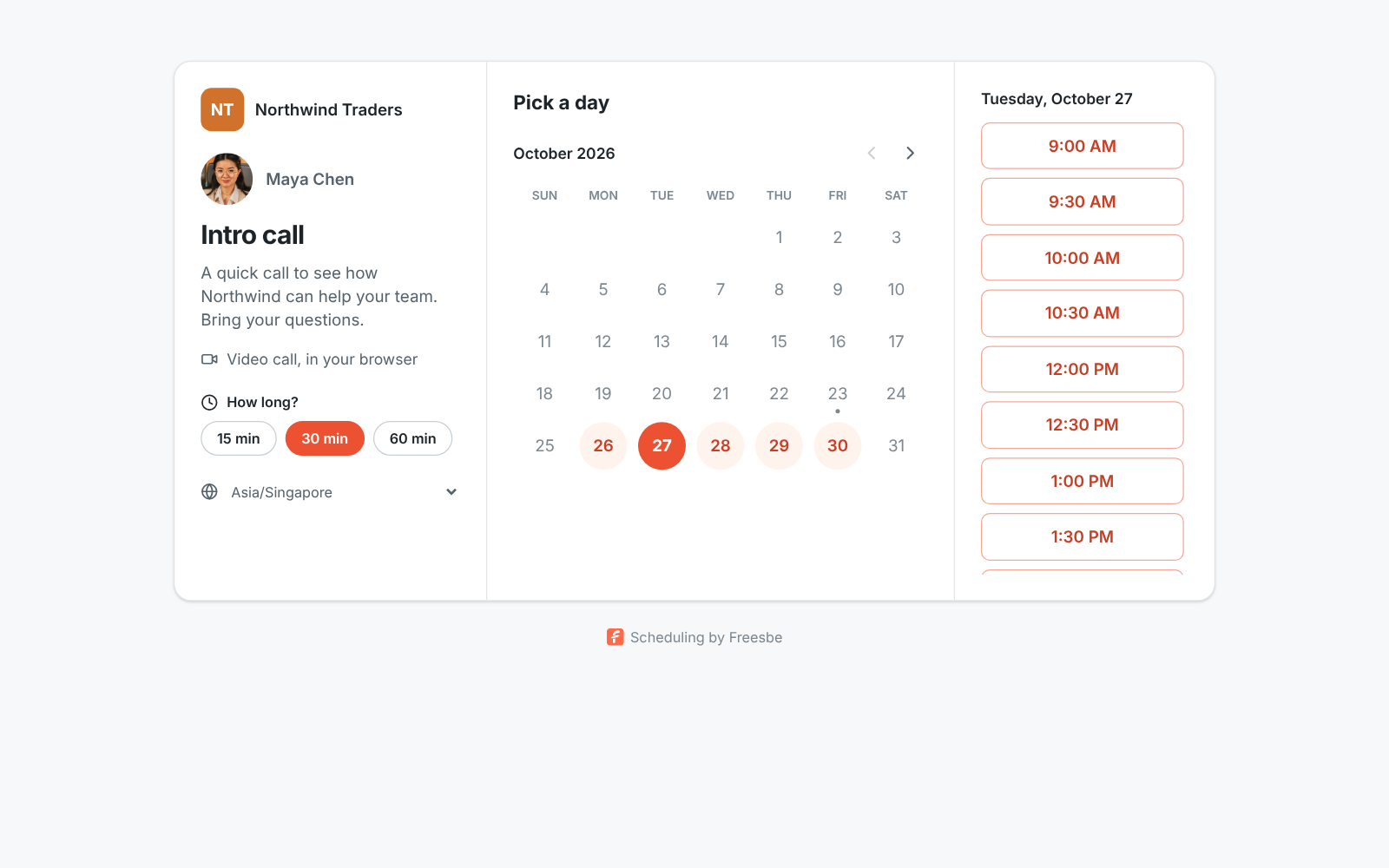
A booking page for each person and one for the whole team, round robin or everyone together. Bookers pick a time that's free in your calendar, answer your questions and confirm their email. Meetings land in Google Calendar, Outlook or Zoho Calendar, and your own domain can carry the links.
Call and meet
One feature about bookings and calendars
Run the team
4 features about bookings and calendars
- BookingsOne link. They pick a time you're free.Business and up
- Team booking pagesThe whole team on one booking link.Corporate and up
- Calendar appThe day's meetings, with Join buttons, in a DM.All plans
- Your own domain for bookings, meetings and invitesYour domain on every booking page and meeting link.Corporate and up
Connect
One feature about bookings and calendars
Integrations
Works with
- Zoho CalendarConnect Zoho Calendar to Freesbe like a Google or Microsoft one: teammates see when you're busy, your status says In a meeting, and the Calendar app sends your agenda, reminders and invitations.Coming soon
- Calendar appBring Google Calendar, Outlook or Zoho Calendar into Freesbe: a morning agenda with Join buttons, a reminder before each meeting, and invitations you answer Yes, Maybe or No without leaving the app.Coming soon
- Google WorkspaceUse Freesbe with Google Workspace: sign in with Google, require Google sign-in for the whole workspace, and connect Google Calendar for busy times, meeting scheduling and an automatic In a meeting status.All plans
- Microsoft 365Use Freesbe with Microsoft 365: sign in with a Microsoft work account, require Microsoft sign-in for the whole workspace, and connect your Outlook calendar for busy times and an automatic In a meeting status.All plans
How to set it up
The guides
For your team
Other topics
Try all of it free with up to 10 people.
No card, no time limit. Invite your team and see what sticks.