Pass it on.
One workspace your whole team runs on.
Chat, calls, a phone system, meetings, booking links, workflows, a punch clock and a customer inbox, with AI inside all of it. Freesbe replaces the apps a team pays for separately, for teams of 2 to 2,500.
Free for up to 10 people, no credit card. Then $4 per person a month. Already using Freesbe? Sign in
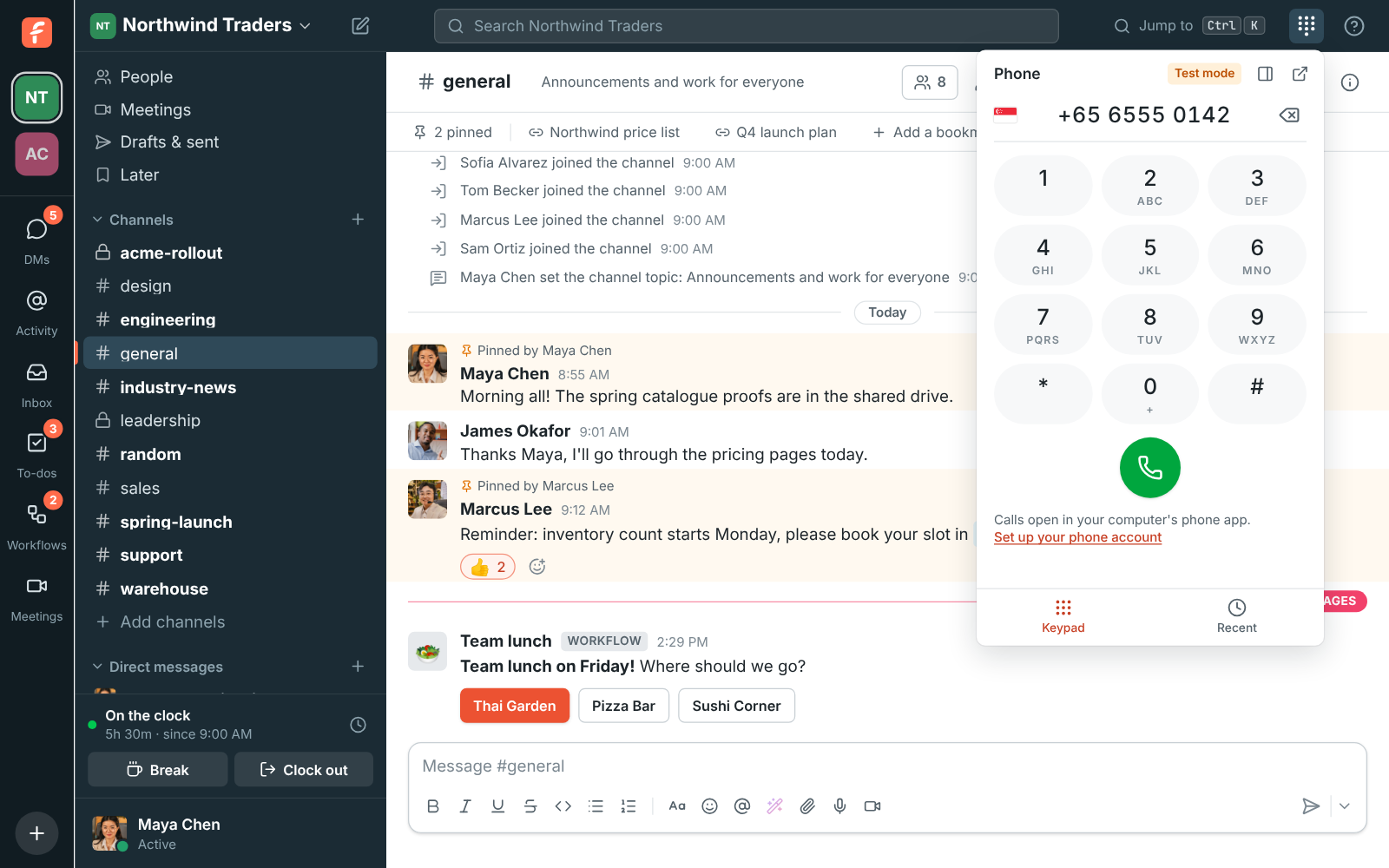
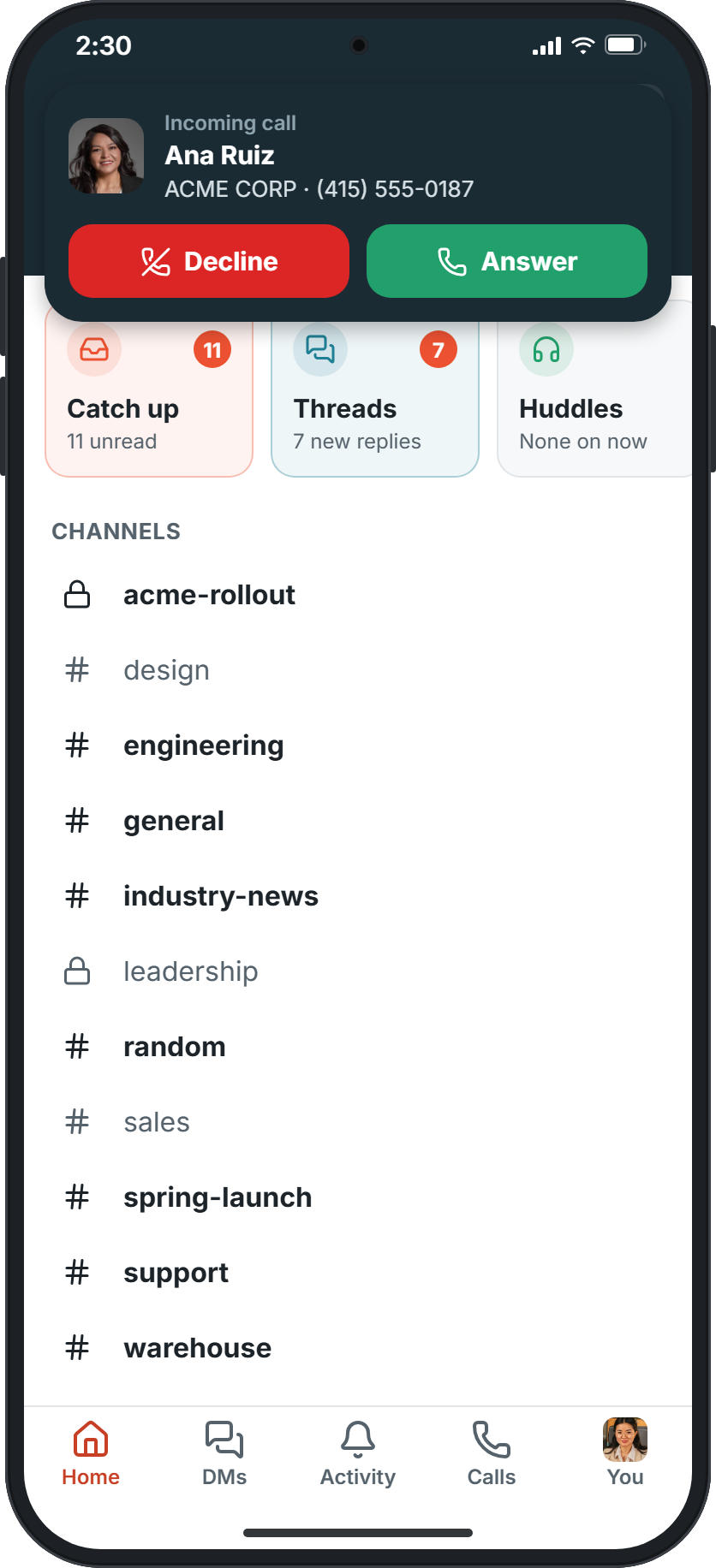
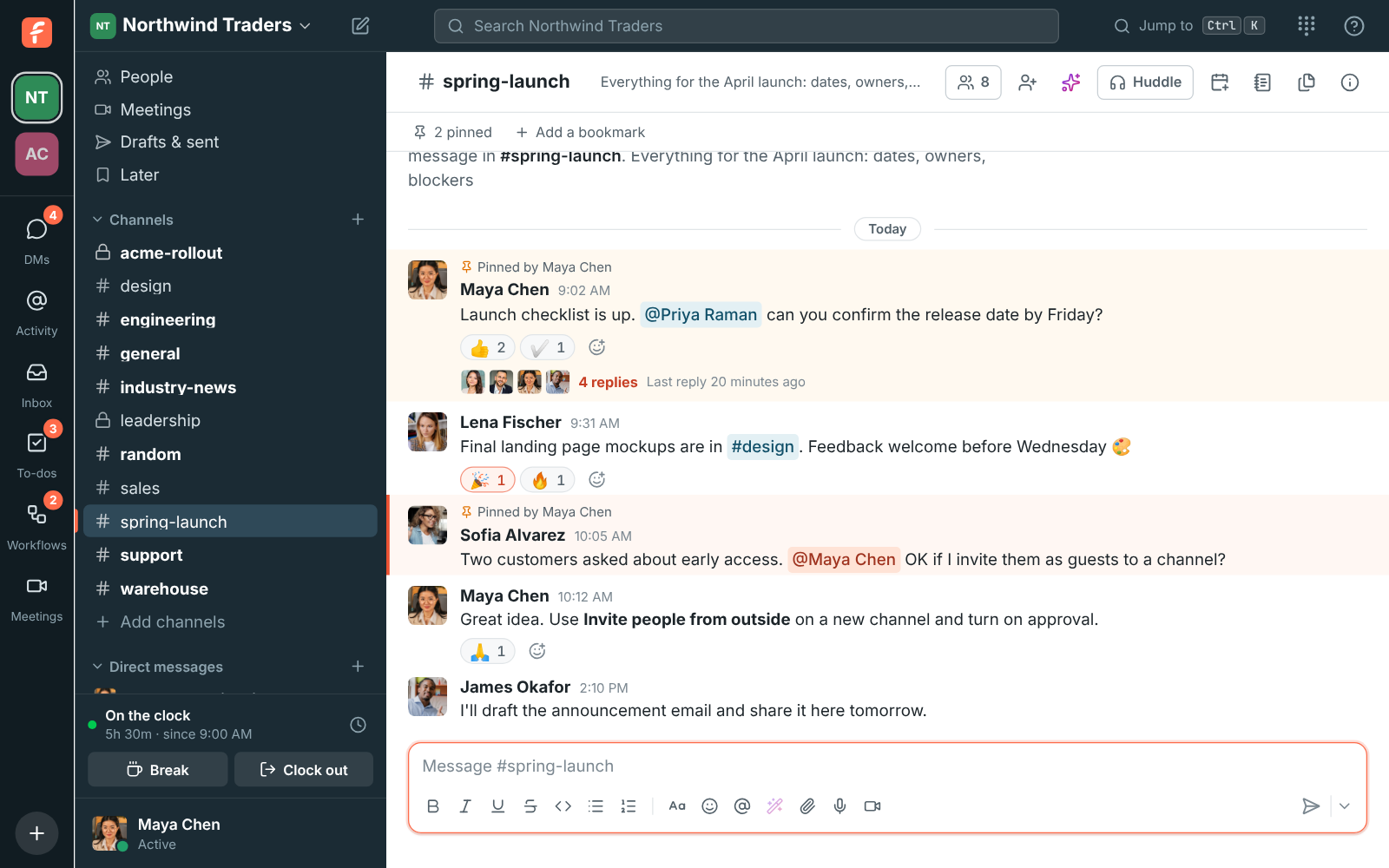
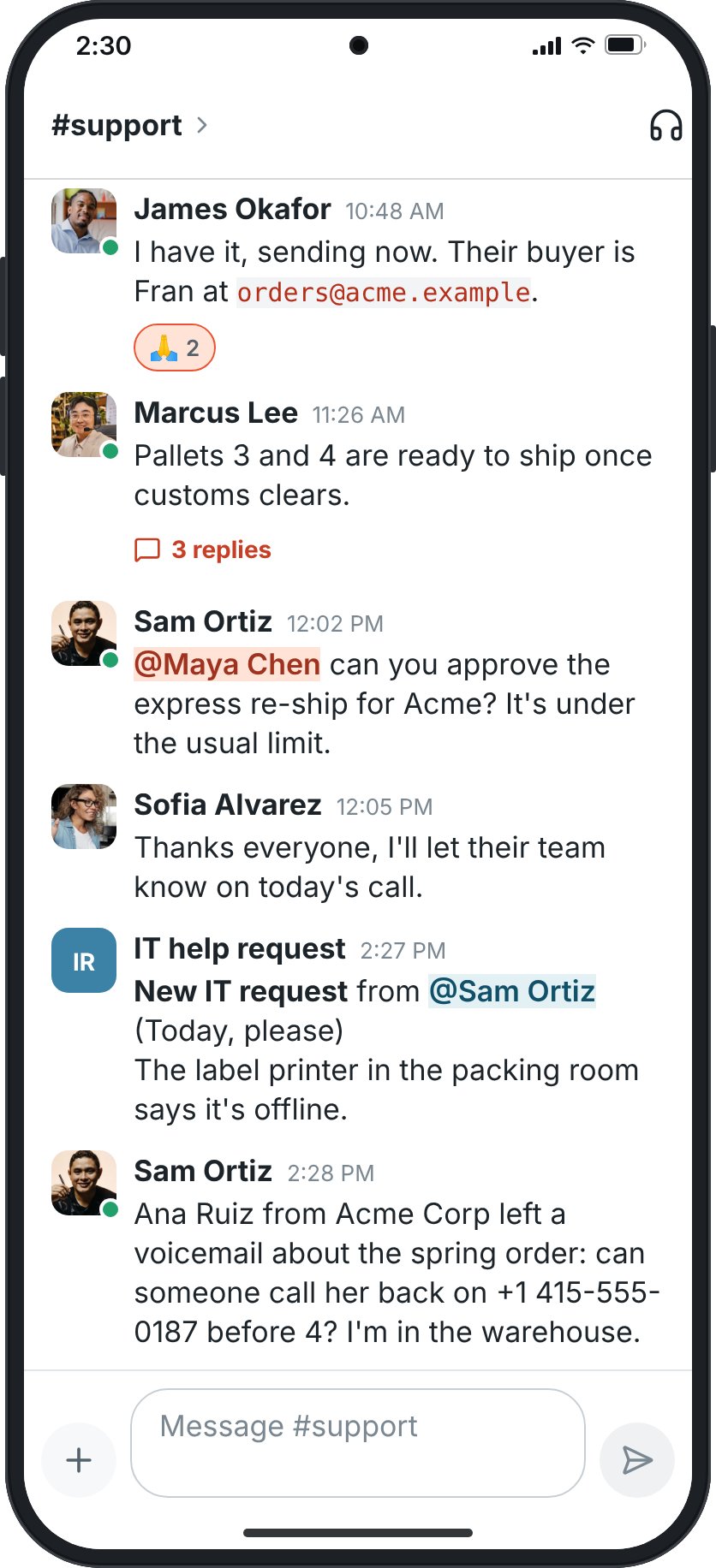
The subscriptions you stop paying for
Each of these is a separate app with a separate bill in most companies. In Freesbe they are one workspace, one sign-in and one price.
- Team chat
- Video meetings
- Business phone system
- Scheduling links
- Meeting notes and transcripts
- Time clock
- Shared inbox and web chat
- Workflow builder
- Screen sharing and remote control
Talk
Every conversation in its place, in 25 languages.
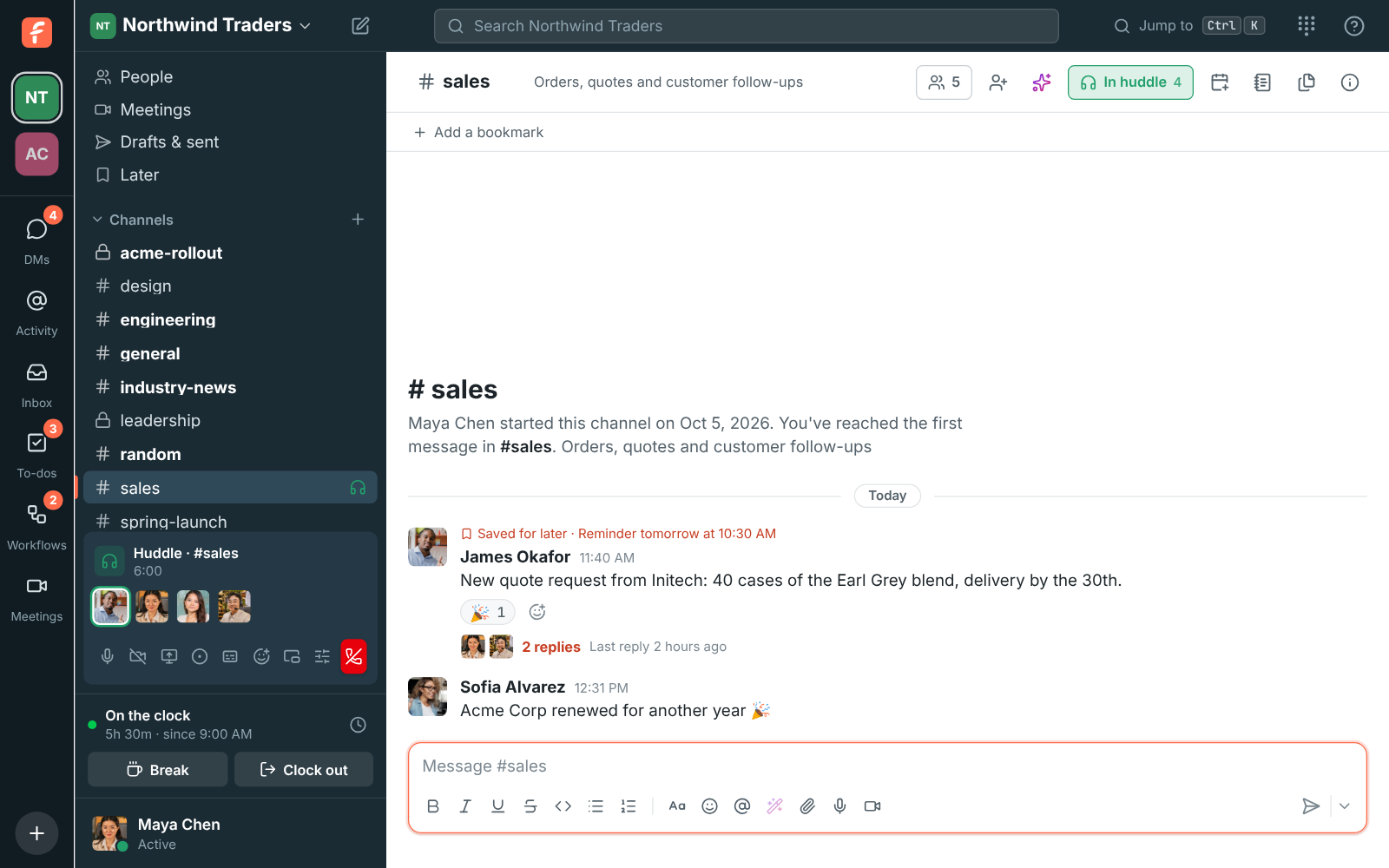
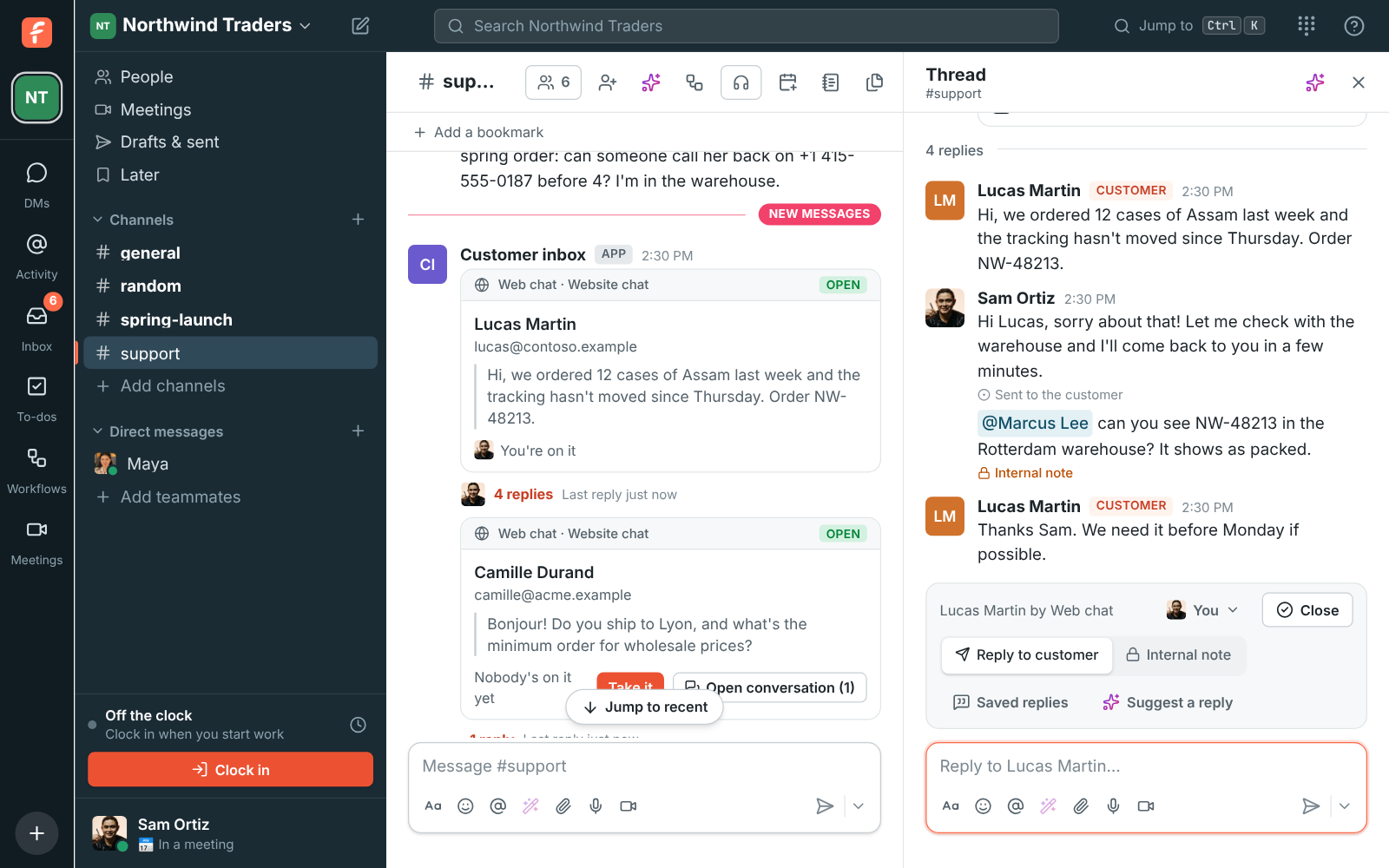
Channels for teams, topics and customers. Threads keep them readable. A canvas beside every channel holds the notes, the playbook and the FAQ, edited together as you chat.
- Guests from other companies see only the channel they were invited to, and nothing else.
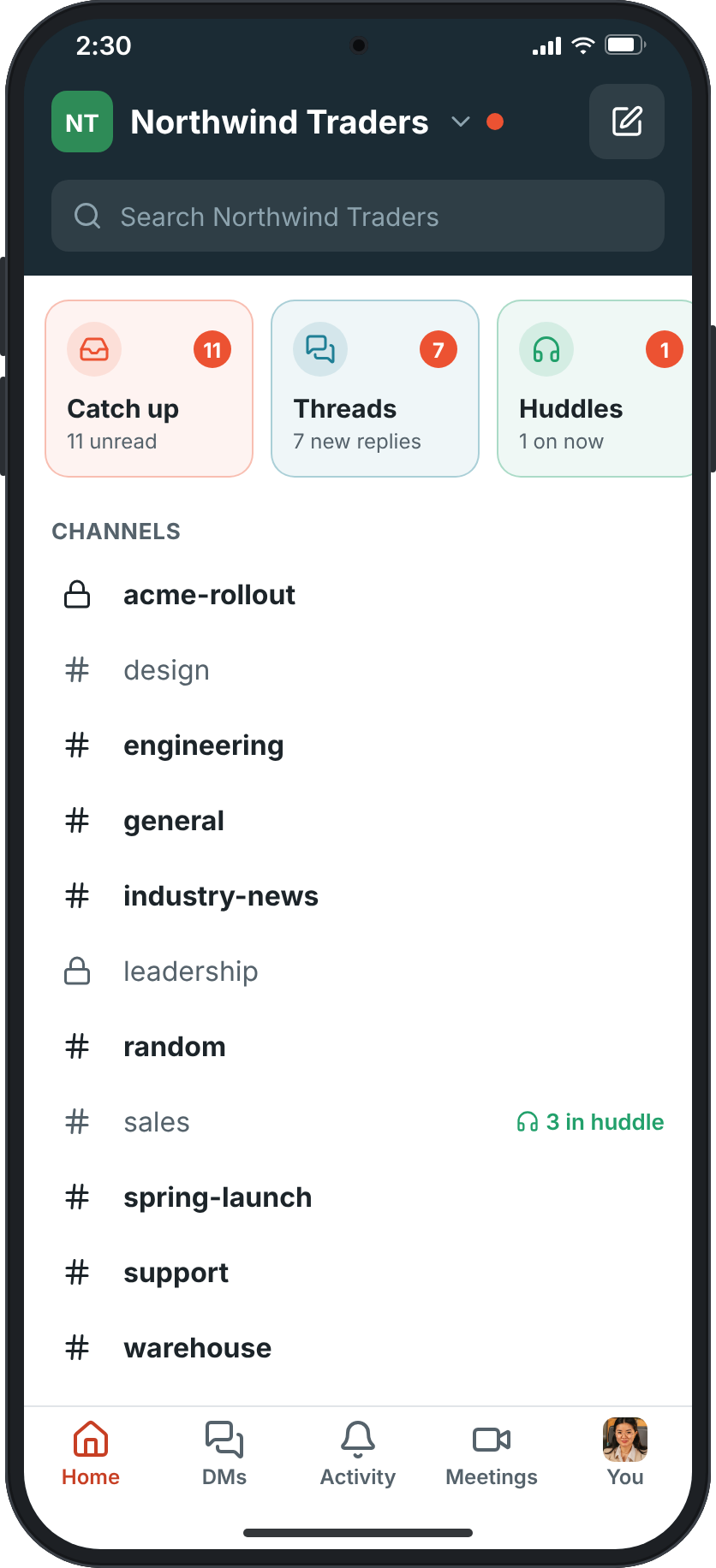
- Clips, scheduled messages and drafts that follow you from your computer to your phone.
- Search by any part of a word, or ask Freesbe a question and get an answer with the messages it came from.
- Move from Slack in an afternoon: people, channels, threads, reactions and files come with you.
Call and meet
Your phone system lives next to the chat.
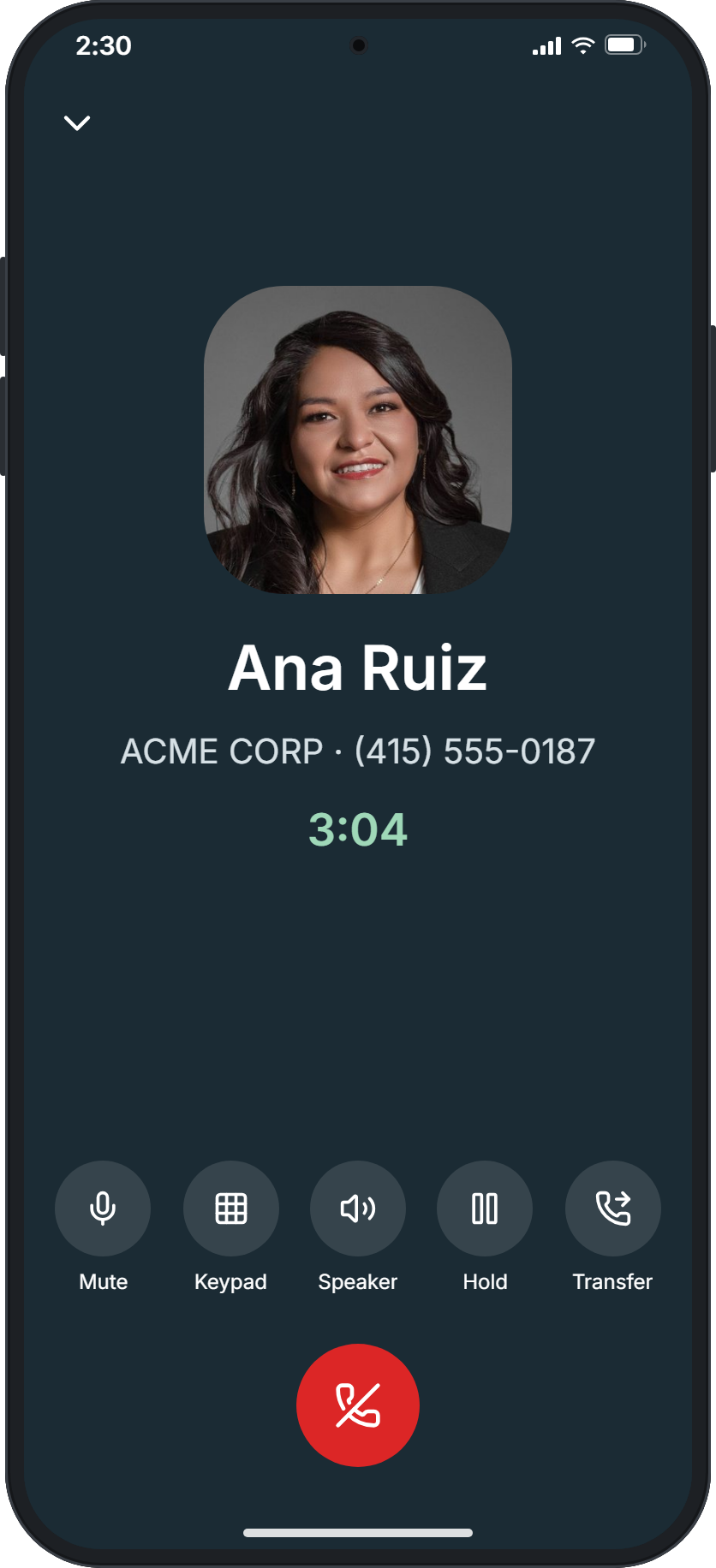
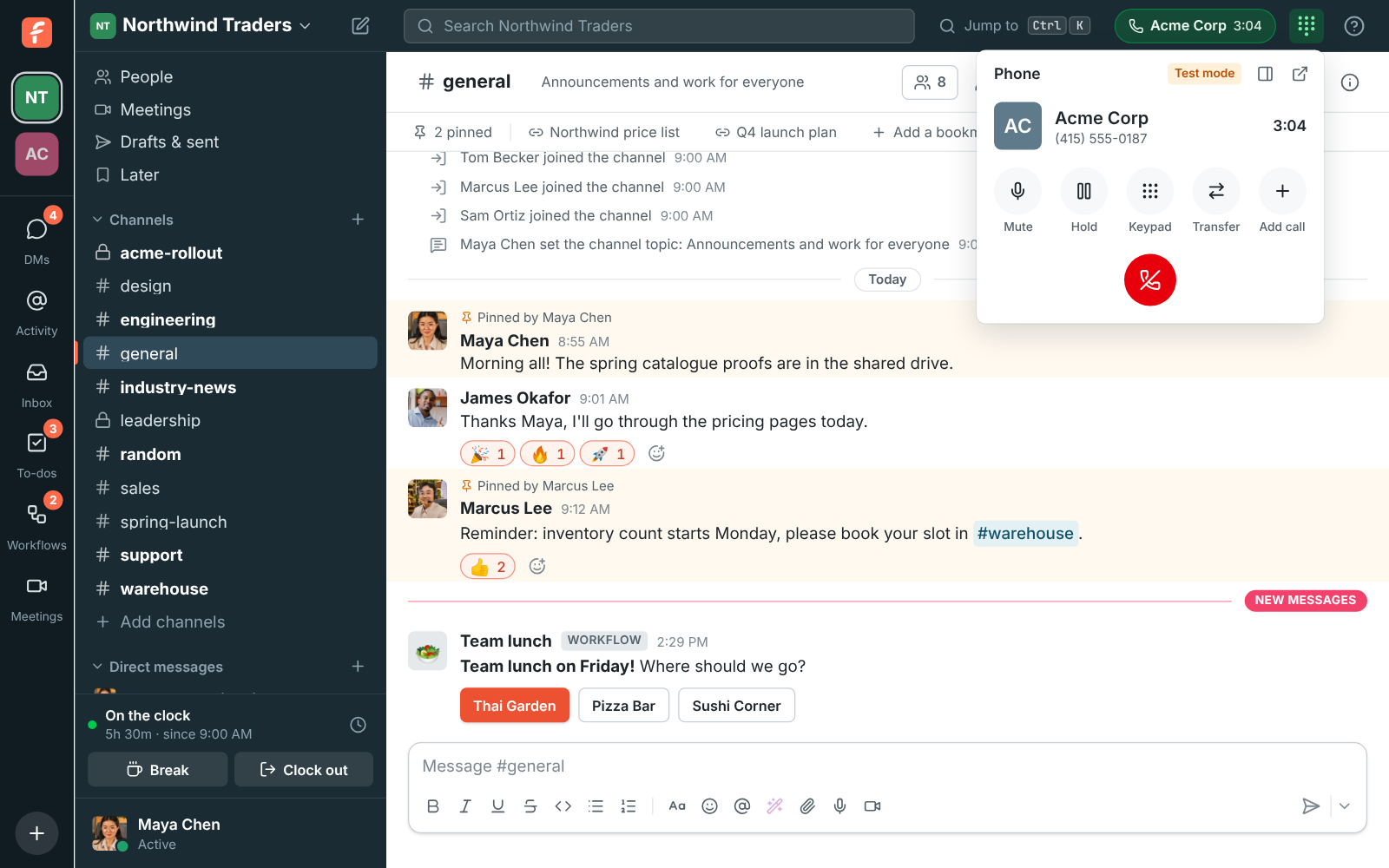
Buy a number in the workspace and every person gets a line, with calls, hold, transfer and voicemail in the app. Click a number anywhere and it rings. A Call button in your CRM calls through Freesbe.
- Huddles ring every device and take up to 20 people with screen sharing and remote control.
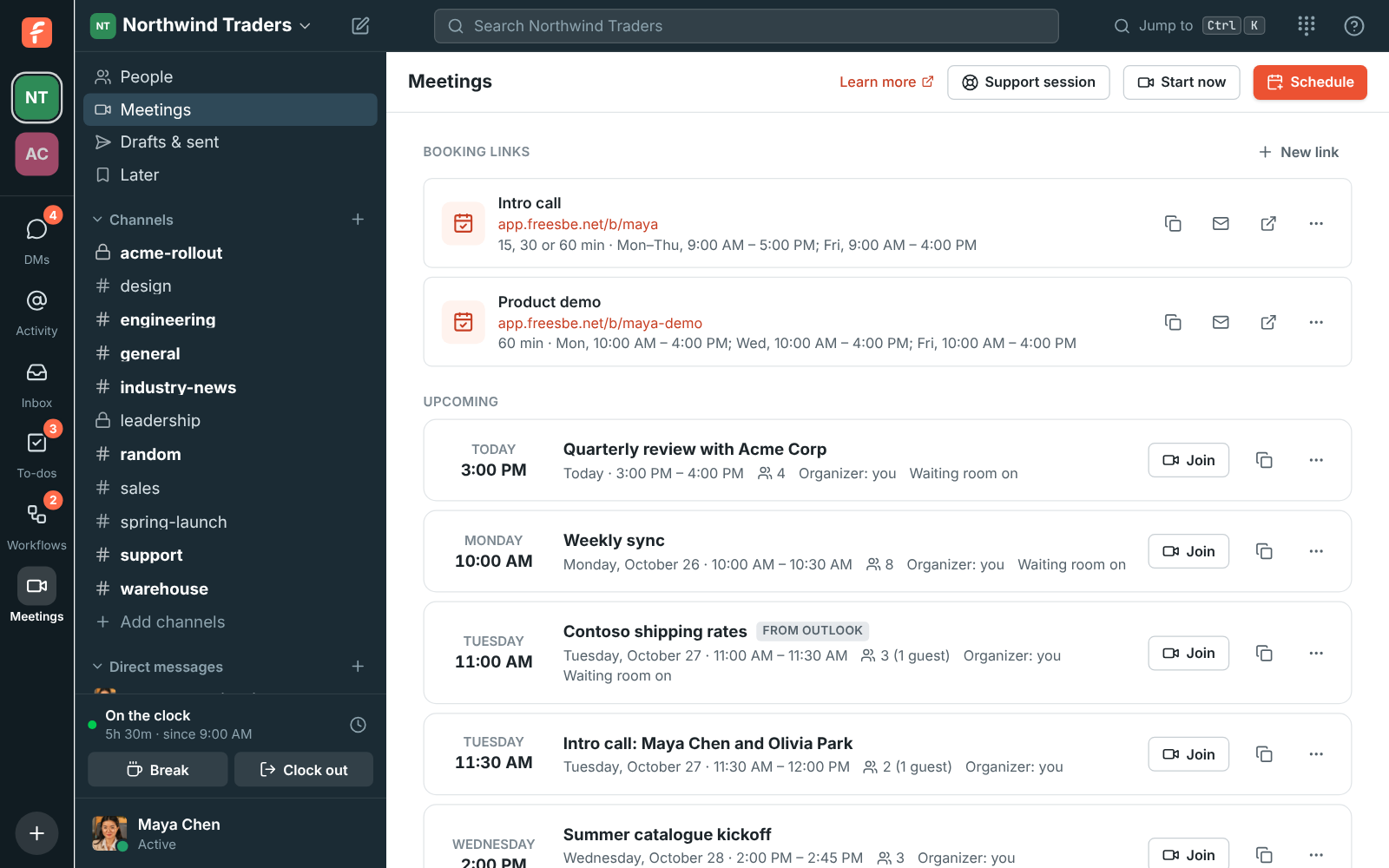
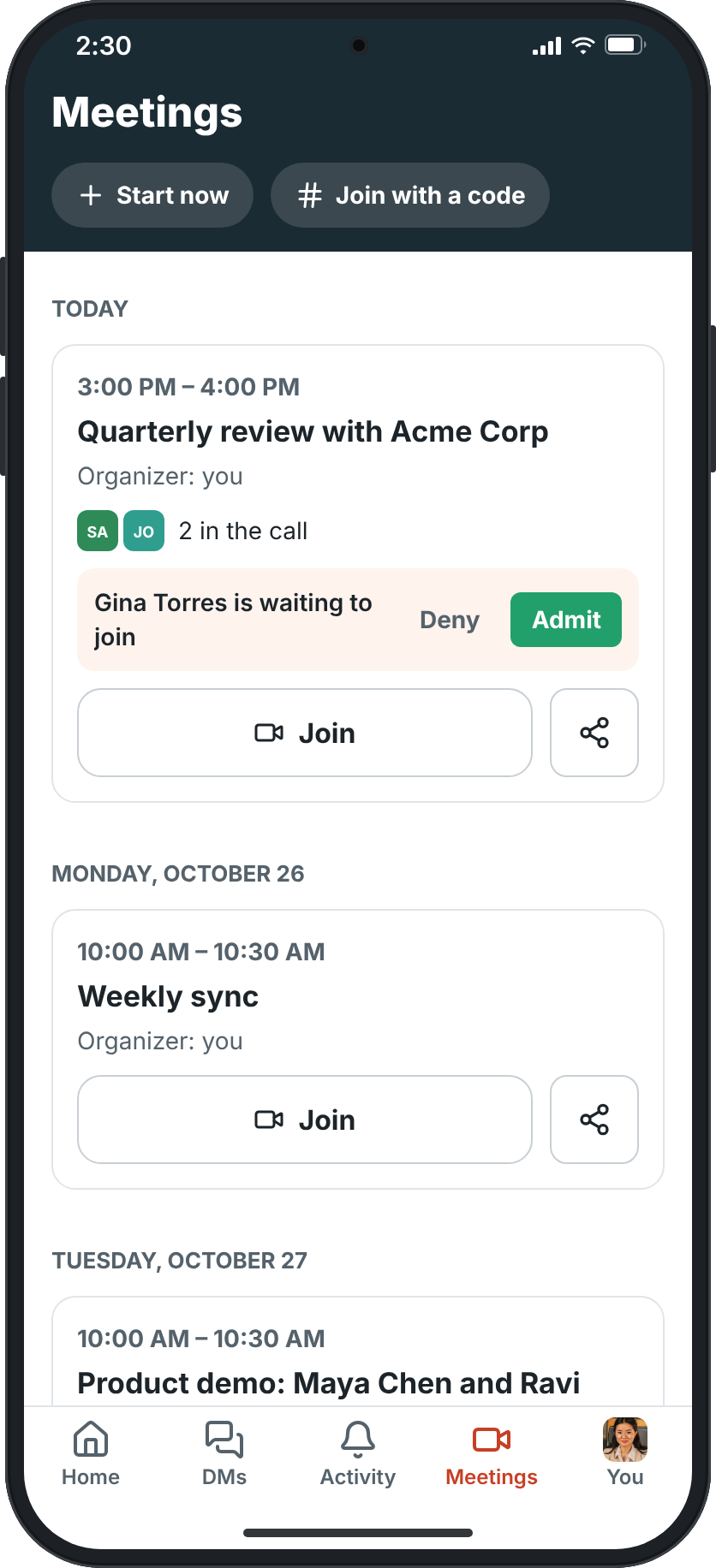
- Meetings guests open in a browser, with a lobby, your logo and the notes emailed to them afterwards.
- Emergency calling (E911) with the right address for each office and each person at home.
- Desk phones and softphones register over SIP. Or bring the sip.io account you already have.
Run the team
The routine runs itself.
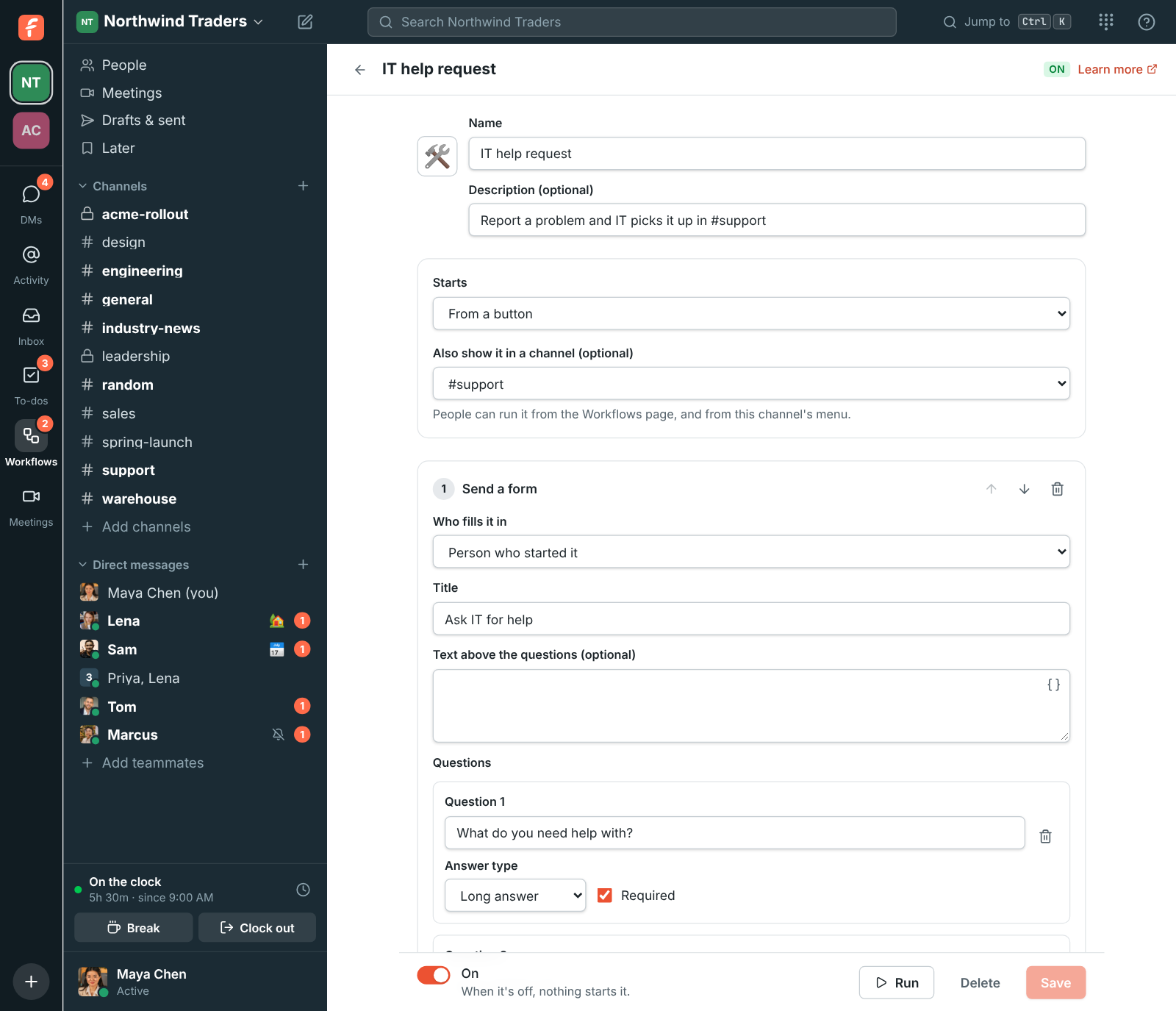
Build a workflow from a button, a schedule, a reaction, a webhook or a keyword: a form, an approval, a question, a wait, a to-do. Clock in from the sidebar. Share a booking link in your signature.
- Workflows without code, with templates for onboarding, requests, approvals and reminders, and a run history.
- Punch clock and timesheets with breaks, overtime rules, an edit history and a CSV for payroll.
- Booking links for 15, 30 or 60 minute slots around your calendar, on your own domain.
- To-dos from any message, a calendar app that answers invitations, and profiles with departments and managers.
AI built in
AI that does the catching up, the writing up and the translating.
On every plan, including Free. It reads only what you can already read, and only you see what it writes for you.
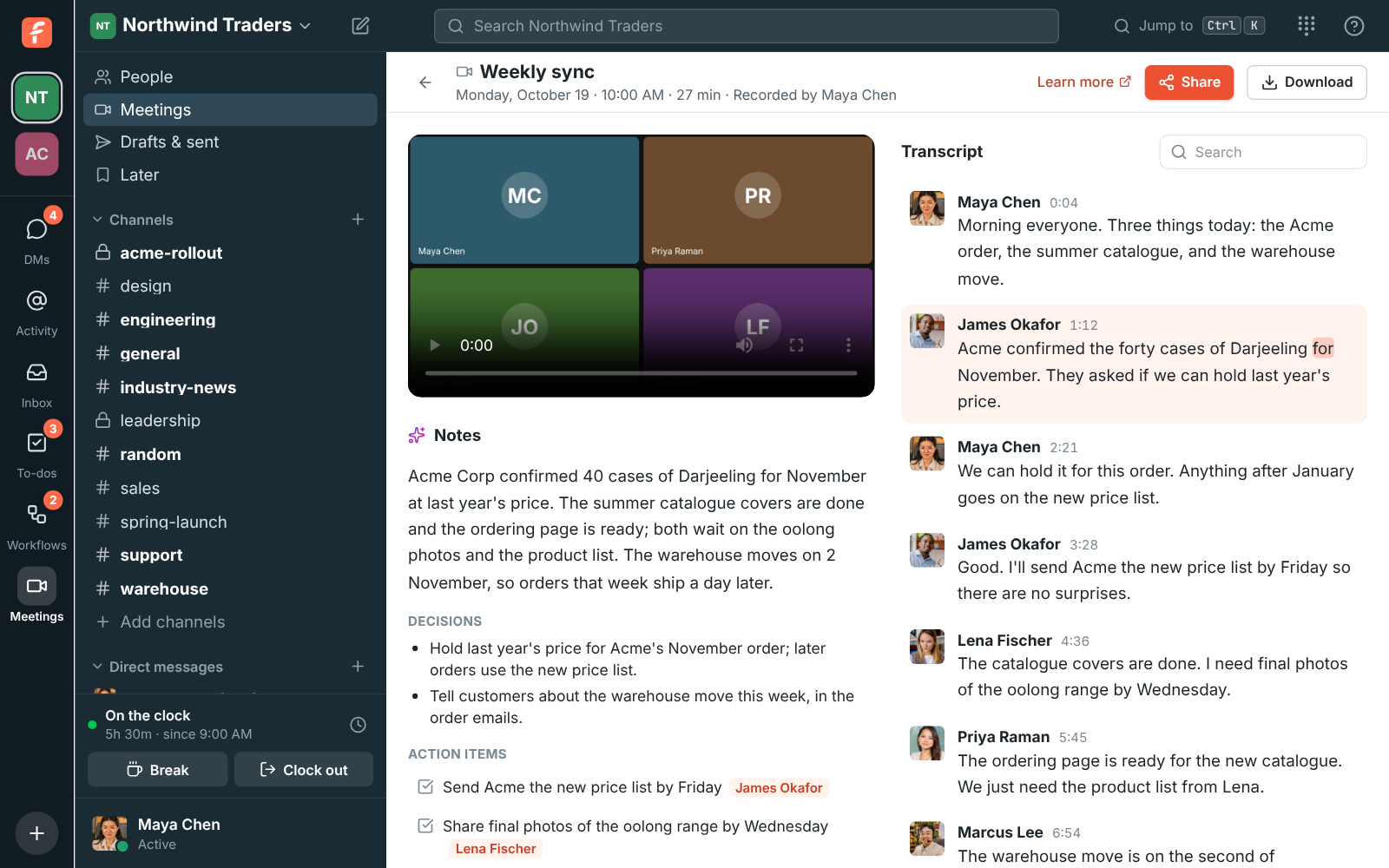
- Notes from every call: who said what, the decisions and the action items, a minute after you hang up.
- Summaries of a channel or a thread since you last looked, each point linked to its message.
- Translate any message in place, and tidy a reply before you send it.
- Bring your own agent: Claude, ChatGPT or your code editor connect over MCP, as themselves, with only what you allow.
Freesbe does not use your workspace to train AI models.
Turn AI off for the whole workspace, or choose who can start transcripts and notes.
Each plan includes a monthly AI allowance that grows with it. Nothing stops working when you reach it.
Connect
Your other tools report to the channel.
Deals, tickets, invoices, payments, candidates and server alerts arrive as cards you can act on. Customers reach you from your website, email, texts and WhatsApp, each in their own thread. And anything with a webhook can post, in Slack's format.
- HubSpot
- Salesforce
- Pipedrive
- Zoho CRM
- Zendesk
- Zoho Desk
- Zoho Books
- Zoho Invoice
- Stripe
- Mercury
- Airwallex
- Zoho Recruit
- Zabbix
- Google Workspace
- Microsoft 365
- Zoho Calendar
- Zapier
- Make
- n8n
- Zoho Flow
- Claude
- ChatGPT
- Webhooks
- REST API
- Slack app manifests
- Sign in with Freesbe
- Your own apps
See it with your own team's questions.
A 20-minute call. No slides.
Made for the whole company
Not just the people who talk to customers.
- Small businessesA number, a workspace and an inbox on the first day. Free until you are 11.
- Customer supportSupport sessions from a link or a code, remote control, tickets as cards, a shared inbox.
- SalesBooking links, branded meetings, CRM alerts, click-to-call and a channel per account.
- Operations and ITZabbix problems you acknowledge from the card, workflows, webhooks and an API.
- FinancePayments, payouts and overdue invoices in a channel, approvals in a workflow.
- People and HRPunch clock, timesheets, candidates from Zoho Recruit, onboarding workflows, a directory.
- AgenciesA guest channel per client, booking links on your domain, notes clients receive by email.
- Field and shift teamsA punch clock in the sidebar, a status that clears itself, calls that ring every device.
- Remote teamsSummaries since you last looked, meeting times across time zones, 25 languages.
Trust
Admin controls a 2,500 person company expects.
Require Google or Microsoft sign-in, passkeys, authenticator apps, or approval from the phone.
Keep the workspace in the European Union or the United States, or close to the team in Asia-Pacific or Oceania.
Choose what members and guests can share; uploads are checked by their contents, not their name.
Export everything in Slack's format whenever you like.
In transit, at rest, and in the app's local cache, keyed to the person and revoked when they leave.
No servers to patch, and a status page that shows it.
Pricing
Pay for the people who use it. Nothing else.
AI, guests and meeting attendees are included on every plan. Prices per person a month, billed yearly.
Switching from Slack or Teams
Bring your team, and your history.
Freesbe Business is $4 per person a month where Slack Pro is $7.25, and your Slack webhooks and app manifests work as they are.
- ExportDownload the workspace export from Slack.
- ImportUpload it in Workspace settings. People, channels, DMs, threads, reactions and files come over.
- Sign inEveryone claims their account by email and picks up where they left off.
Give your team one place to work from.
Set up a workspace, invite your team, buy a number and connect the tools you already use. Ten minutes, no card.