Freesbe
Corporate and up

Your domain on every booking page and meeting link.

With a custom domain, every booking page in your workspace moves from app.freesbe.net to an address of yours, such as meetme.acme.example/dana. Guest meeting links and invite links move too. An admin adds one CNAME record, Freesbe gets the HTTPS certificate and renews it, and everyone's links switch over by themselves. Old links keep working.

  • Customers see your company's name in the address bar, never a vendor's.
  • One DNS record switches everyone's booking pages, meeting links and invites at once.
  • The HTTPS certificate is free, fetched for you and renewed on its own.
  • Signatures and links people already sent keep working.

For Companies whose booking links and meeting invites go to customers and candidates.

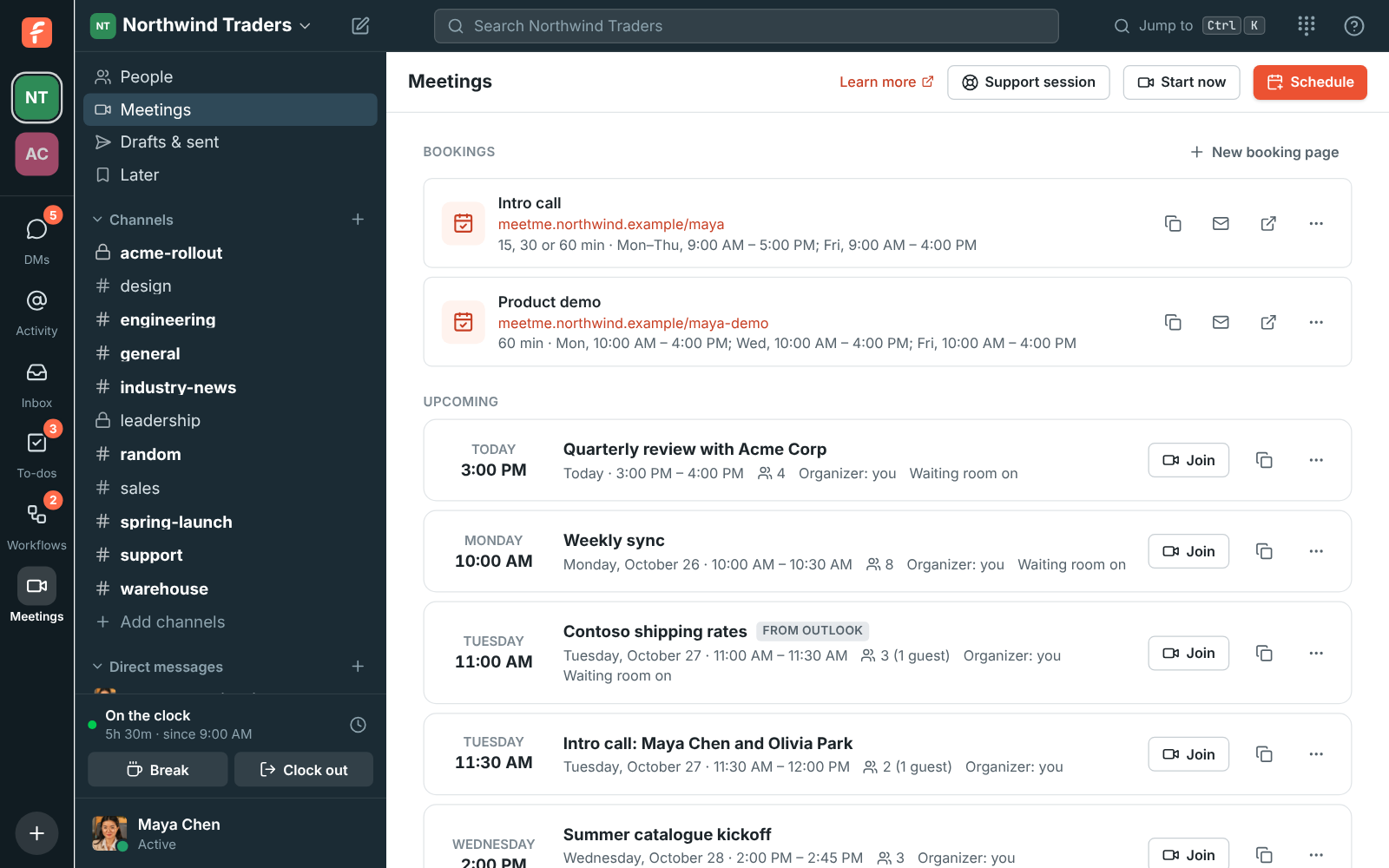
Meetings, Bookings: Intro call at meetme.northwind.example/dana and Product demo at meetme.northwind.example/dana-demo

Booking pages at your address

Once the domain is working, everyone's booking pages use it: Copy, Copy for email signature and the link preview card all give the new address. A booking page on your domain looks the same, with your logo and name at the top. Someone who opens just the domain, without a name after it, sees a short page telling them to ask the person they're meeting for their link. The old app.freesbe.net/b/ links keep working, so nothing already sent breaks.
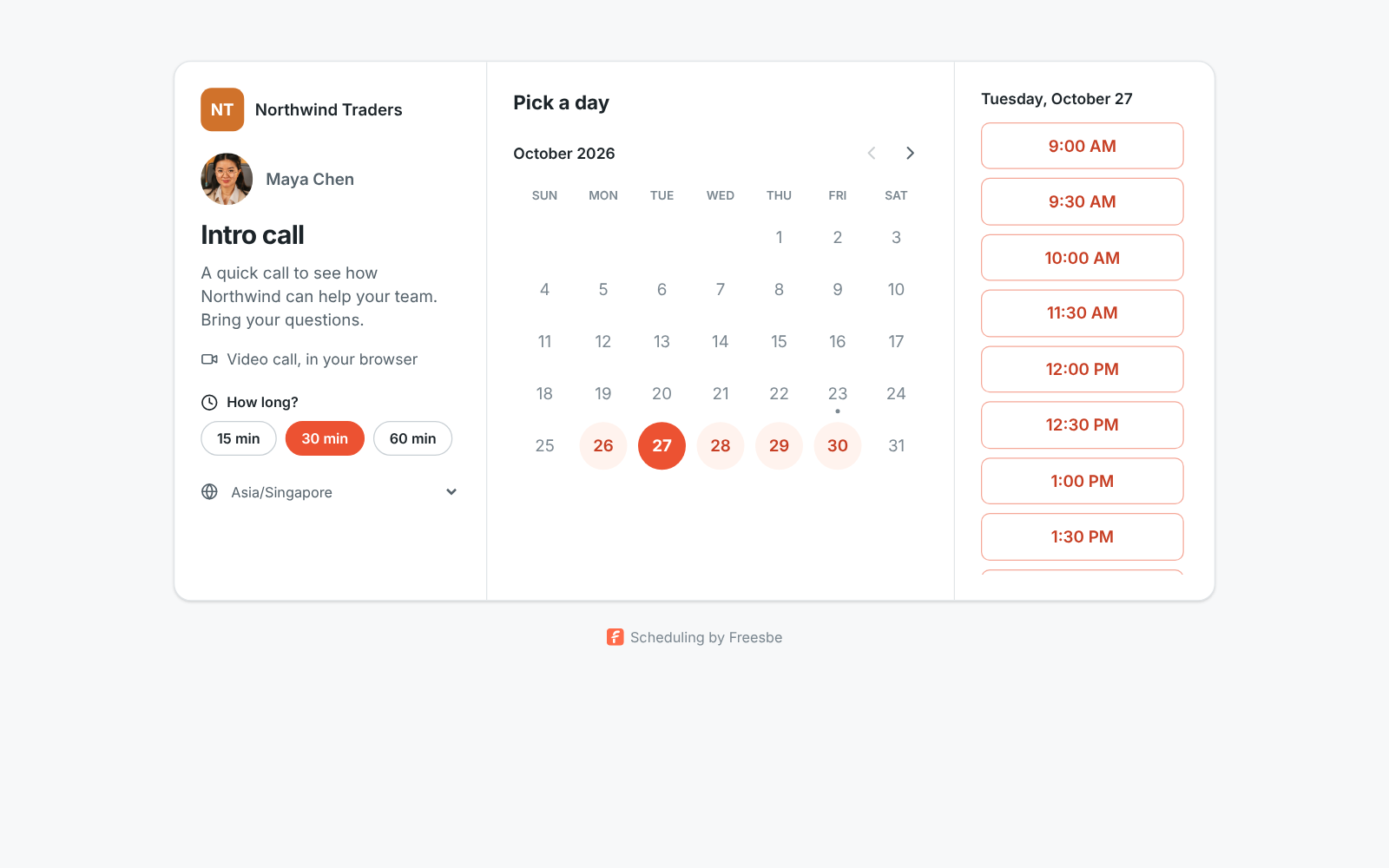
Maya's booking page served from the workspace's own domain: Northwind Traders, Intro call, 15, 30 or 60 minutes, and free times for Monday

Meeting links guests trust

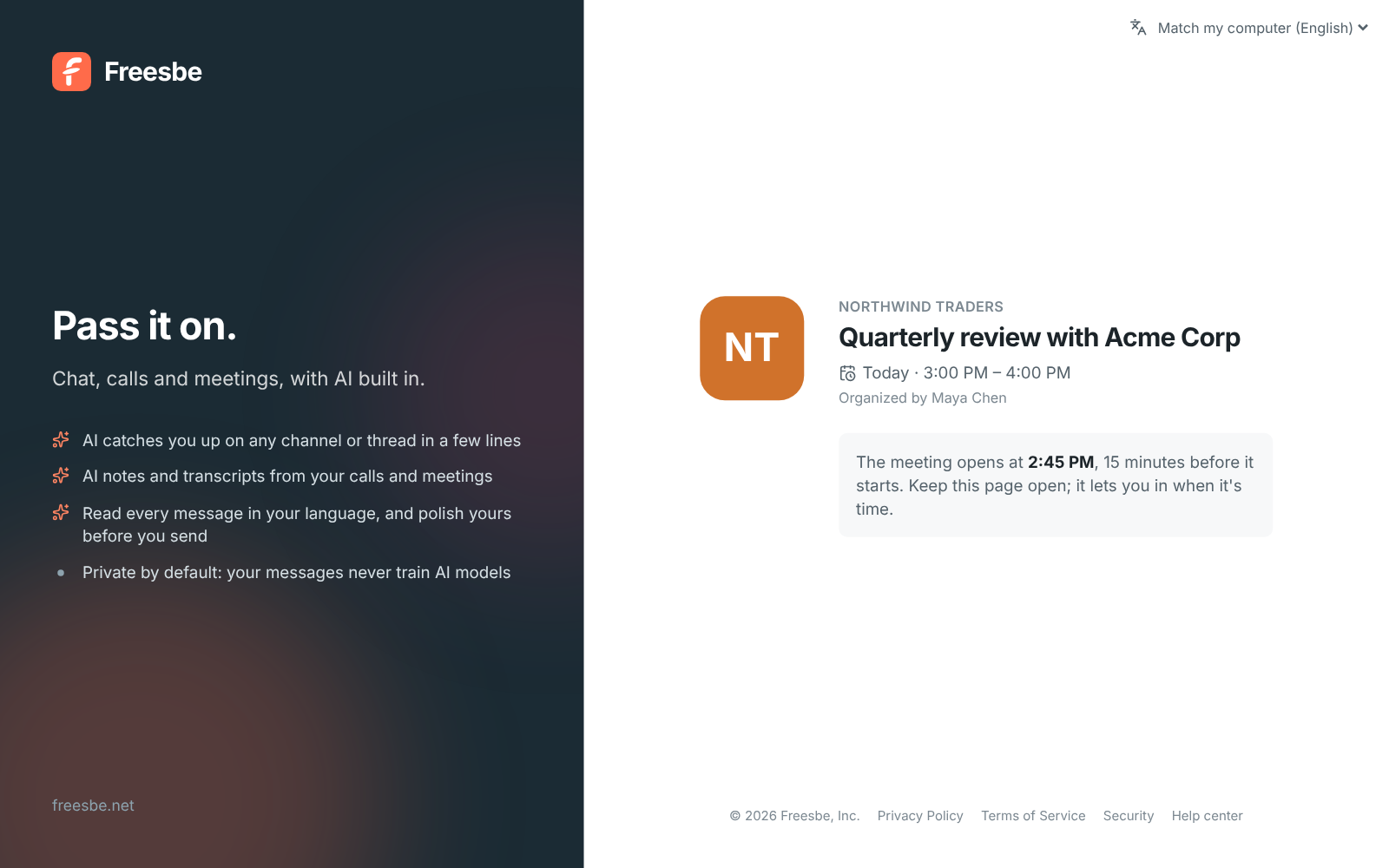
Links that guests get to join your scheduled meetings move to your domain too: invite emails, calendar invites, reminders and Copy link on a meeting all point there, and people who book through a booking page get their call link on the same domain. A guest opens the meeting page on your domain, waits until it opens and joins without a Freesbe account. Members who click such a link join inside Freesbe, signed in as themselves.

A guest meeting link on the workspace's domain: Northwind Traders, Quarterly review with Acme Corp, organized by Maya Chen

See it on your own team's data.

Start free with up to 10 people and try it today, or book a 20-minute demo with the people who make Freesbe.

Invites that carry your name

Invite links you create or email from then on use your domain as well, for workspace invites and guest invites alike. Pasted into Slack, Teams or an email, the preview card shows your domain. Opening the link takes people on to app.freesbe.net to create their account or sign in and join; signing in to Freesbe itself always happens there, and nothing else about your workspace answers on your domain.

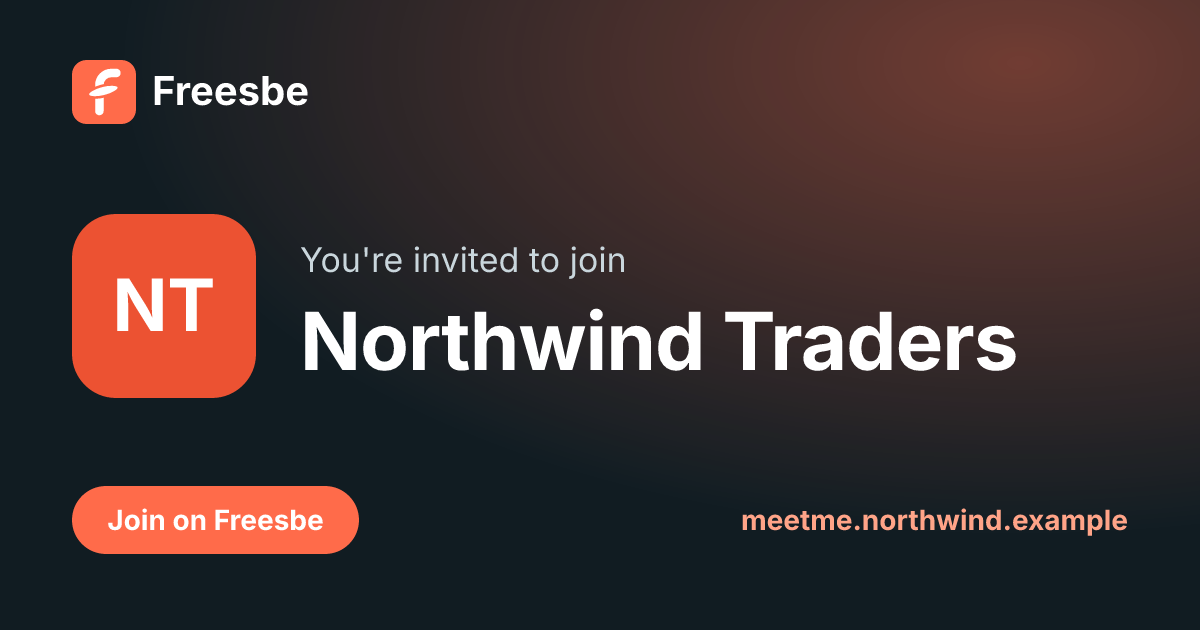
An invite link's preview on the workspace's domain: You're invited to join Northwind Traders, with meetme.northwind.example at the bottom

One record, a few minutes

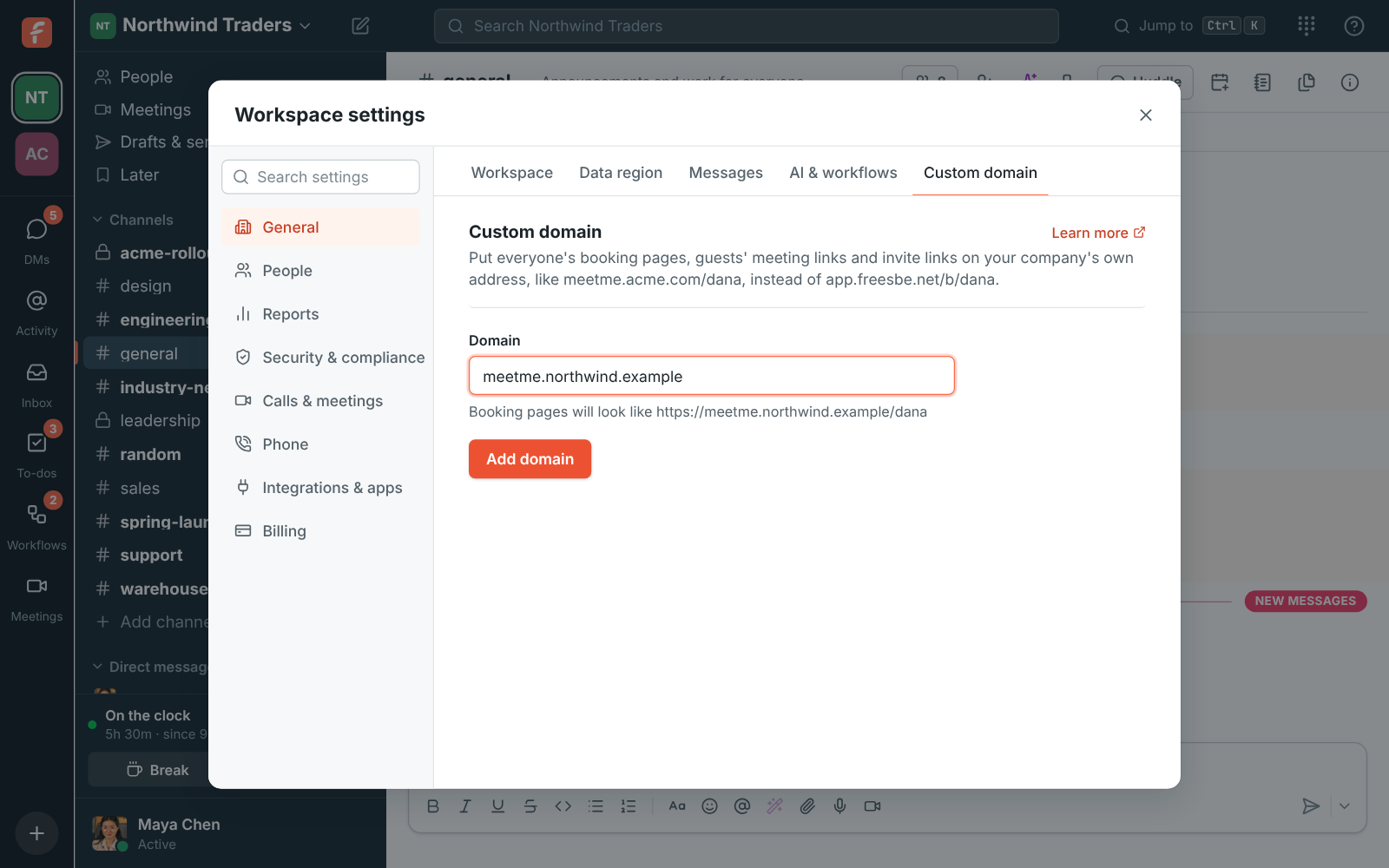
Under Workspace settings, Custom domain, type a subdomain you control, such as meetme.acme.example, and Freesbe shows what the links will look like. At your DNS provider, add one CNAME record pointing it at domains.freesbe.net, set to DNS only. Freesbe checks every few minutes, gets the certificate as soon as the record shows up, usually within minutes, and the status turns to Working. A bare domain such as acme.example can't be used, because its root can't carry a CNAME.

  • A TXT ownership record is only needed when the domain is already in use elsewhere or sits behind a proxy
  • A workspace has one custom domain; remove it and add another to move
Adding a domain: meetme.northwind.example typed in, with Booking pages will look like https://meetme.northwind.example/dana underneath

Plans and pricing

Your own domain for bookings, meetings and invites is included in Corporate and Enterprise.

  • CorporateUp to 2,500 people
  • EnterpriseOver 2,500 people

Questions

Which plan includes this?
Custom domains are a plan feature; the availability line on this page follows the current pricing catalog. If the workspace moves to a plan without it, the domain stops answering and links go back to app.freesbe.net until it moves back.
What do I need from IT?
A subdomain you control, like meetme.acme.example, and one CNAME record pointing it at domains.freesbe.net, set to DNS only rather than proxied. Freesbe fetches and renews the HTTPS certificate itself.
Do links people already sent keep working?
Yes. Old app.freesbe.net booking links and older meeting links keep working after the domain is set up, so signatures already in the wild don't break. Removing the domain later stops the links on it, so send meetings again or make a new invite link if needed.
Can someone sign in to Freesbe on our domain?
No. The domain shows only your workspace's booking pages, its meetings for guests and its invite links. Signing in always happens on app.freesbe.net, and a link that belongs to another workspace doesn't work on your domain.

Try all of it free with up to 10 people.

No card, no time limit. Invite your team and see what sticks.