Product
Everything your team does in a day, in one app.
Freesbe is team chat, voice and video calls, meetings, a business phone system, booking links, workflows, a punch clock and a customer inbox in one workspace, with AI that summarizes, translates, writes up calls and connects your own agents. It runs in the browser, on your computer and on your phone. Here is every feature, with the guide that shows how it works.
Talk
Every conversation in its place, in 25 languages.
Channels for teams, topics and customers. Threads keep them readable. A canvas beside every channel holds the notes, the playbook and the FAQ, edited together as you chat.
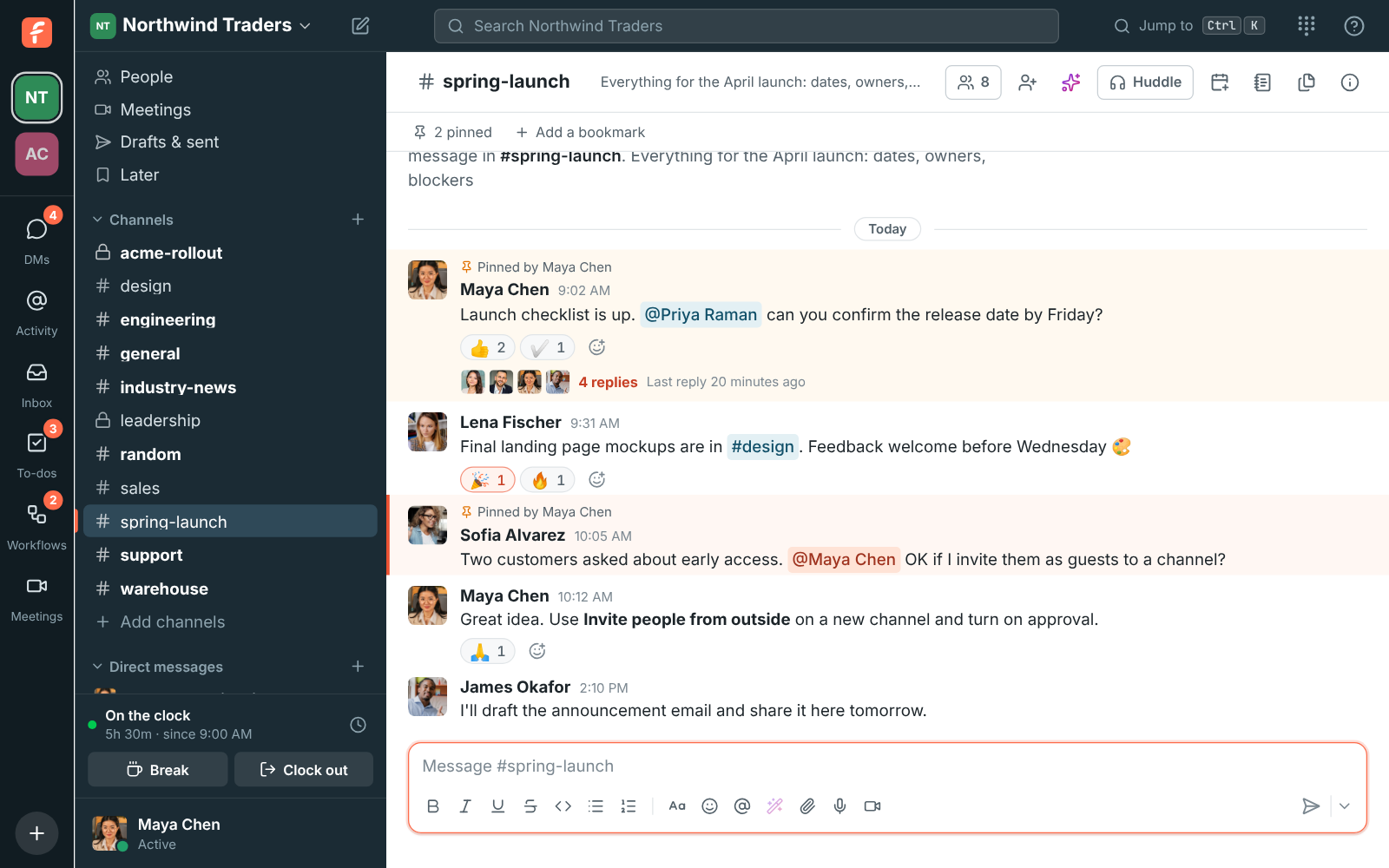
- Team chatEvery conversation in its place.
- Import from SlackBring your Slack workspace with you.
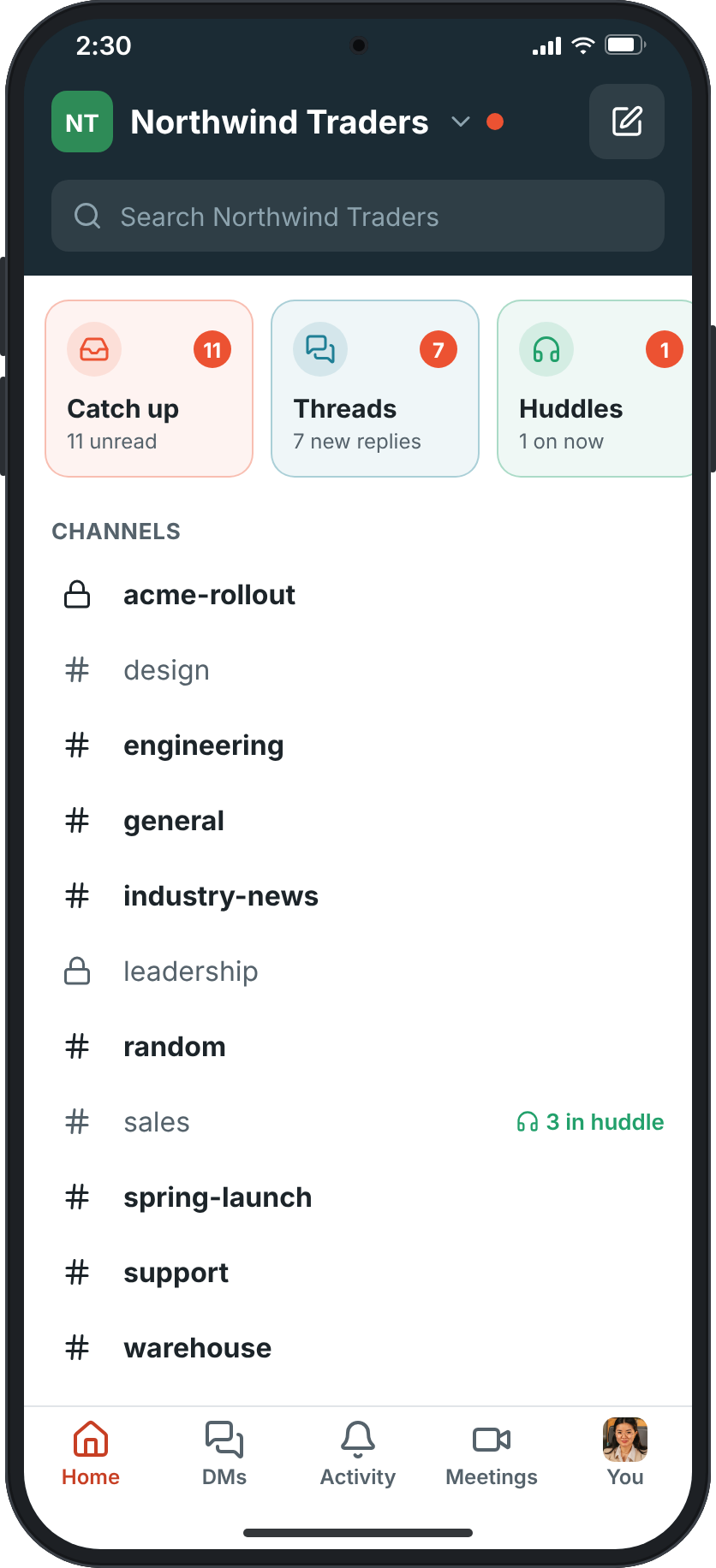
- Desktop and mobile appsThe same workspace in the browser, on your computer and in your pocket.
Channels, DMs and threads
Public and private channels, group DMs of up to 9, and threads that keep channels readable.
How it worksCanvases
A shared document in every channel and DM for playbooks, FAQs and notes, edited together live.
How it worksGuests
Invite clients and partners into one channel. They see that channel and its people, nothing else, with approval if you want it.
How it worksAudio and video clips
Record your voice, your camera or your screen and send it as a message.
How it worksScheduled messages and drafts
Write now, send later. Drafts, scheduled and sent messages share one page on every device.
How it worksSearch and Ask Freesbe
Find any message you can see, filter by person, place and date, or ask a question and get an answer with sources.
How it worksRead receipts
When admins turn them on, see who has read a message.
How it worksStatus that clears itself
On a call for an hour, off sick until tomorrow. Freesbe puts your status back when the time is up.
How it worksNotifications that fit
Per channel, per person, with sounds you pick, and alerts on one device rather than all of them.
How it worksImport from Slack
People, channels, DMs, threads, reactions and files come over, and everyone claims their account by email.
How it works25 languages
Freesbe follows your computer's language, from French and Spanish to Japanese, Hindi and Arabic.
How it worksDesktop and phone apps
Windows, macOS and Linux today; iPhone and Android apps are in testing.
How it works
Call and meet
Your phone system lives next to the chat.
Buy a number in the workspace and every person gets a line, with calls, hold, transfer and voicemail in the app. Click a number anywhere and it rings. A Call button in your CRM calls through Freesbe.
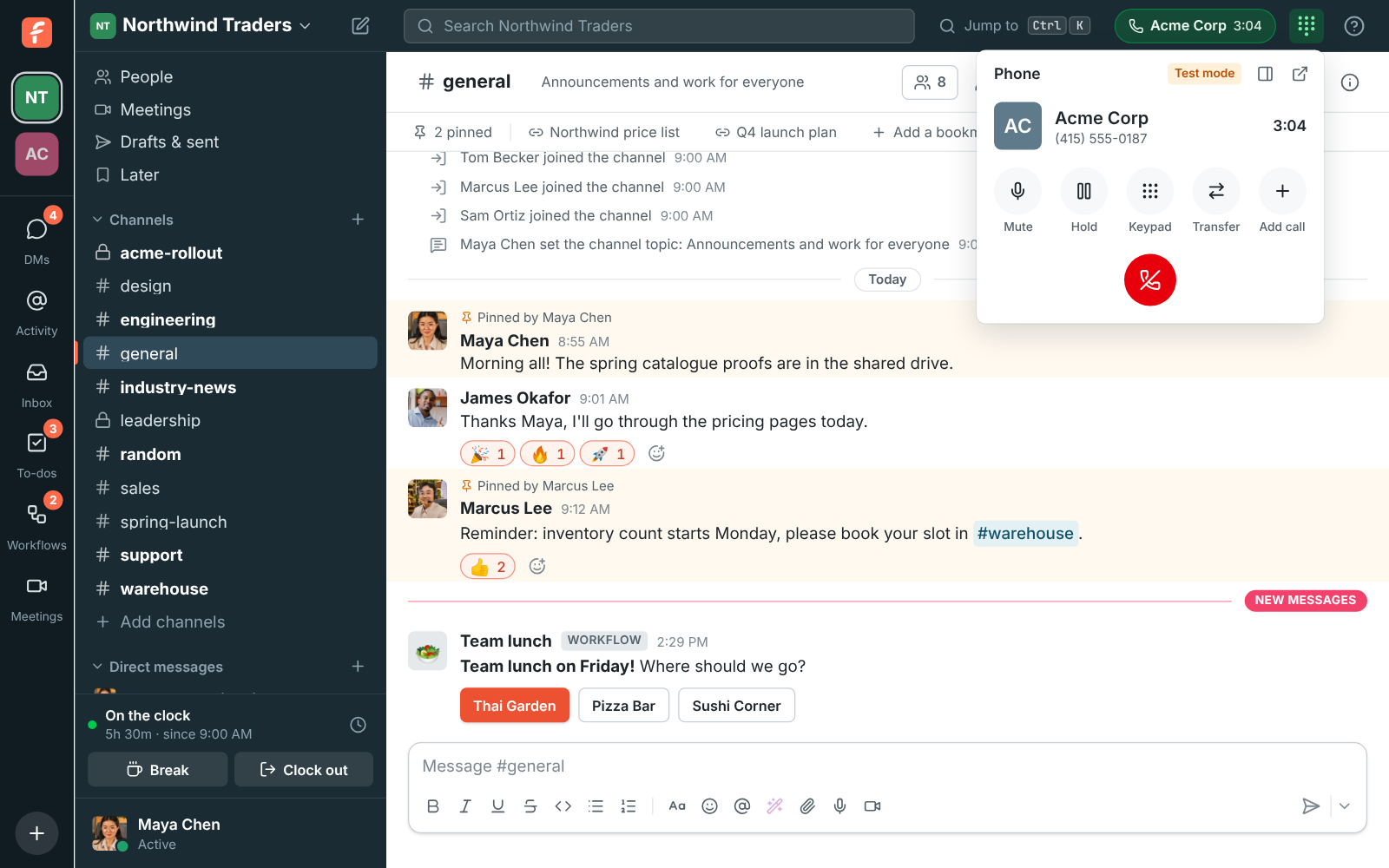
- Huddles and callsCalls that start where the conversation already is.
- MeetingsMeeting links your guests can open in any browser.
- Business phone systemA phone system that lives in your team chat.
A phone system from Freesbe
Search, buy and route numbers from workspace settings. Calls, hold, transfer and voicemail happen in the app.
How it worksClick-to-call
Click a number on a profile or in a message, or press Call in your CRM, and your Freesbe phone rings first.
How it worksEmergency calling (E911)
Admins add the workspace's emergency addresses; each person picks where they work from.
How it worksBring your own SIP
Any SIP desk phone or softphone registers; connect the phone system you already have once and everyone fetches their own credentials.
How it worksHuddles
Voice or video in any channel or DM, up to 20 people, with screen sharing. In a DM it rings every device.
How it worksMeetings with a lobby
Schedule a call with a link anyone opens in a browser, email invites with a calendar file, and let guests in when you're ready.
How it worksRecordings, transcripts and notes
Record or transcribe a huddle or meeting and get who said what, a summary, decisions and action items.
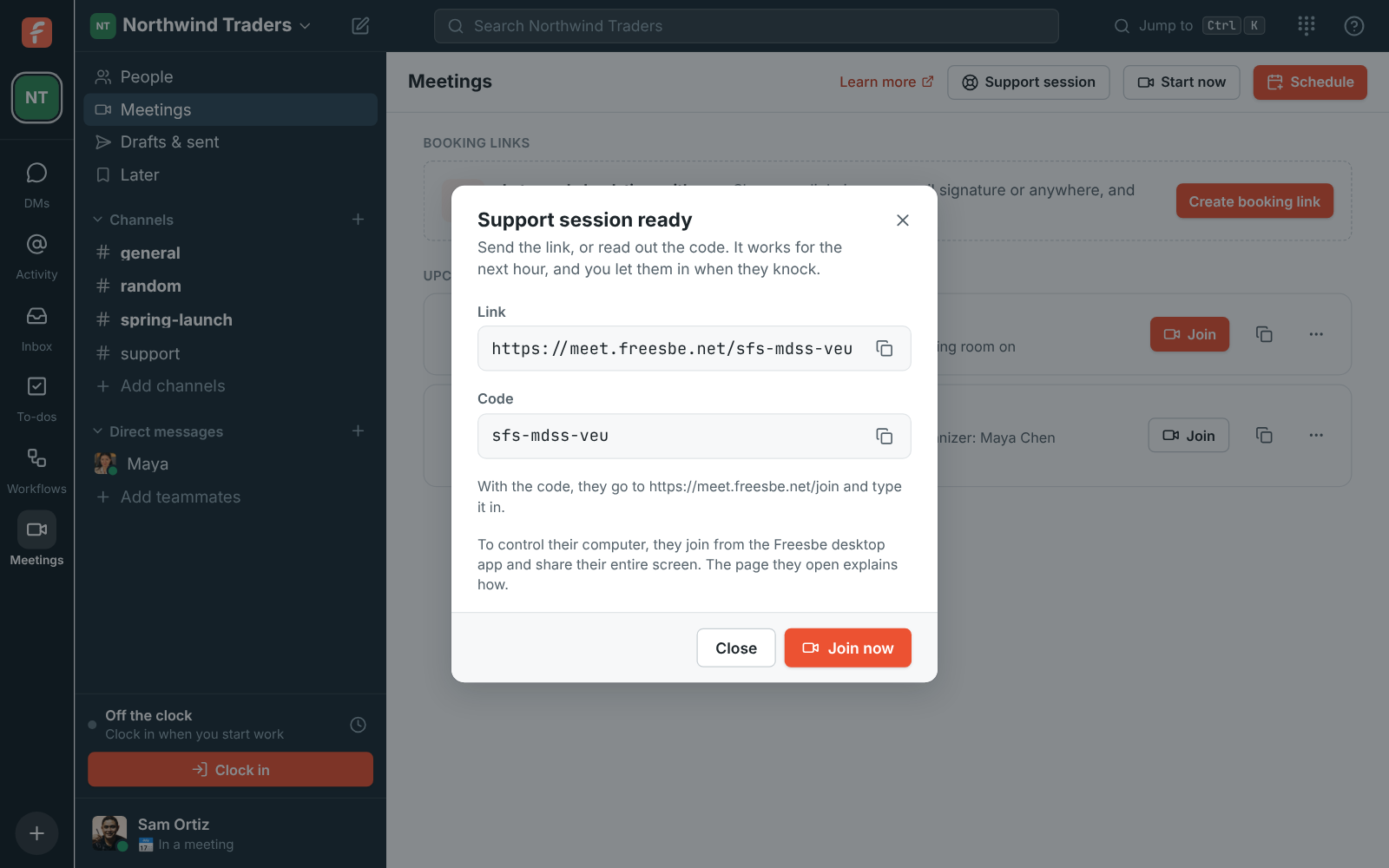
How it worksSupport sessions
Send a customer a one-hour link or a code. They share their screen and you help, with no account needed.
How it worksRemote control
Take over a shared screen to fix things yourself, with the other person's permission every time.
How it worksMove a call to another device
Started on your laptop and need to walk? Join the same call from your phone and carry on.
How it works
Run the team
The routine runs itself.
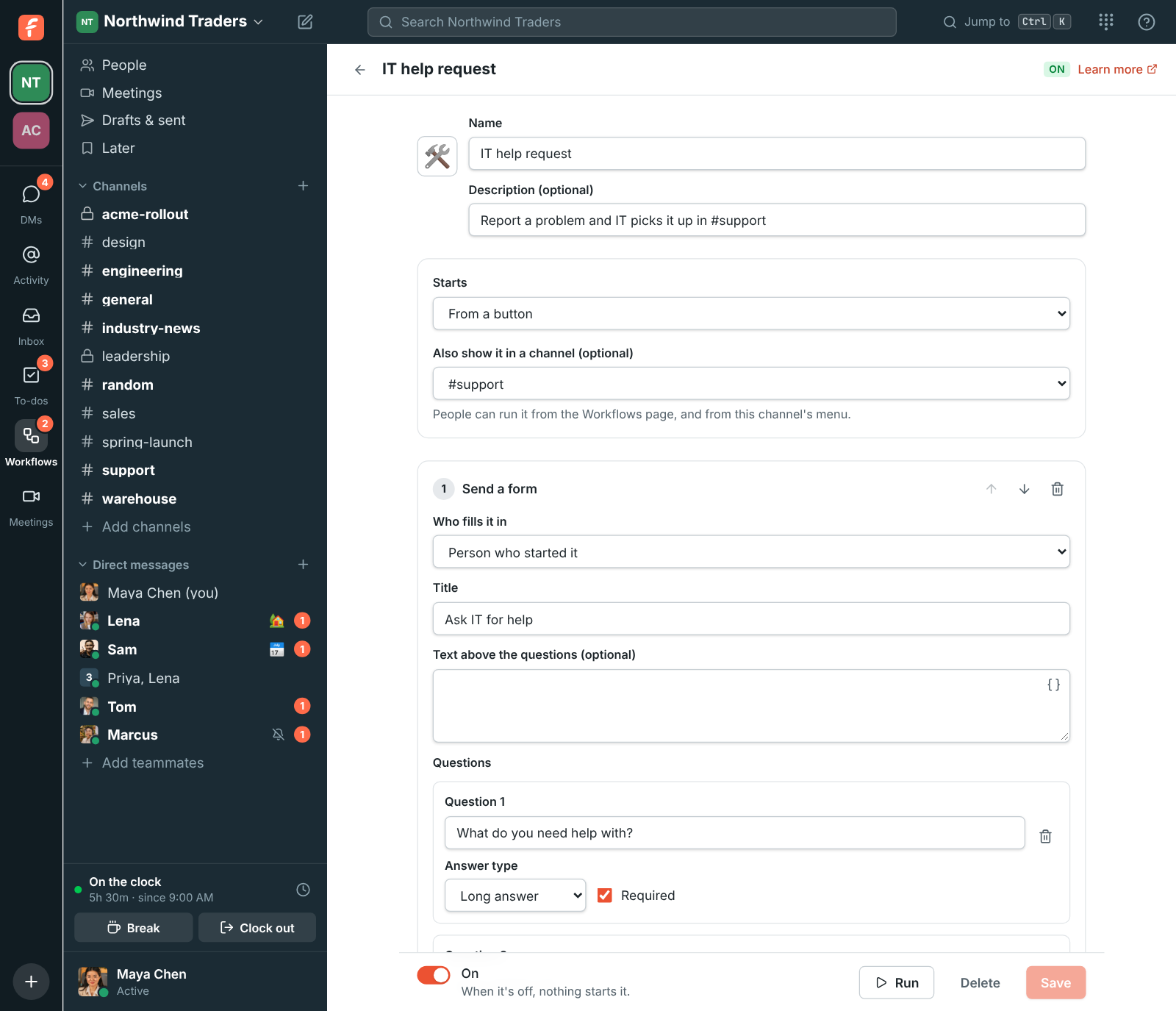
Build a workflow from a button, a schedule, a reaction, a webhook or a keyword: a form, an approval, a question, a wait, a to-do. Clock in from the sidebar. Share a booking link in your signature.
- Booking linksOne link in your signature. They pick the time.
- WorkflowsThe routine runs itself.
- Punch clockClock in from the sidebar. Timesheets for payroll.
Workflows
Started from a button, a schedule, a reaction, someone joining, a keyword, a webhook or a Freesbe event, with message, form, approval, question, wait, to-do and if/otherwise steps.
How it worksPunch clock
Clock in, take breaks and clock out from the sidebar or the tray. Admins get timesheets, overtime rules and CSV export.
How it worksBooking links
A page like /b/dana where anyone books a 15, 30 or 60 minute call inside your hours, around your calendar.
How it worksTo-dos and Activity
Mentions and replies in one list, and a to-do list you fill straight from messages, with AI help to plan them.
How it worksCalendar app
Your agenda each morning, a reminder before each meeting, and invitations you answer without leaving Freesbe. Google, Outlook and Zoho.
How it worksProfiles and directory
Department, location, manager, phone and pronouns on every profile, fields admins add, and spreadsheet import.
How it worksCustom domains
Booking, meeting and invite links on your own address, like meetme.acme.example/dana.
How it works
AI built in
AI that does the catching up, the writing up and the translating.
On every plan, including Free. It reads only what you can already read, and only you see what it writes for you.
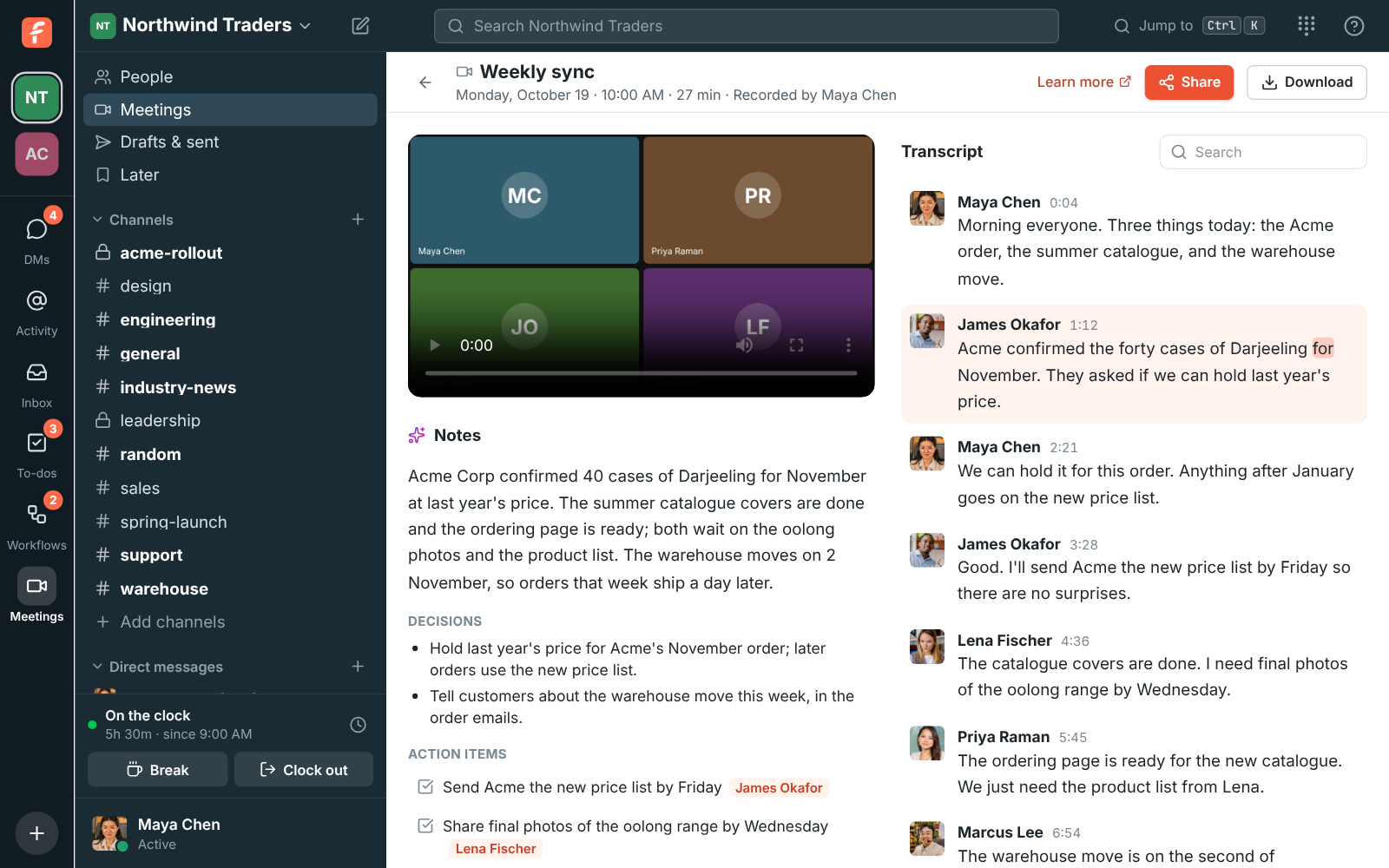
- AI built inAI that does the catching up, the writing up and the translating.
- AI agentsBring your own agent. It works as itself, with only what you allow.
Channel and thread summaries
The last day, the last week or everything since you last read, in a few lines with links to the messages behind each point.
How it worksTranslate any message
Read it in your own language, right under the original.
How it worksWriting help
Turn a rushed reply into a clear one before you send it. Keep the suggestion or keep yours.
How it worksMeeting notes and transcripts
Who said what, a summary, decisions and action items with owners, in the language of the call.
How it worksAsk Freesbe
Ask a question about your workspace and get an answer with a citation on every sentence.
How it worksAI agents over MCP
Connect Claude, ChatGPT or your own agent. It acts as its own bot with only what you allow, and admins approve or block each one.
How it worksSuggested answers in the inbox
Draft a reply to a customer with AI, then edit and send.
How it worksAdmins decide
Turn AI off for the whole workspace, or choose who can start transcripts and notes.
How it works
Connect
Your other tools report to the channel.
Deals, tickets, invoices, payments, candidates and server alerts arrive as cards you can act on. Customers reach you from your website, email, texts and WhatsApp, each in their own thread. And anything with a webhook can post, in Slack's format.
Customer inbox
A chat on your website, your support email, texts and WhatsApp: every customer gets a thread in a channel.
How it worksHubSpot, Salesforce, Pipedrive and Zoho CRM
Deal, lead and contact alerts, link previews, a slash command to look records up, and Log to the CRM on any message.
How it worksZendesk and Zoho Desk
Tickets posted as cards as they change, and any message turned into a ticket.
How it worksStripe, Mercury and Airwallex
Deposits, payments, payouts and balances in a channel as they happen.
How it worksZoho Books and Zoho Invoice
Invoices sent, payments received, invoices paid and overdue invoices, with previews of invoice links.
How it worksZoho Recruit
New candidates, status changes, hires, job openings and interviews posted as they happen.
How it worksZabbix
Problems posted as cards that turn green when resolved, with Acknowledge and Close buttons that act in Zabbix.
How it worksGoogle Workspace, Microsoft 365 and Zoho Calendar
Sign in with Google or Microsoft, and show busy times from your calendar so people book around them.
How it worksZapier, Make, n8n and Zoho Flow
Start a Zap, scenario, workflow or flow from a message, a mention or a new teammate, and post back into any channel.
How it worksApps, webhooks and the API
Your own bots with buttons, slash commands and dialogs from a Slack-shaped manifest; Slack-compatible incoming webhooks; signed outgoing webhooks; a REST API.
How it worksSign in with Freesbe
Let your team sign in to your own dashboards and tools with their Freesbe account, over OpenID Connect.
How it works
Trust
Admin controls a 2,500 person company expects.
Control who gets in, what they can share, where the data lives and what it costs.
Single sign-on
Require everyone to sign in with their Google or Microsoft work account.
How it worksMulti-factor authentication
Passkeys, authenticator apps, emailed codes, or a tap on the phone, as often as you choose.
How it worksData residency
Guaranteed in the EU or the US, or close to your team in Asia-Pacific or Oceania, and exactly what stays there.
How it worksFile type rules
Choose what members and guests can upload. Files are checked by what's inside, so a renamed program is caught.
How it worksMessage and recording rules
Decide who can edit and delete messages, and who can start and stop recordings and AI notes.
How it worksUsage and spending limits
See how much video and storage the workspace used this month against what its plan includes.
How it worksExport your data
A workspace's messages and files as a zip in Slack's export format.
How it worksAdmin Center
Manage the workspace on a full screen: the phone system, logs, integrations and billing.
How it works
Try all of it free with up to 10 people.
No card, no time limit. Invite your team and see what sticks.