Freesbe

For sales teams

From first call to signed deal, in one app.

Freesbe gives sales teams booking links, branded video meetings, a phone line for every rep with click-to-call from the CRM, deal alerts from HubSpot, Salesforce, Pipedrive and Zoho CRM, and a guest channel per account. Prospects book a slot, get a calendar invite and join from a browser. The notes arrive after the call.

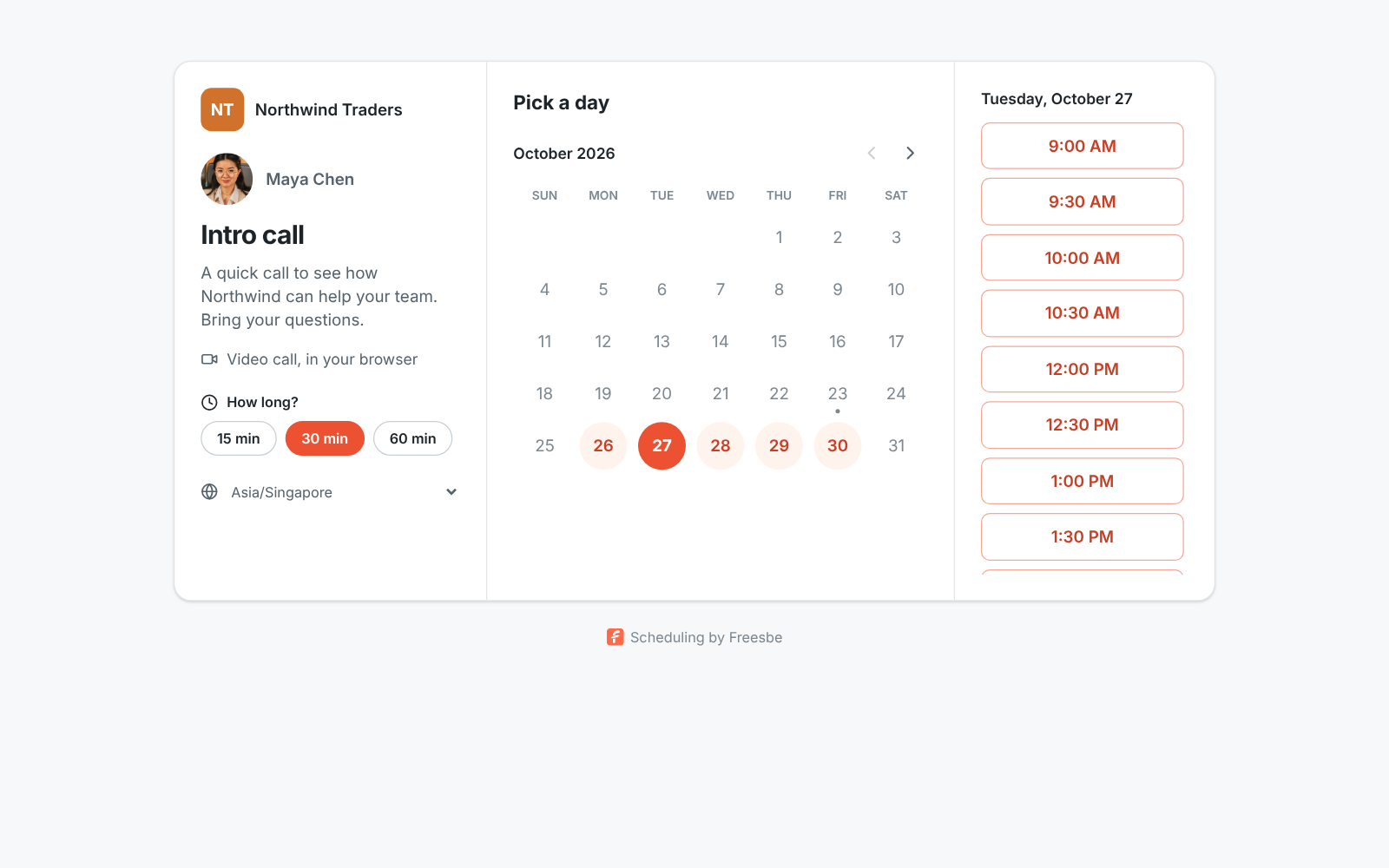
A booking page for an intro call with open time slots

Booking links every rep can set up

Each person makes their own booking links with 15, 30 or 60 minute slots inside the hours they choose. Connected Google, Microsoft or Zoho calendars keep busy times off the page. A booking becomes a meeting with a link for both sides, and the prospect can reschedule or cancel on their own.

  • One link for intro calls, another for demos, up to 10 per workspace
  • Booking links on your own domain with Corporate and Enterprise, like meetme.acme.example/dana
  • Pasted into Slack, Teams or iMessage, the link unfurls with your name and logo
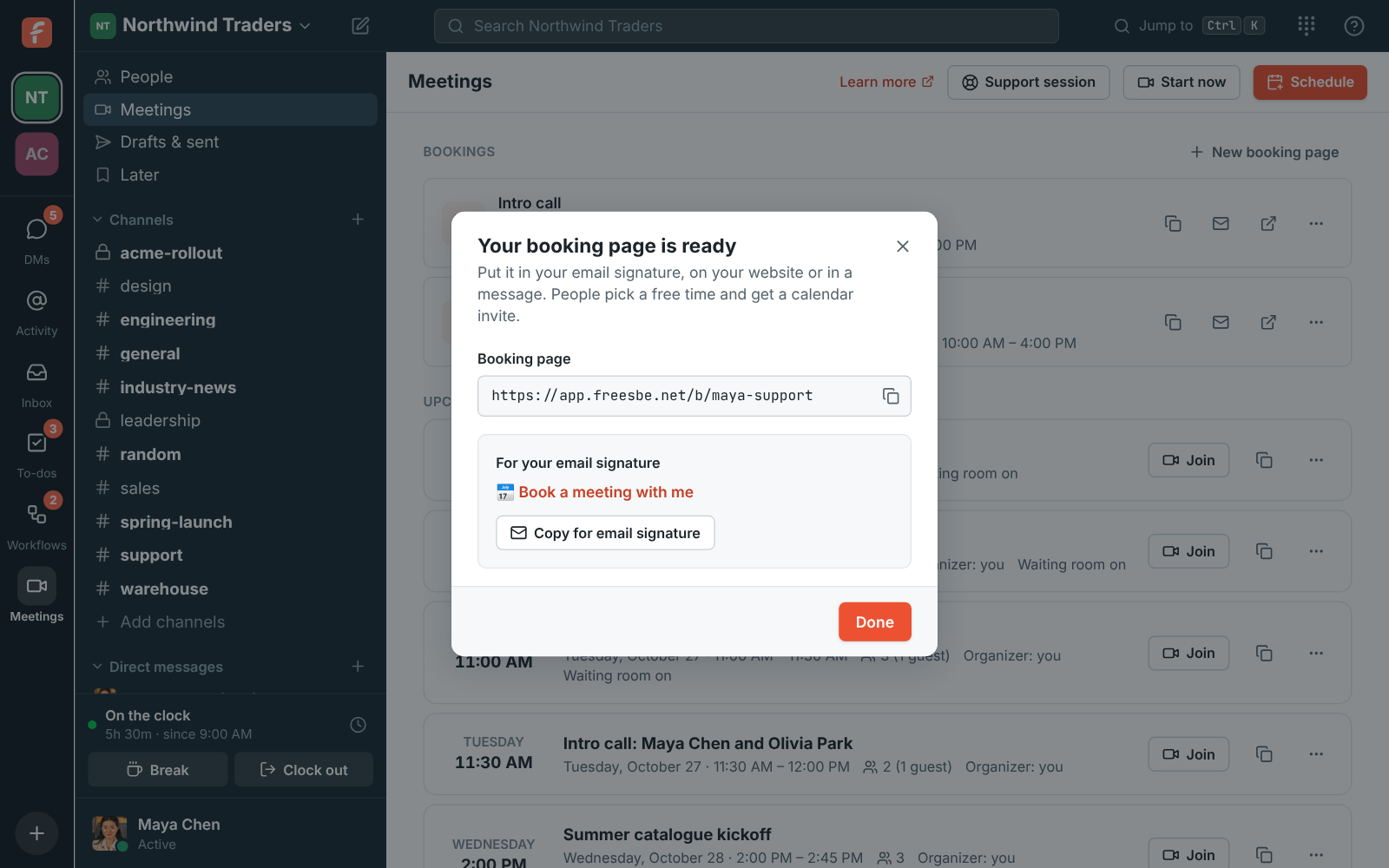
Your booking link is ready, with a line to copy for your email signature

Meetings that look like you

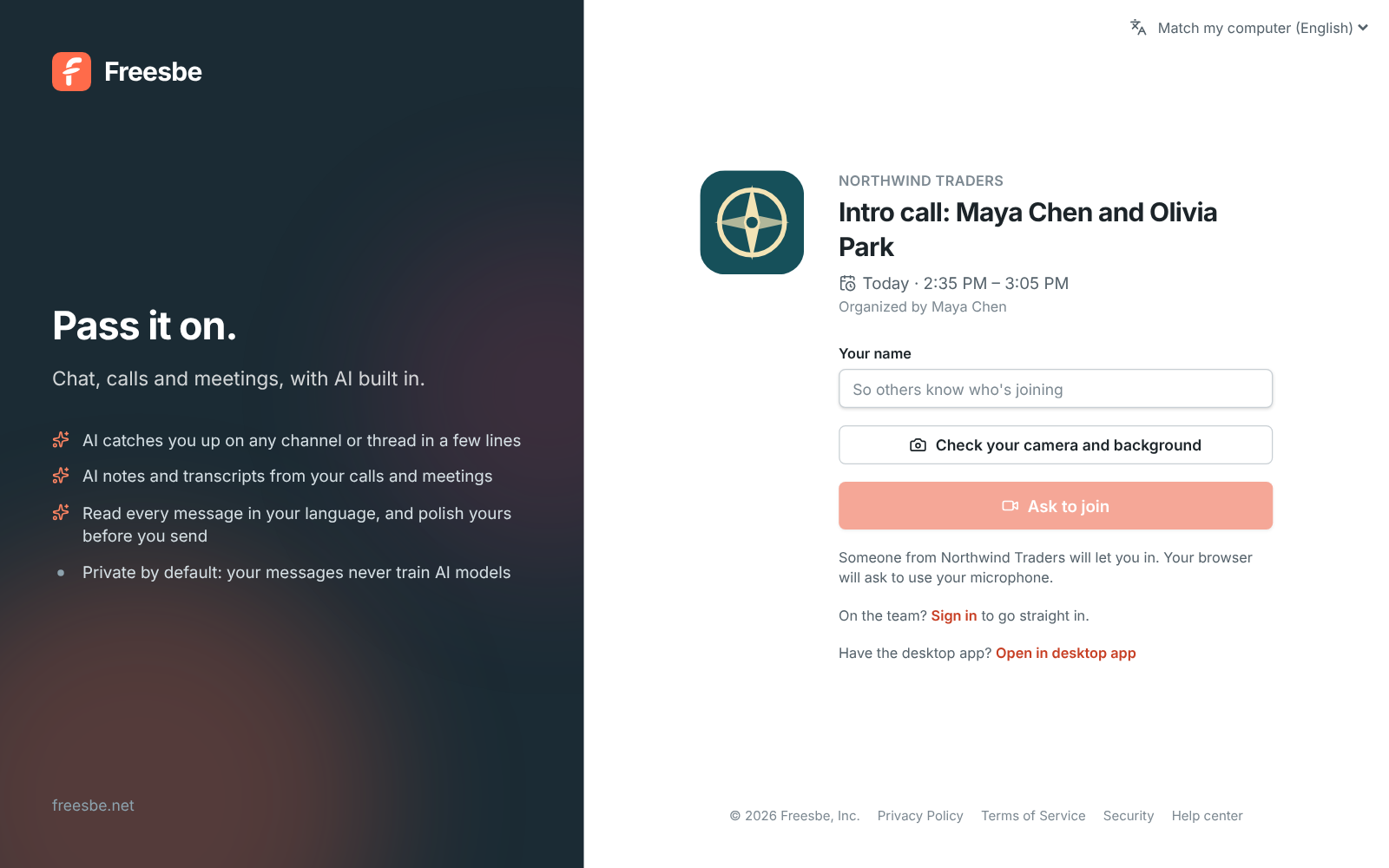
Prospects open the meeting link in any browser and see your logo, the meeting title and who they're meeting. They wait in a lobby until you let them in, and nobody needs an account. Record the call and the notes, decisions and action items are ready a minute after you hang up. Admins can have guests emailed the notes too.

A meeting link with the Northwind Traders logo, the title and Ask to join

See it on your own team's data.

Start free with up to 10 people and try it today, or book a 20-minute demo with the people who make Freesbe.

Your CRM reports to the channel

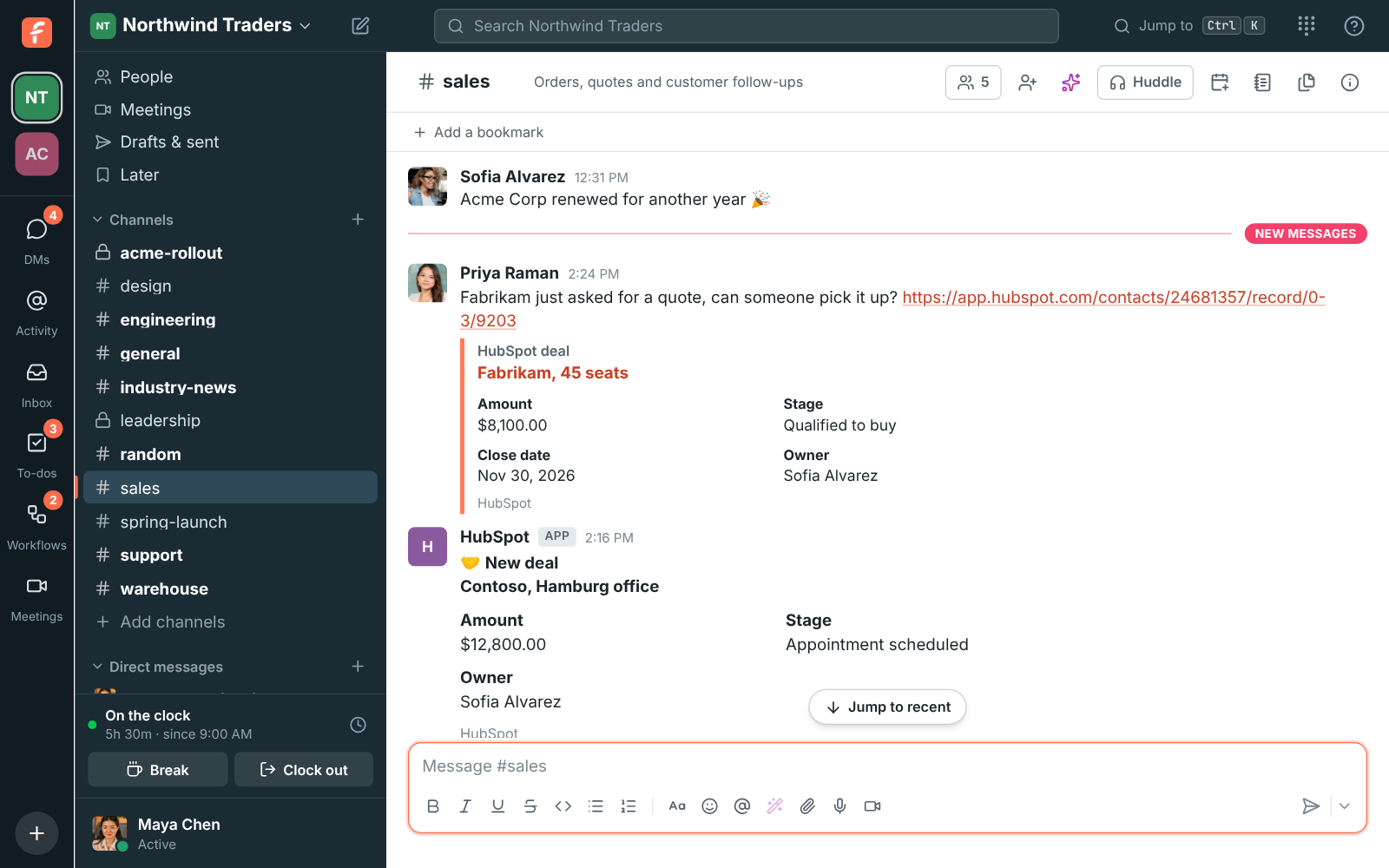
Connect HubSpot, Salesforce, Pipedrive or Zoho CRM and new deals, deals moving stage, deals won and lost and new contacts post into the channels you pick, with a smallest deal to post so #leadership only hears about the big ones. Paste a deal link and it previews. Type /hubspot or /salesforce to look a record up, and log any message to a contact's timeline from its menu.

#sales with HubSpot alerts for a deal won and a new deal, and a HubSpot link with a preview

Call from the CRM, talk in Freesbe

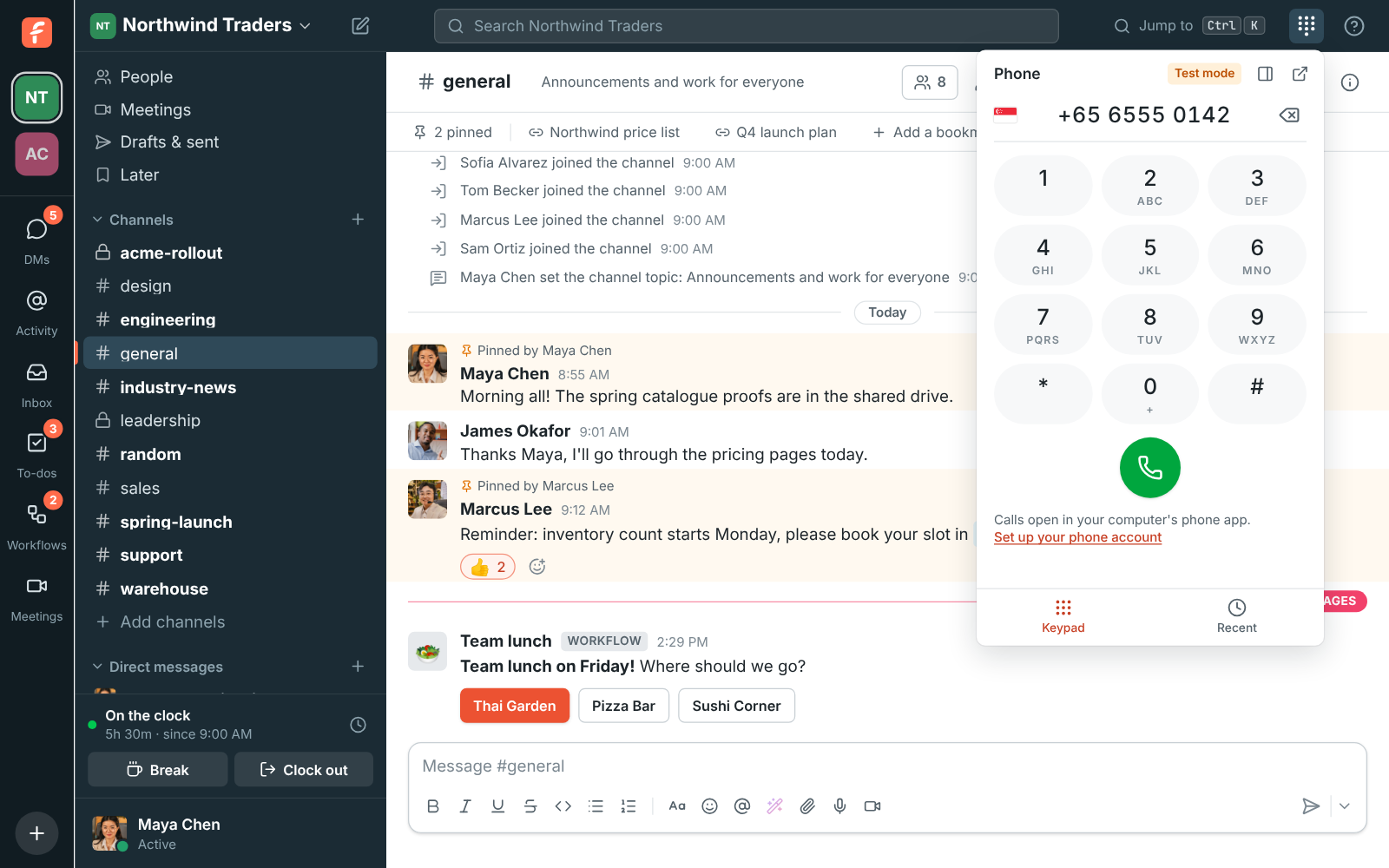
With the phone system from Freesbe, a Call button in your CRM rings the rep's Freesbe phone first, then dials the customer from your workspace's number. When the call ends, your CRM hears whether the customer answered and how long you talked, so it can log the call. Click any number in a profile or a message and it rings too.

The dialpad with a number typed in

A shared channel for every account

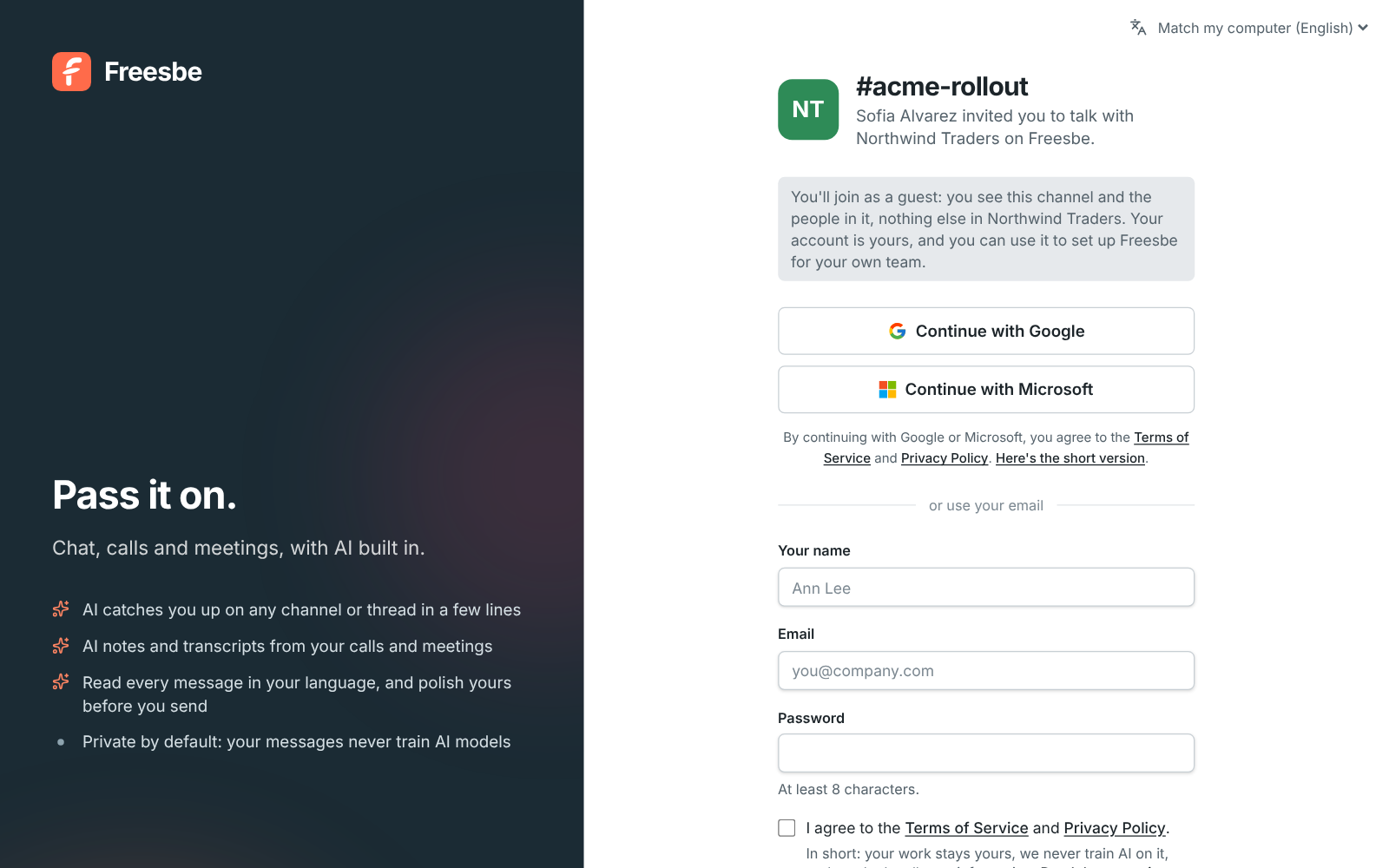
Invite the customer's team into a channel as guests. Questions, files and quick huddles all happen there, and they can't see the rest of your workspace. The channel's canvas holds the account plan: the owner, the renewal date, goals, key contacts and next steps, from a template.

A guest invite page: Sofia Alvarez invited you to talk with Northwind Traders

Questions

Can prospects book a meeting without an account?
Yes. They open your booking link, pick a free slot and get an email invite with a calendar file. They join from a browser and can move or cancel the booking from the link in their invite.
Does it check my calendar?
Yes, when you connect a Google, Microsoft or Zoho calendar. Busy times stay off your booking page, and your status can say In a meeting while you're in one.
Which CRMs connect?
HubSpot, Salesforce, Pipedrive and Zoho CRM, each with alerts, link previews, a slash command and a Log to the CRM action on messages. Salesforce comes with Corporate and Enterprise. Any other CRM can post through an incoming webhook or call through the API.
What does click-to-call need?
The phone system from Freesbe, which is an add-on on any paid plan. Your CRM calls the Freesbe API with an app token, or an AI agent you connect can place the call for you.

See it with your own team's questions.

Start a workspace free for up to 10 people, or book a 20-minute call and bring the questions your team would ask.