Freesbe

Calls that start where the conversation already is.

A Freesbe huddle is a voice or video call inside a channel or DM. Anyone can start one or drop in, with up to 20 people. Share your screen, record or transcribe it for notes, let a teammate control your screen, and move the call to your phone. It stays in a floating window while you keep chatting.

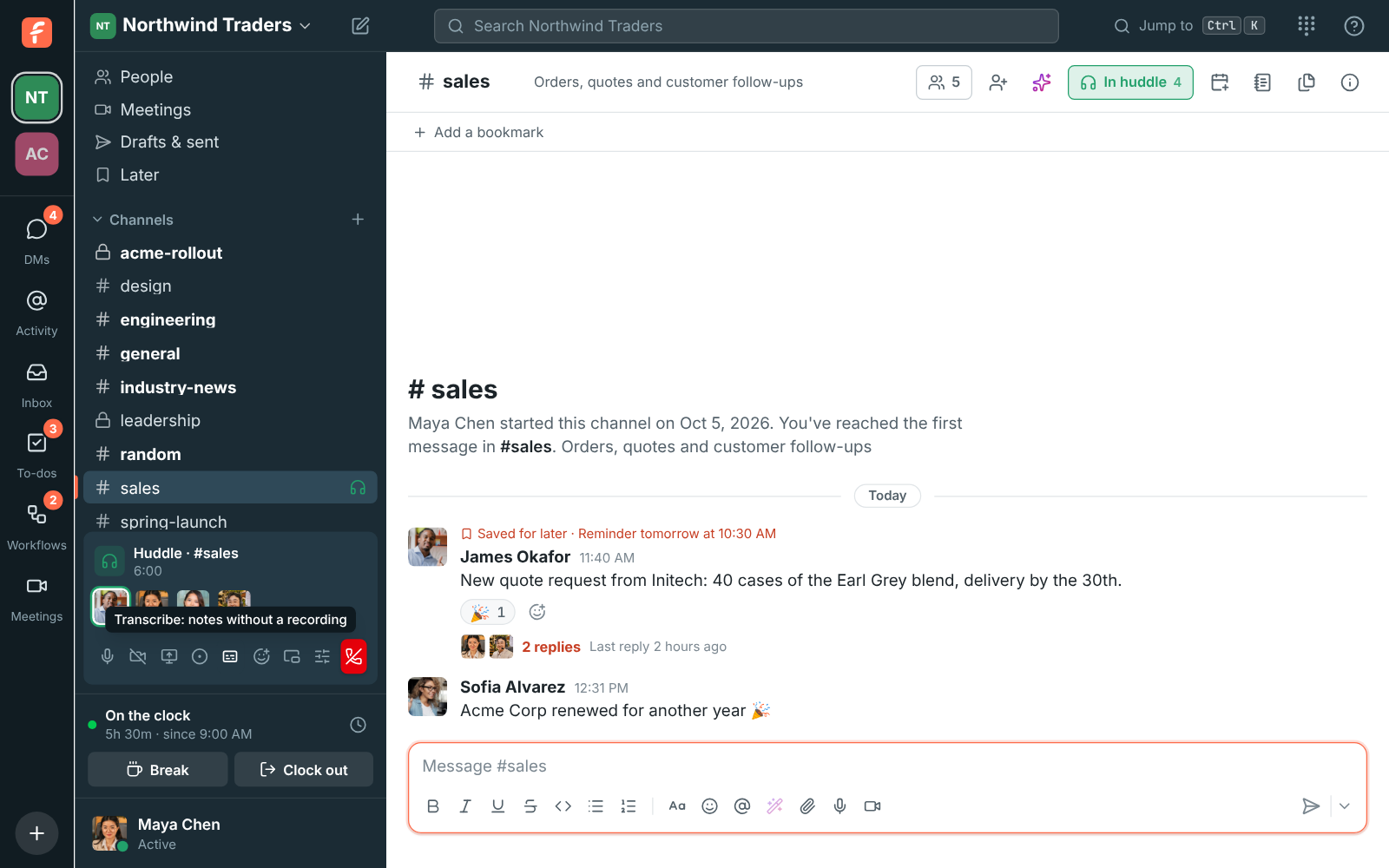
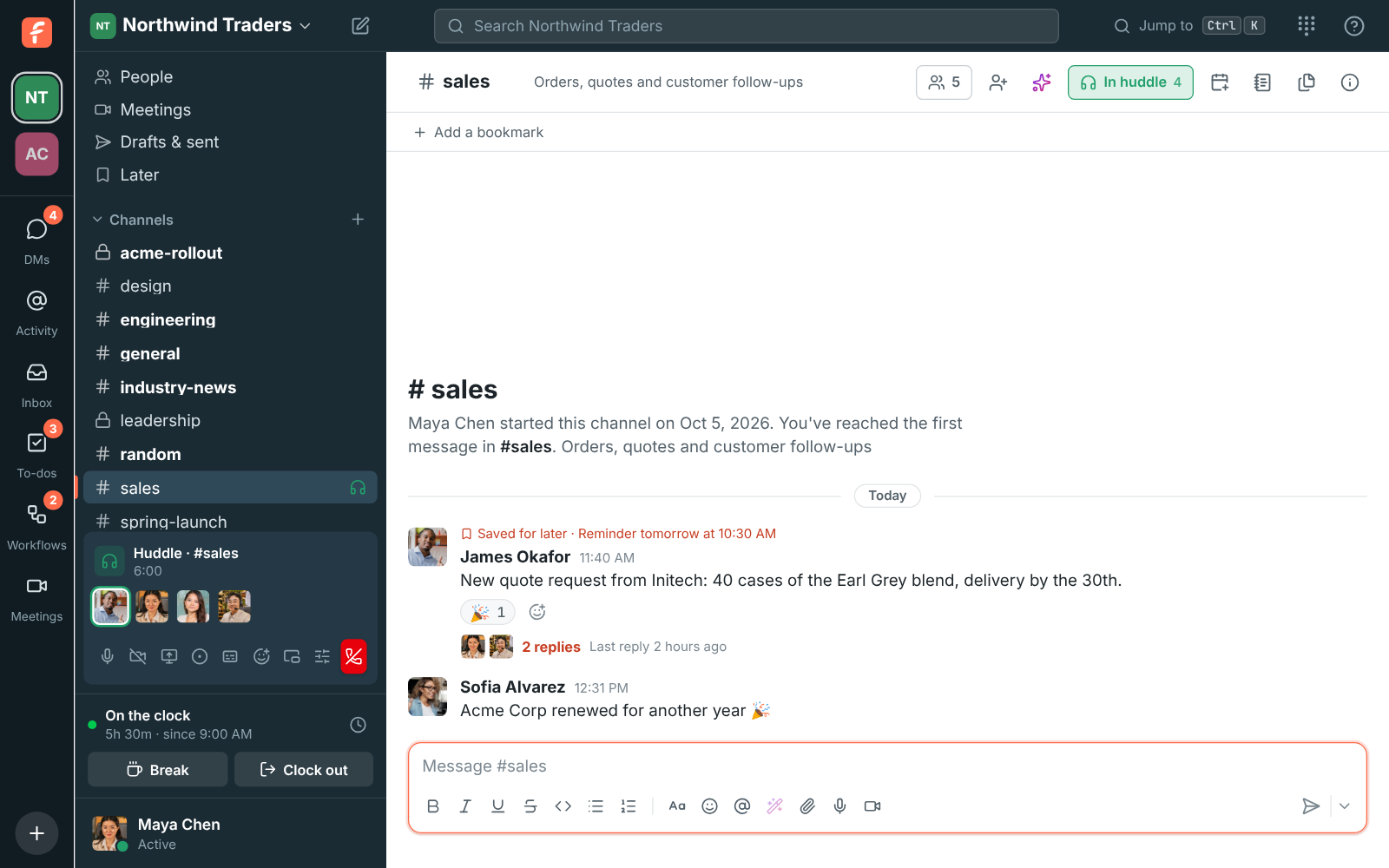
A huddle in #sales with four people and the huddle bar in the sidebar

One click from a channel or DM

Click Huddle at the top of any conversation. In a DM it rings the other people on every device they're signed in on. In a channel nobody is rung, so people see the call and join when they're ready. Voices are evened out so everyone sounds about as loud, and a weak connection keeps the sound first.

  • Voice for everyone on every plan, group video and screen sharing on paid plans
  • Reactions and a raised hand, with waiting music while you're alone
  • Mute, camera, screen share and devices from the huddle bar
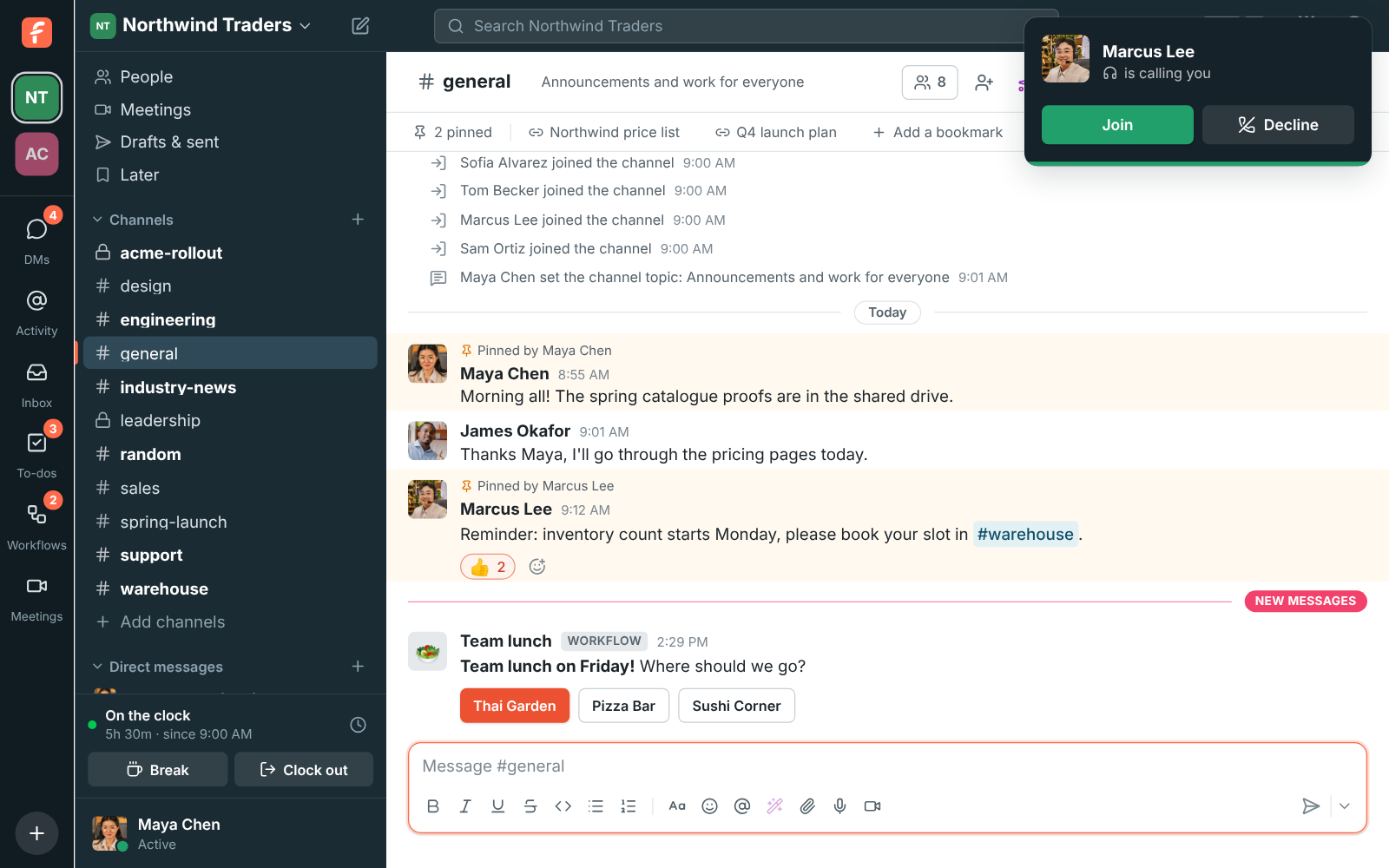
James Okafor is calling you, with Join and Decline
Join or decline
A huddle in #sales with four people and the huddle bar in the sidebar
In the huddle
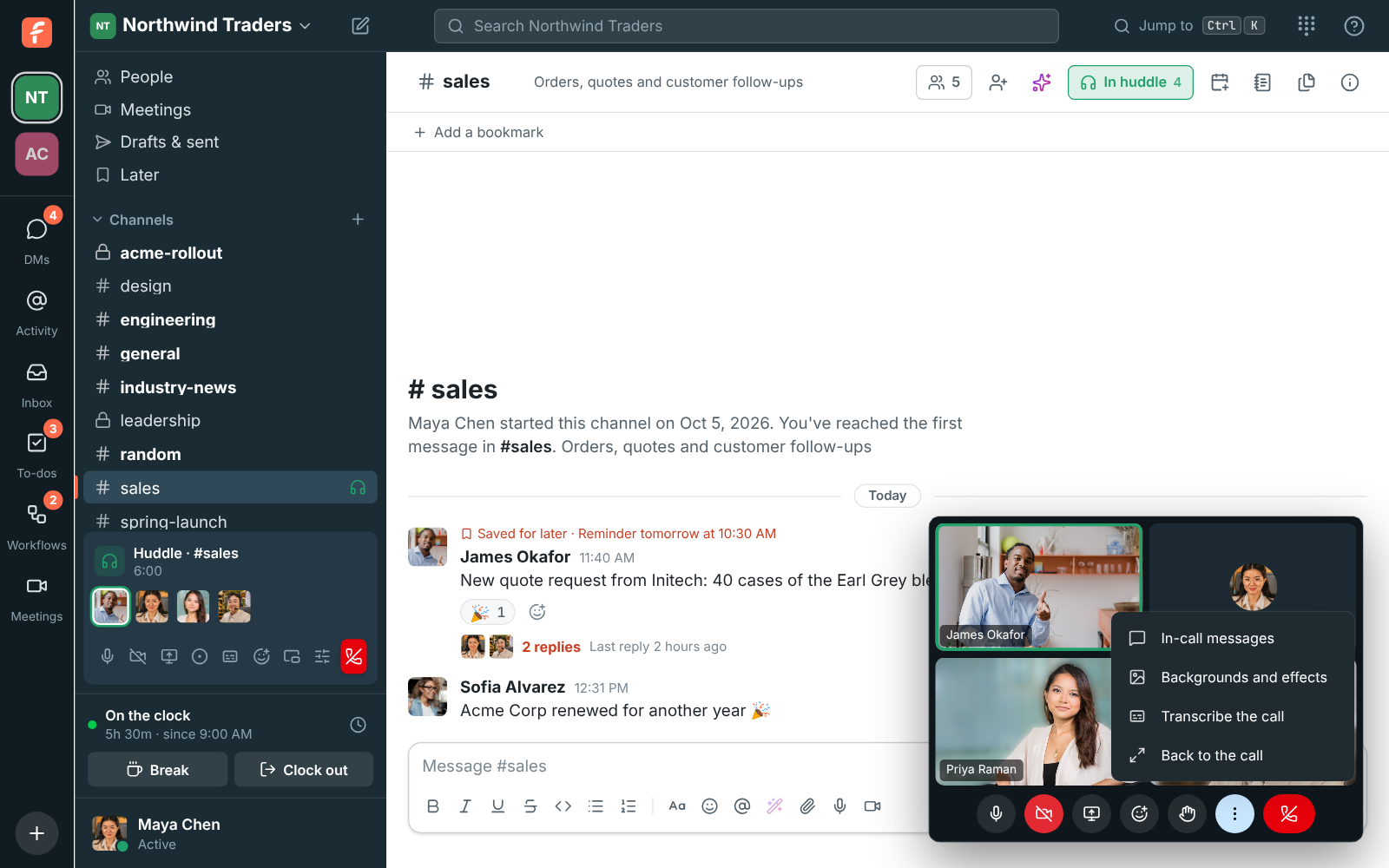
The huddle floating in its own window over #sales, with three people on camera and the More options menu open
In its own window
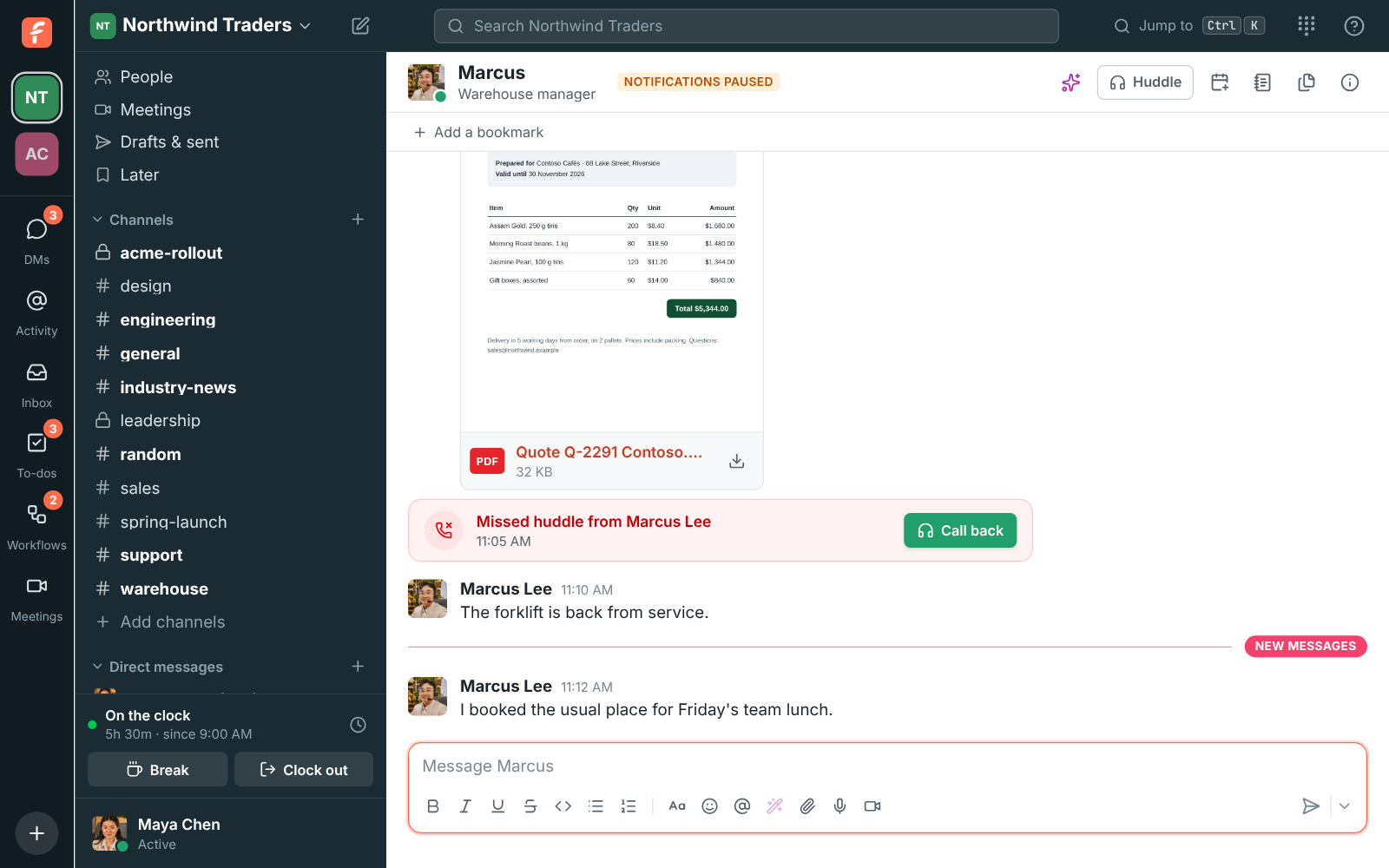
Marcus Lee's DM with Missed huddle from Marcus Lee and a Call back button
Missed? Call back

Keep chatting during the call

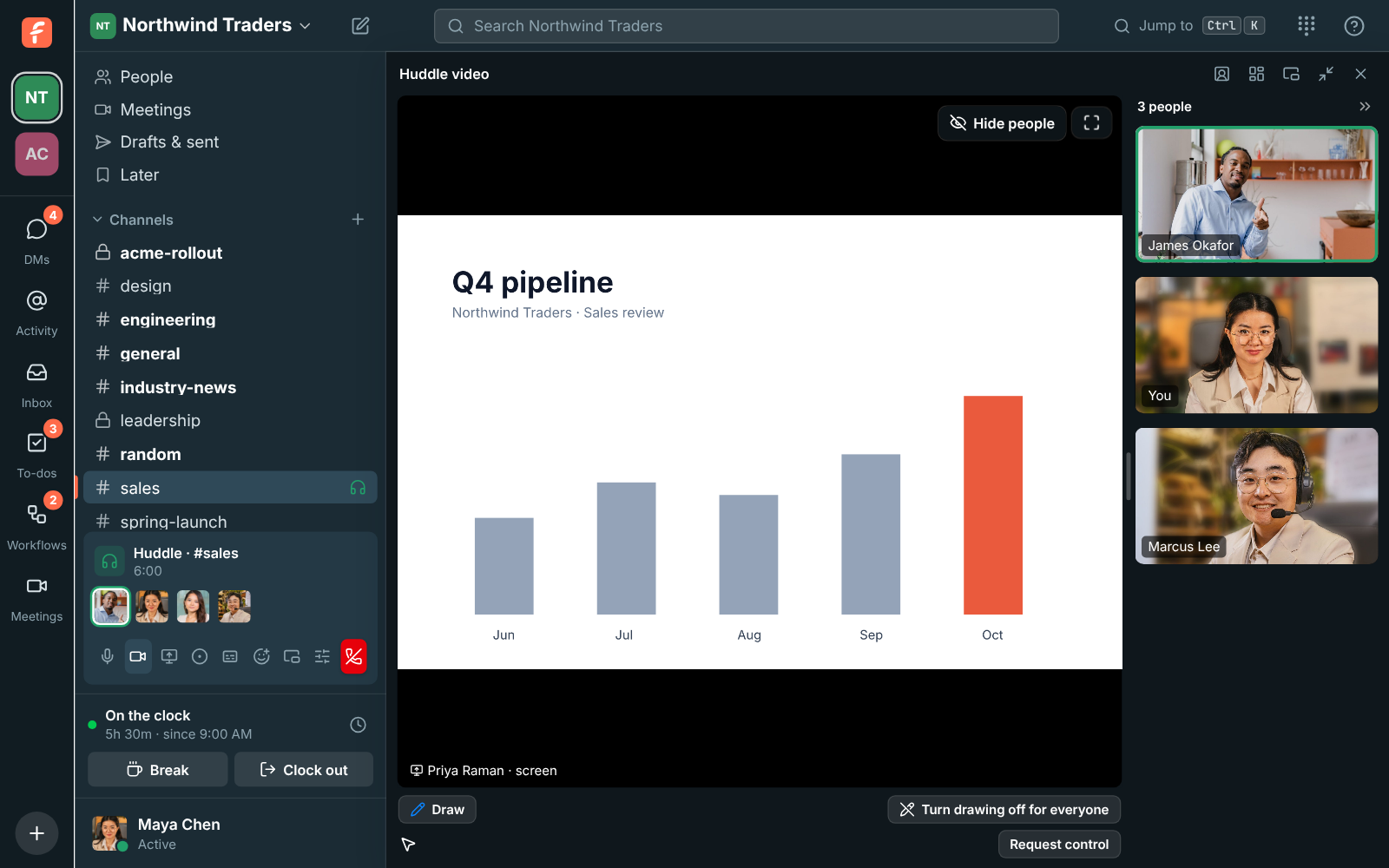
Make the video bigger and it covers only the conversation, so the sidebar stays free. Switch tabs and a small floating window keeps the call in view. In the desktop app it stays on top of your other apps, and a frame goes around what you share so you always know what others see.

A huddle made bigger: a shared screen and three cameras, with the sidebar still usable
Bigger, with the sidebar still there
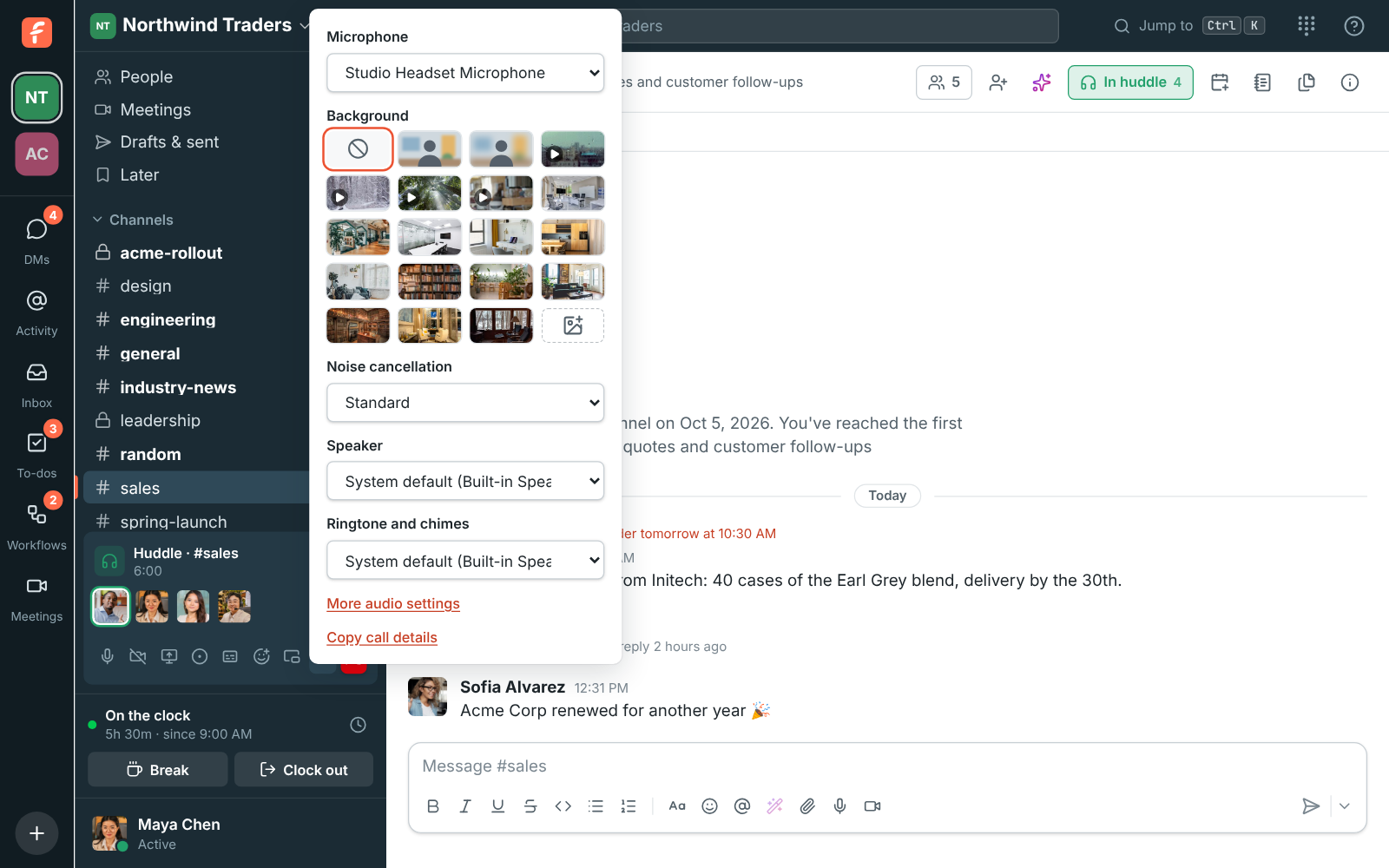
Audio and video devices in the huddle bar: microphone, background, noise cancellation, speaker, ringtone and chimes, and Copy call details
Devices, backgrounds, noise cancellation
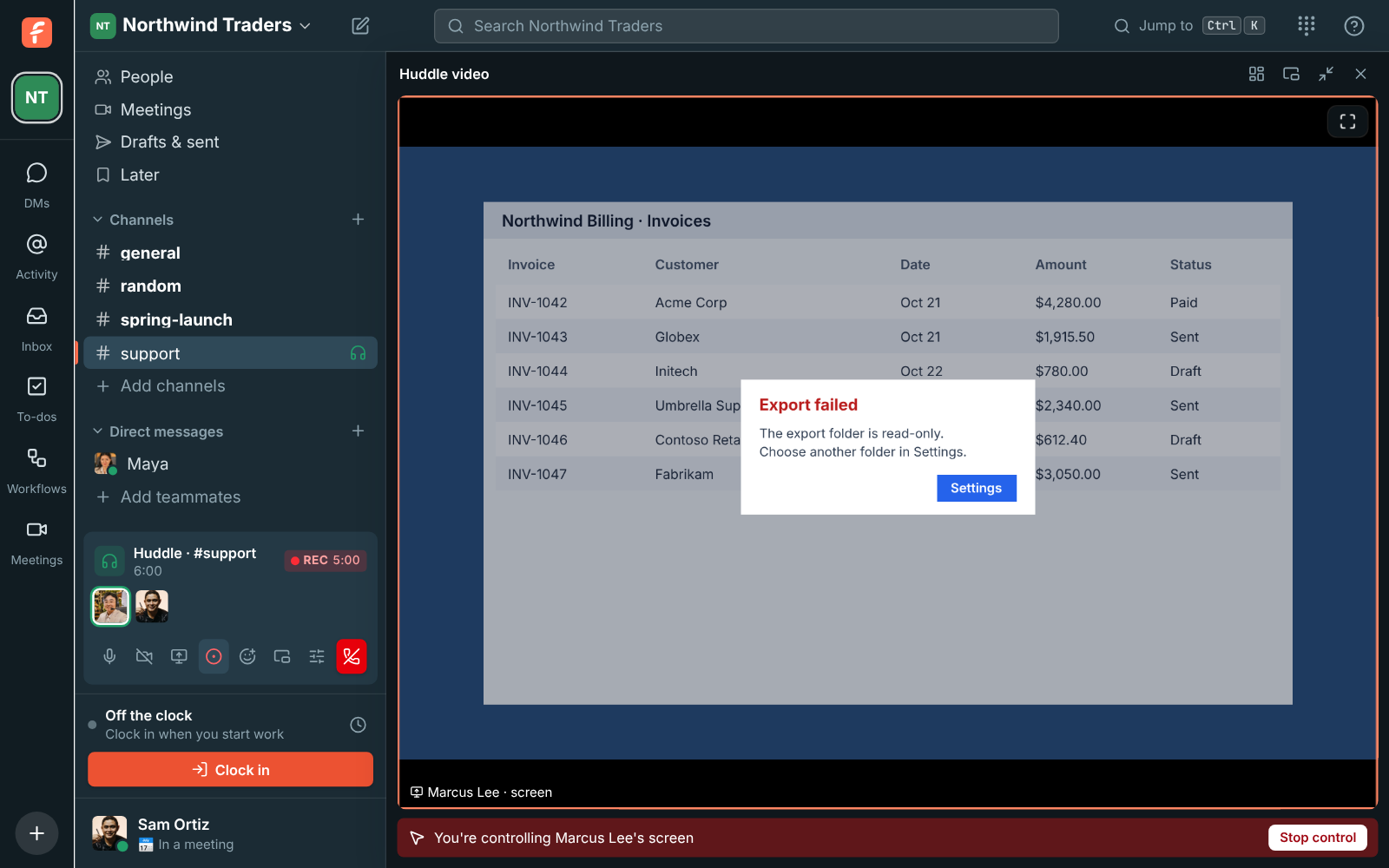
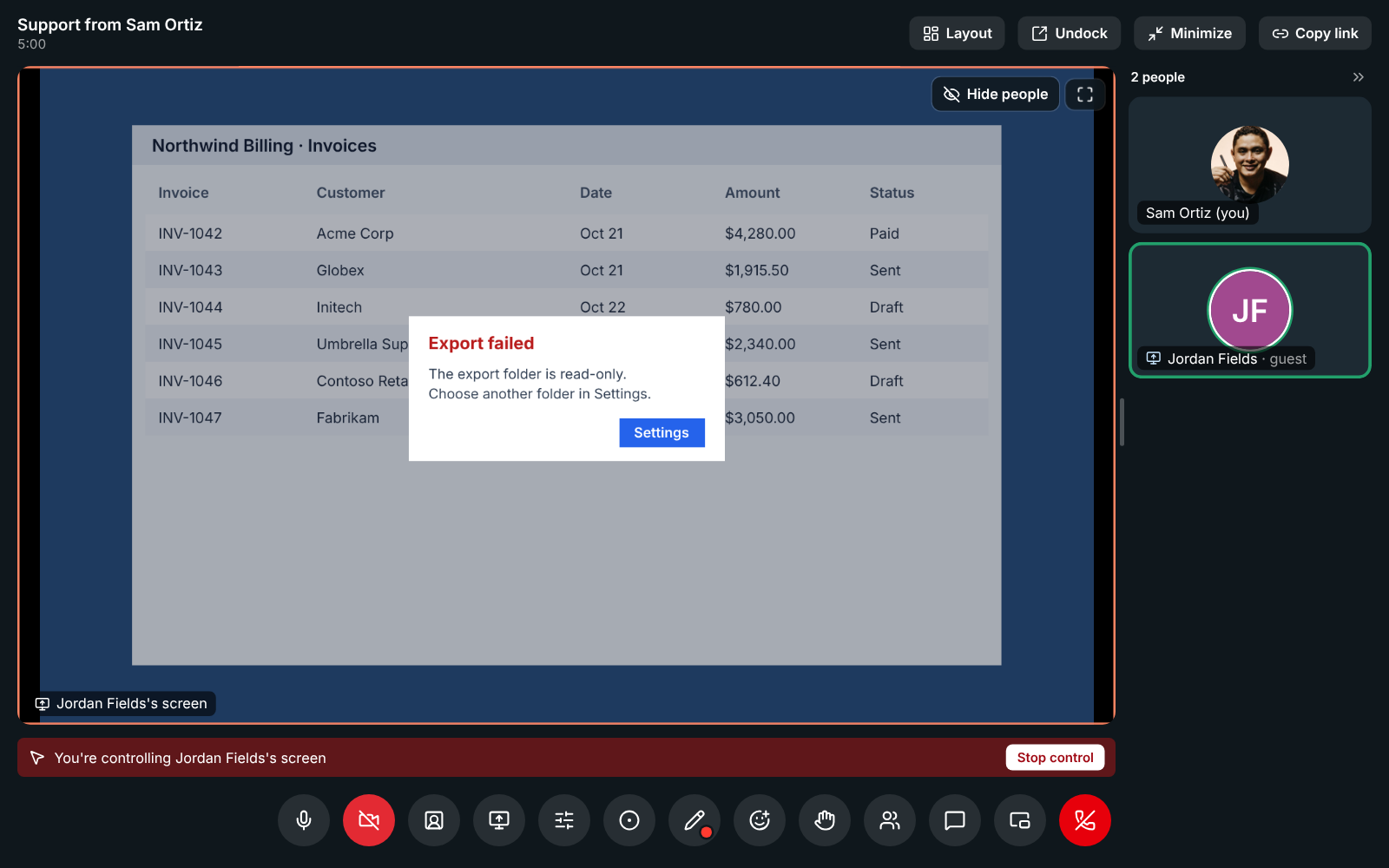
Controlling a teammate's shared screen, with the control bar at the top
Remote control

See it on your own team's data.

Start free with up to 10 people and try it today, or book a 20-minute demo with the people who make Freesbe.

Move the call to another device

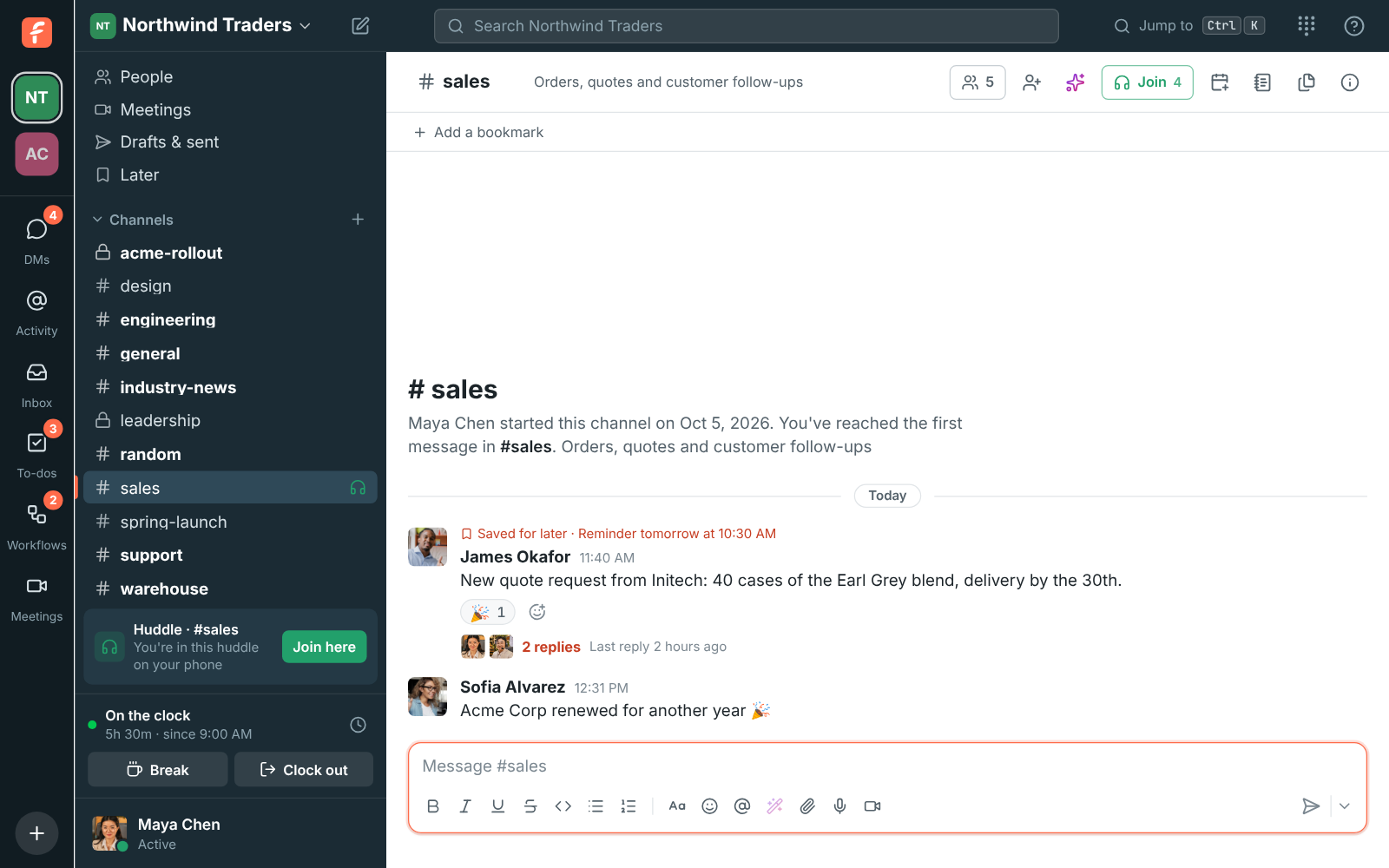
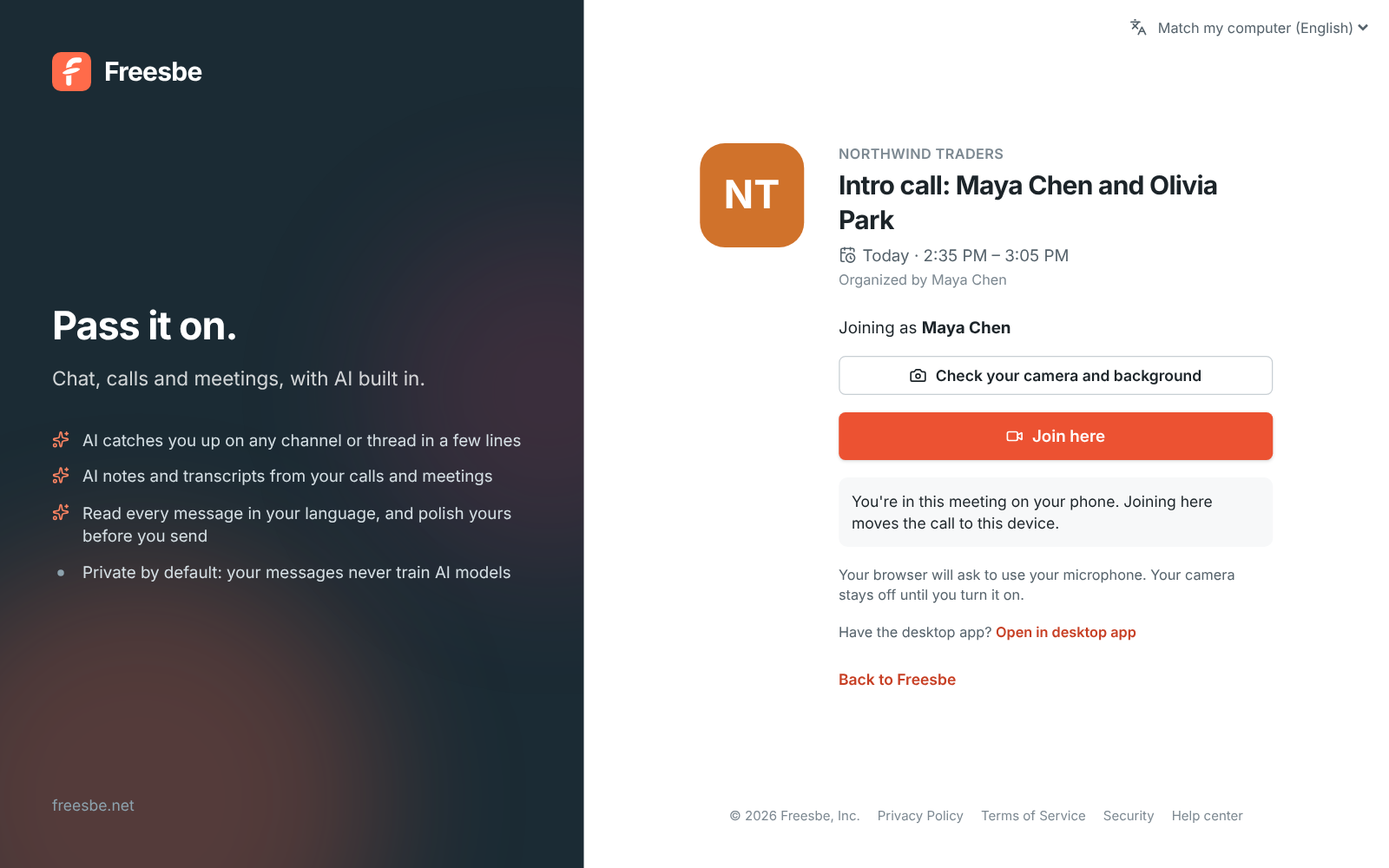
Started a huddle on your phone and just sat down at your computer? The sidebar shows You're in this huddle on your phone with Join here. Click it and the call moves over without anyone noticing a drop: the others keep hearing you, and your phone hangs up on its own. It works in any direction between the desktop app, a browser and the phone app.

The sidebar showing Huddle in #sales, You're in this huddle on your phone, with a Join here button
On your phone, join here
The meeting page for Intro call with Join here and You're in this meeting on your phone
Join here

Remote control for real help

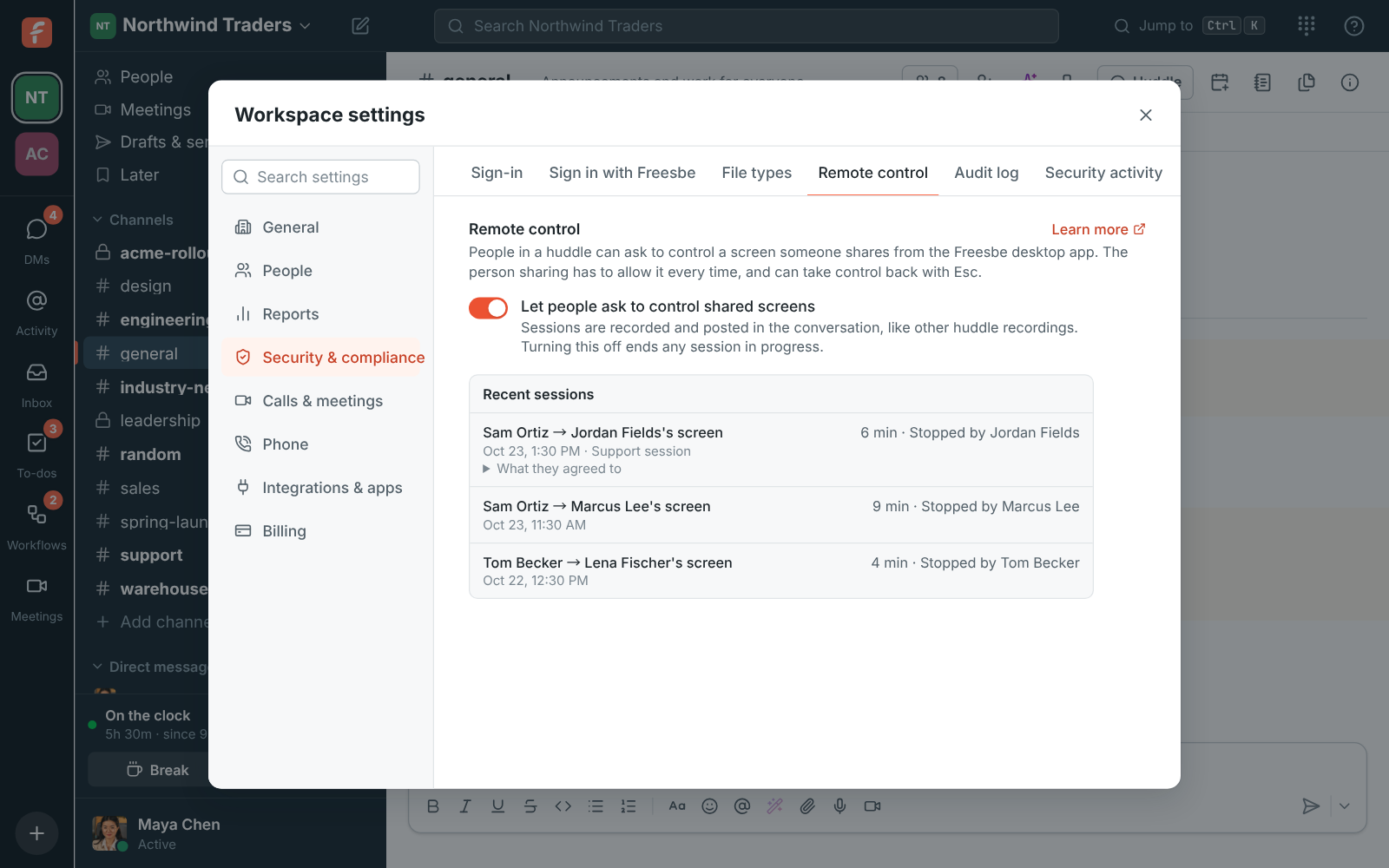
When someone shares their screen from the desktop app, you can ask to control it. They allow it in a window of their own, every time, and press Esc to take control back. Shortcuts are translated between Mac and PC. Admins decide whether remote control is on and see a log of every session.

Controlling a teammate's shared screen, with the control bar at the top
In control
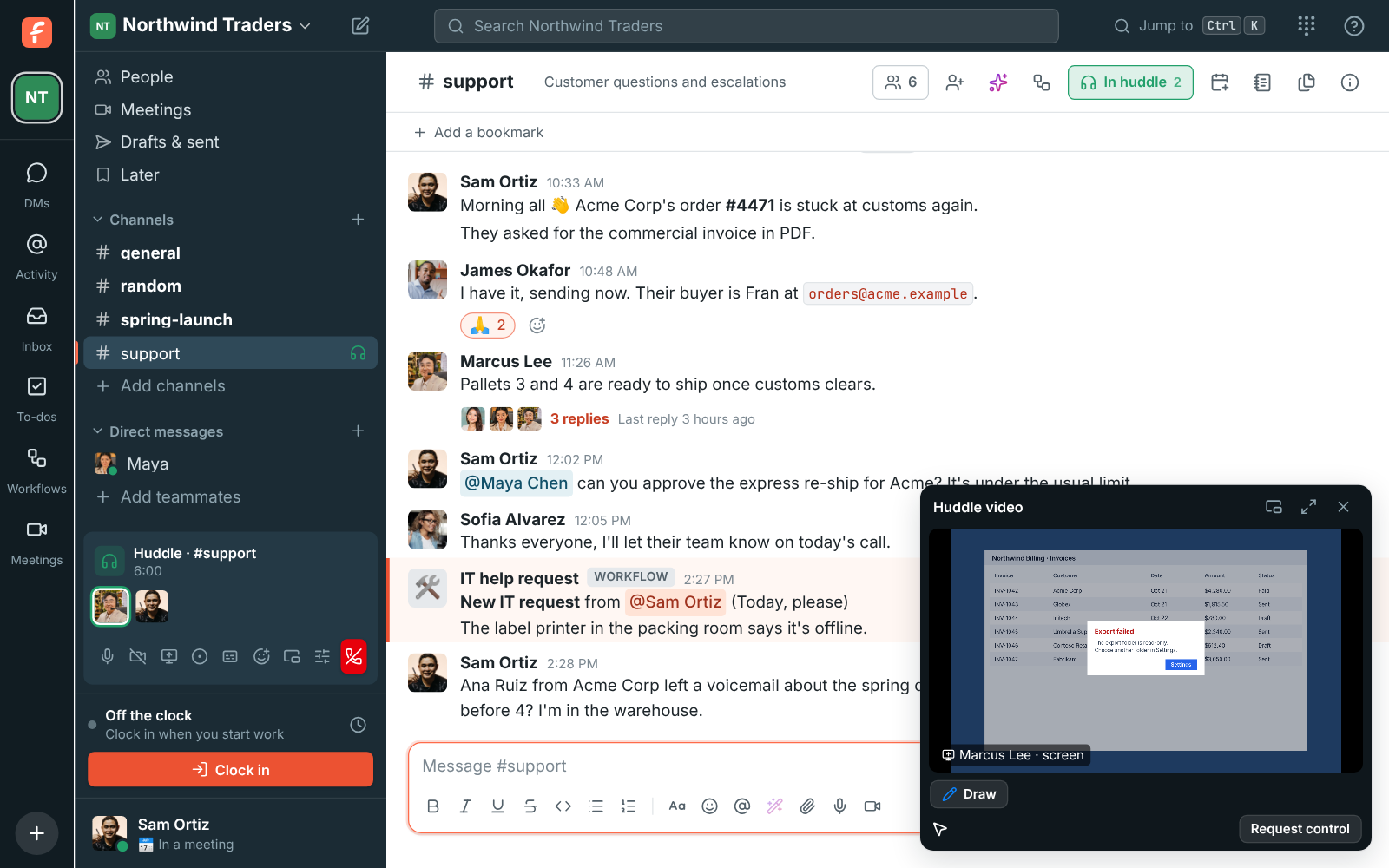
Sam Ortiz's shared screen in the huddle video, with Request control under it
Ask for control
An agent controlling a customer's shared screen during a support session
A support session
Workspace settings: the Remote control switch and the Recent sessions log
The switch and the log

Recordings and notes that survive a dropped connection

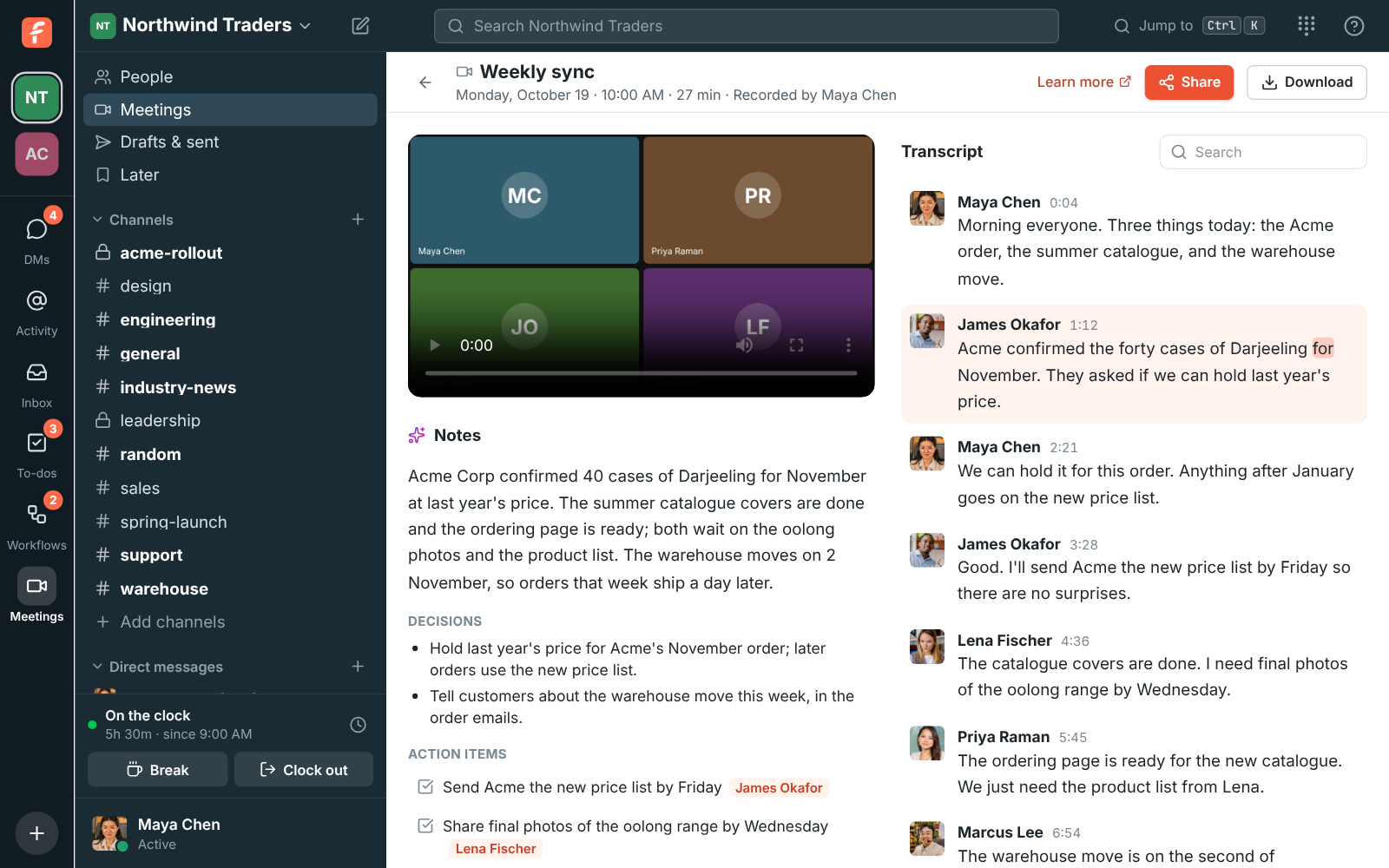
Anyone from the workspace can record unless an admin limits it to hosts. Everyone hears a tone and sees REC. The recording uploads every few seconds and is posted in the conversation when it stops, and a minute later the notes follow in its thread: a summary, decisions and action items. Click Transcribe instead to get the notes without a video.

A recorded weekly sync with AI notes, decisions and action items next to a transcript
Notes and transcript
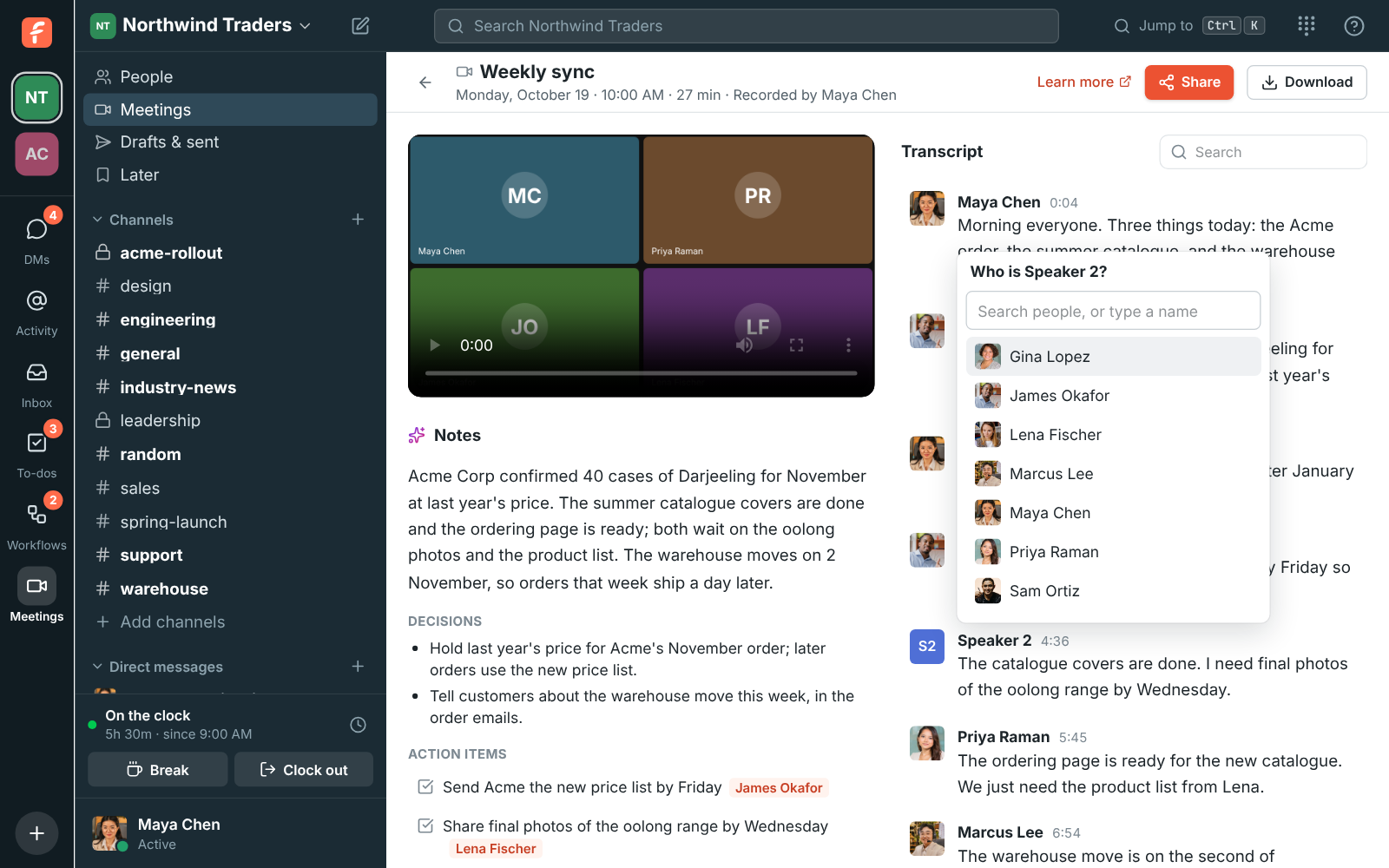
The Weekly sync recording with Who is Speaker 2? open over the transcript, listing people from the workspace
Name a speaker
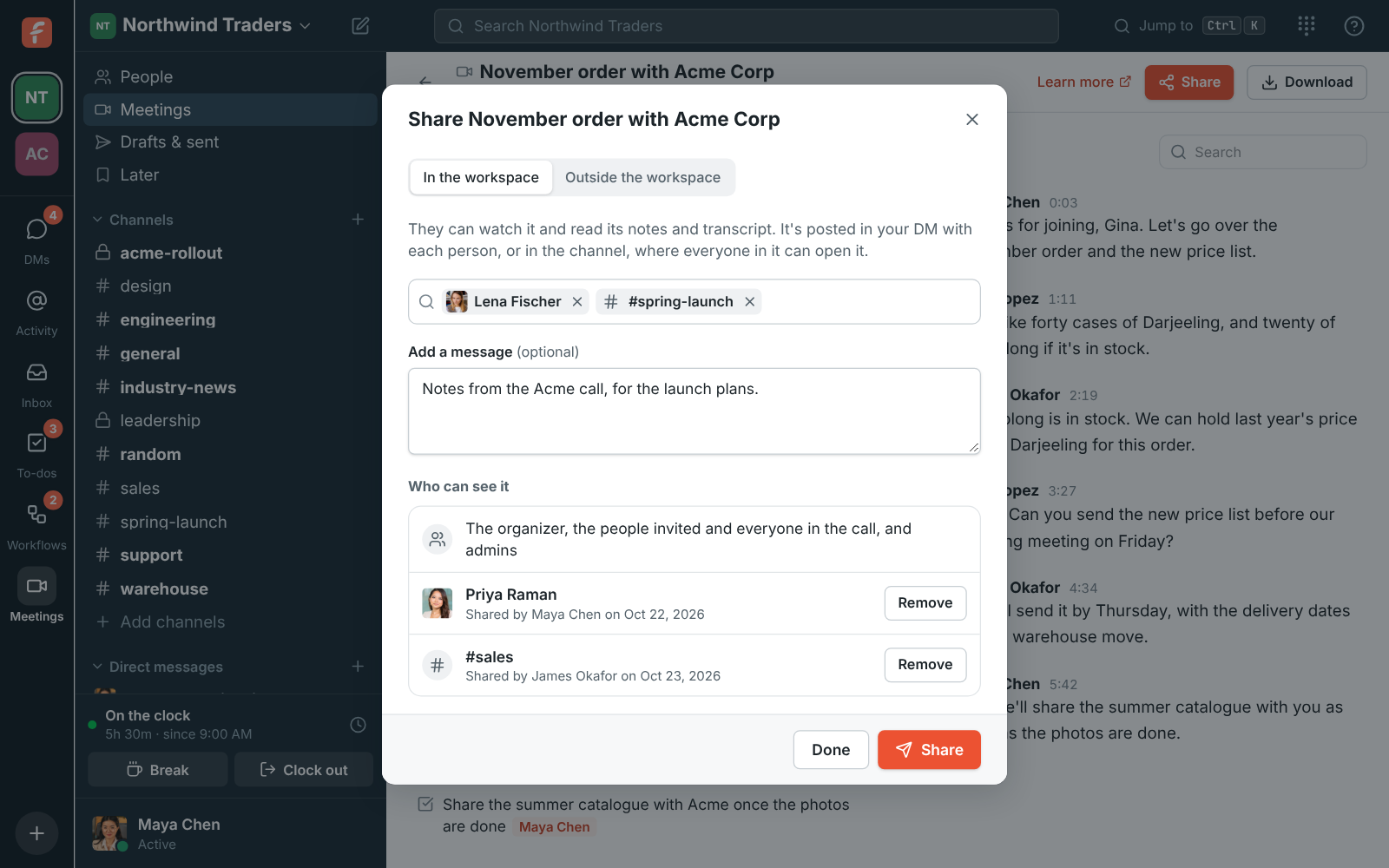
The Share dialog for the November order with Acme Corp: Lena Fischer and #spring-launch picked, and under Who can see it, the people in the meeting
Share a recording
The huddle controls in #sales, with the Transcribe button's tooltip: notes without a recording
Transcribe without recording

Questions

How many people can join a huddle?
Up to 20 people at once, in a channel or a group DM.
Is video included on the Free plan?
The Free plan includes 1:1 voice and video and group voice huddles. Group video, screen sharing and recordings come with the paid plans, each with a monthly video allowance pooled across the workspace.
Can I join a huddle from my phone?
Yes, in the Freesbe app for iPhone and Android, which is in testing. A call in a DM rings your phone, and you can move a call between your computer and your phone.
Who can control my screen?
Only someone you allow, each time, and only when an admin has turned remote control on. Only a screen shared from the desktop app can be controlled. Remote control comes with Corporate and Enterprise.

Try all of it free with up to 10 people.

No card, no time limit. Invite your team and see what sticks.