Connect from Preferences
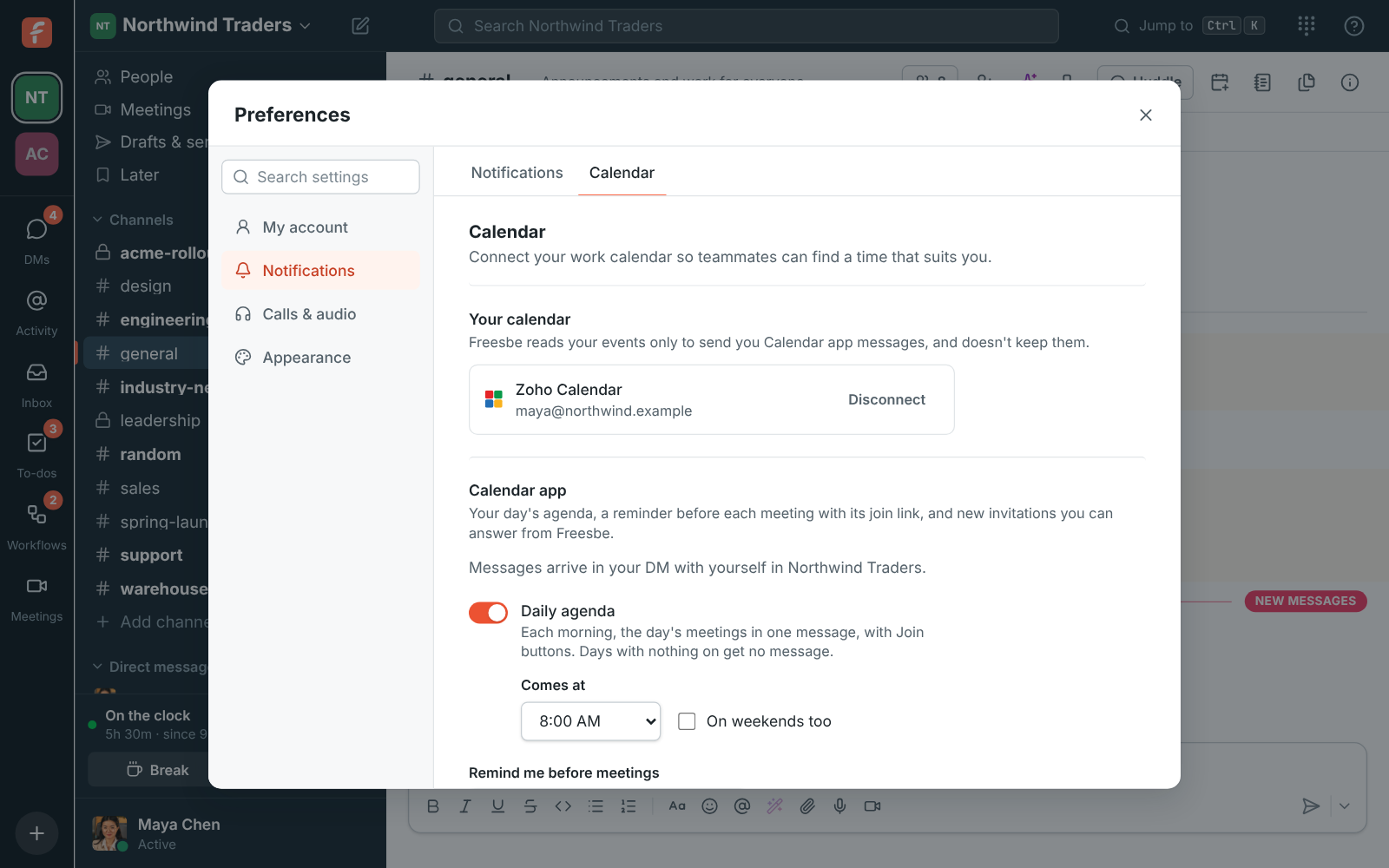
Open Preferences, choose Calendar and click Connect Zoho Calendar. Zoho asks you to sign in, finds your account's data center on its own, and lists what Freesbe asks for: your name, email address and when you're busy. It can be a different account from the one you sign in to Freesbe with. You have one calendar connected at a time, so connecting Zoho Calendar replaces a Google or Microsoft calendar you connected before.