Sign in with Microsoft
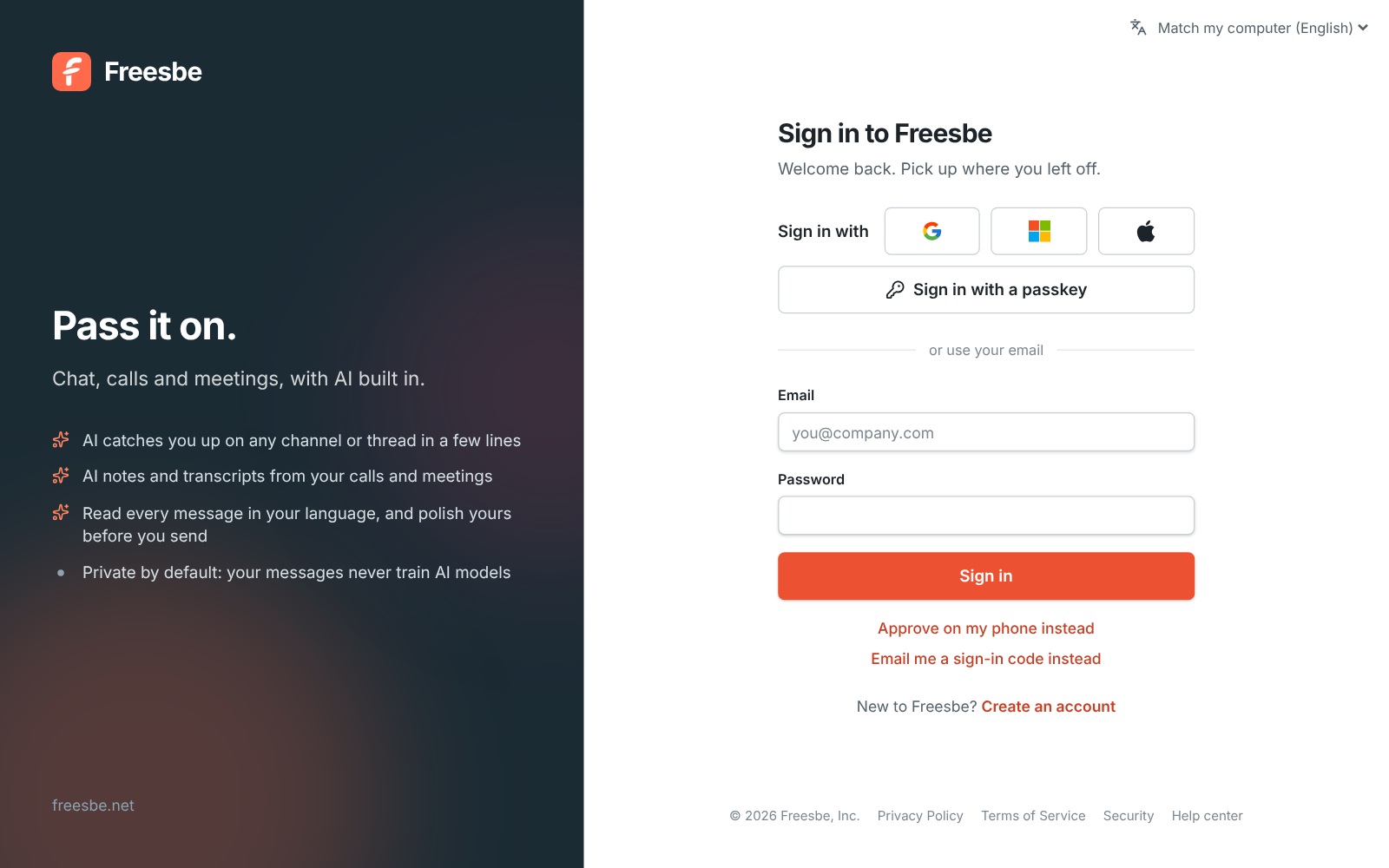
Anyone can continue with Microsoft. Work, school and personal accounts can sign in, and Freesbe links Microsoft to the account with the same confirmed email.
Freesbe works with Microsoft 365 in two ways. People sign in with their Microsoft account, and on Corporate admins can require Microsoft sign-in for everyone. People also connect their Microsoft calendar, so teammates see busy times when scheduling and their status shows In a meeting during Outlook events.
For Companies on Microsoft 365 who want one account for chat, calendar and sign-in.
Anyone can continue with Microsoft. Work, school and personal accounts can sign in, and Freesbe links Microsoft to the account with the same confirmed email.
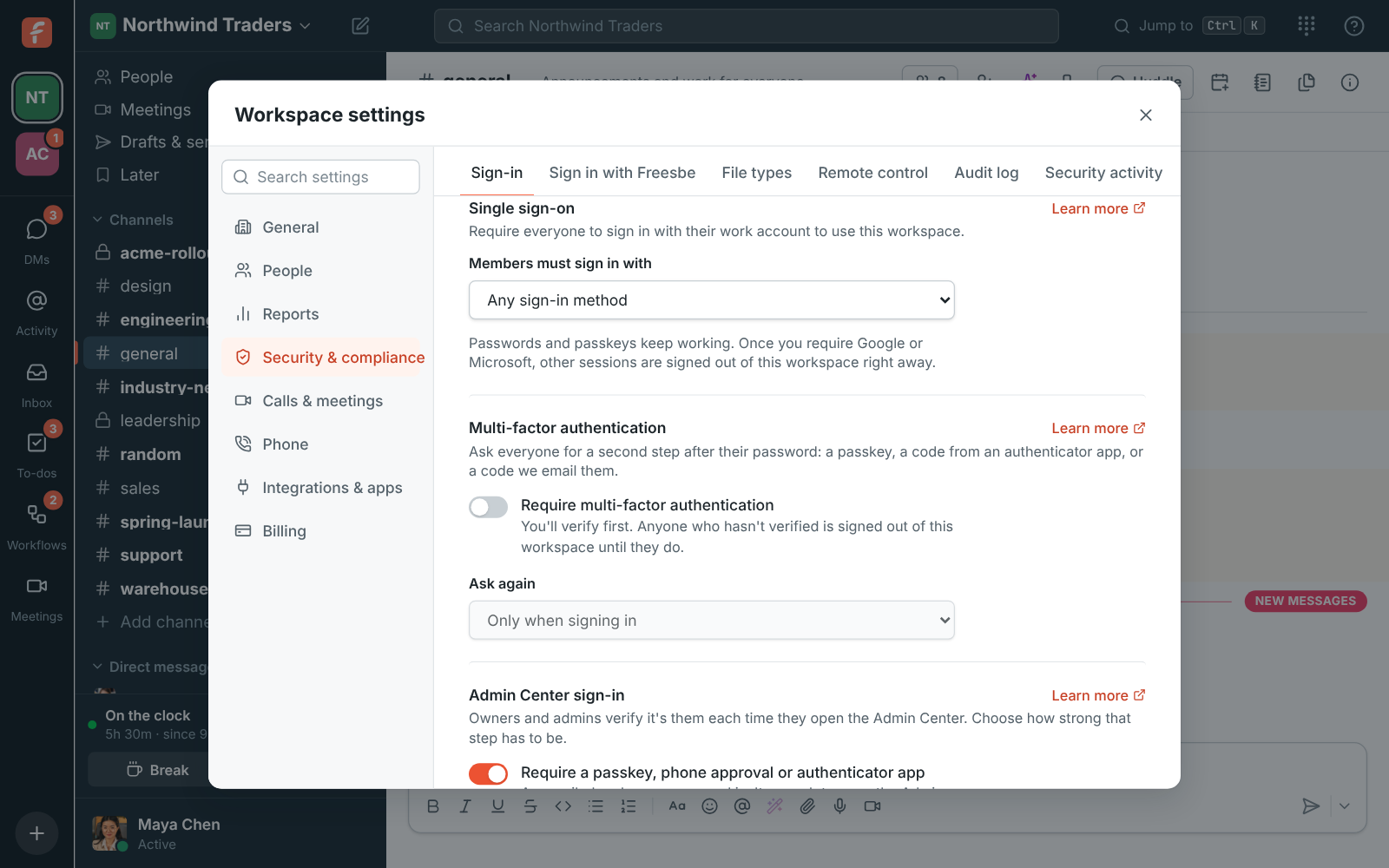
On Corporate and Enterprise, admins choose that members must sign in with Microsoft, Google or either. People signed in another way are asked to continue with Microsoft, and other workspaces they're in aren't affected.
Start free with up to 10 people and try it today, or book a 20-minute demo with the people who make Freesbe.
Connect a Microsoft calendar from Preferences. Freesbe reads only when you're busy, for the meeting scheduler and booking pages, and sets your status to In a meeting while you're in one.
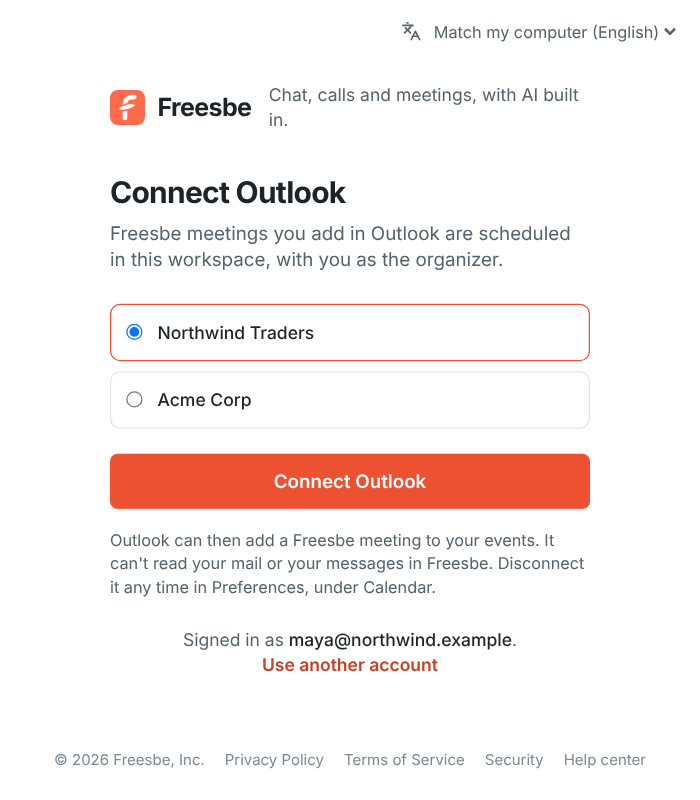
Meeting invites carry a calendar file Outlook accepts, with a reminder about 10 minutes before the start. Edits and cancellations update everyone's calendar.
Microsoft 365 is included in every plan, including Free. Signing in with Microsoft is on every plan. Requiring it for everyone and calendar busy times come with the bigger plans; see pricing.
The help guide shows every screen and setting. Single sign-on
Free for up to 10 people, no card and no time limit. Connect what you already use in an afternoon.