Freesbe

For finance

See the money move, without logging in to every account.

Freesbe posts money moving in Mercury, Stripe and Airwallex into a private channel as it happens: deposits, payments, payouts, refunds, balances and failures. Zoho Books and Zoho Invoice add invoices sent, payments received and overdue invoices. Expense approvals run as a workflow with a form, an approver and a message to whoever pays.

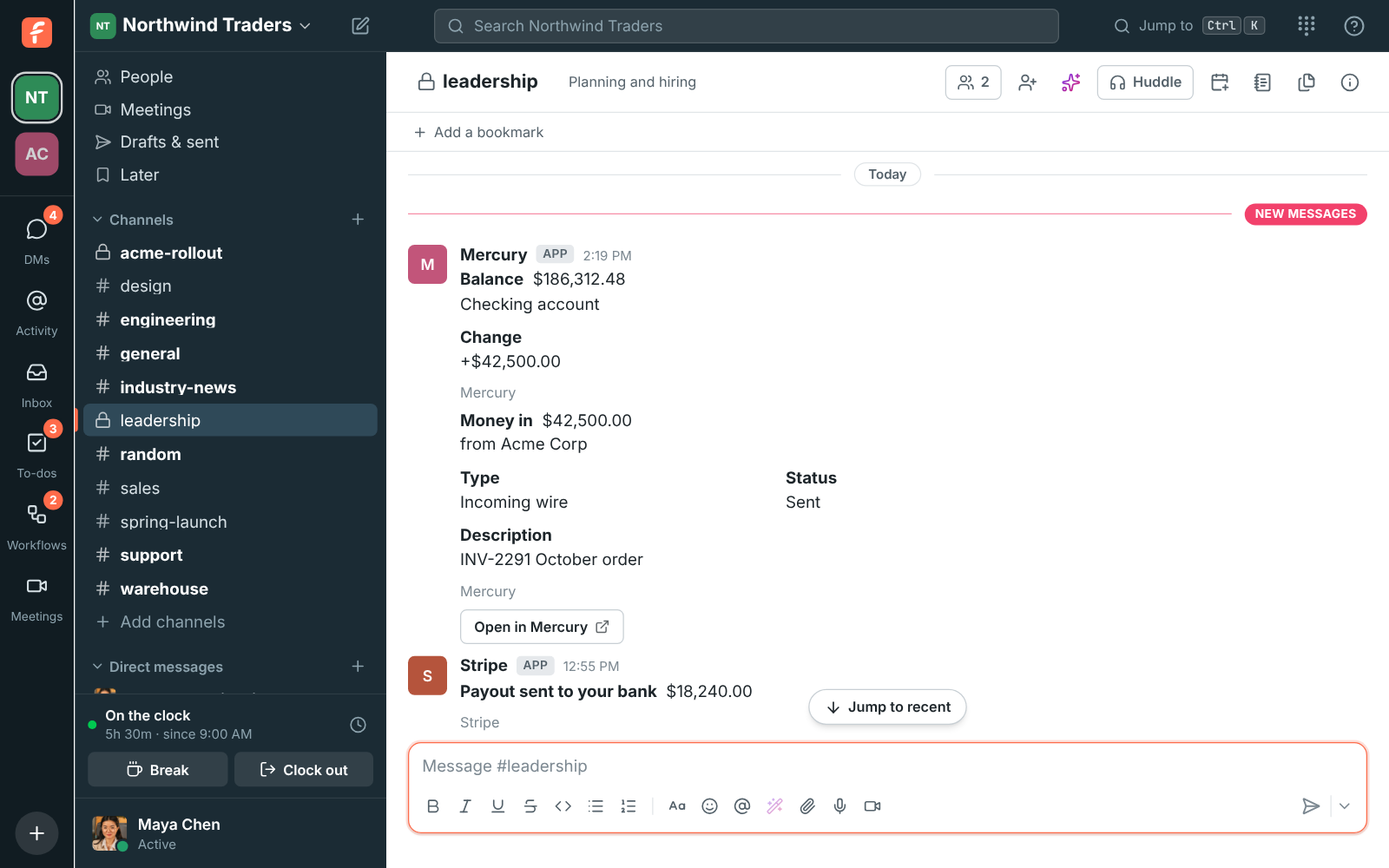
Mercury and Stripe alerts in #leadership: an incoming wire from Acme Corp, the new balance and a Stripe payout

Deposits, payouts and balances as they happen

Connect a Mercury, Stripe or Airwallex account and each transaction posts as a card with the amount, who sent or received it, its status and an Open in button. Choose what to post: money in, money out, balance changes, and problems like failed payments, disputes and canceled subscriptions. Set a smallest amount so a busy Stripe account doesn't drown the channel.

  • Each account posts to one channel; connect it twice for two channels
  • Every delivery is checked against the provider's signature and posted once
  • Freesbe can't move money or read beyond what the provider sends
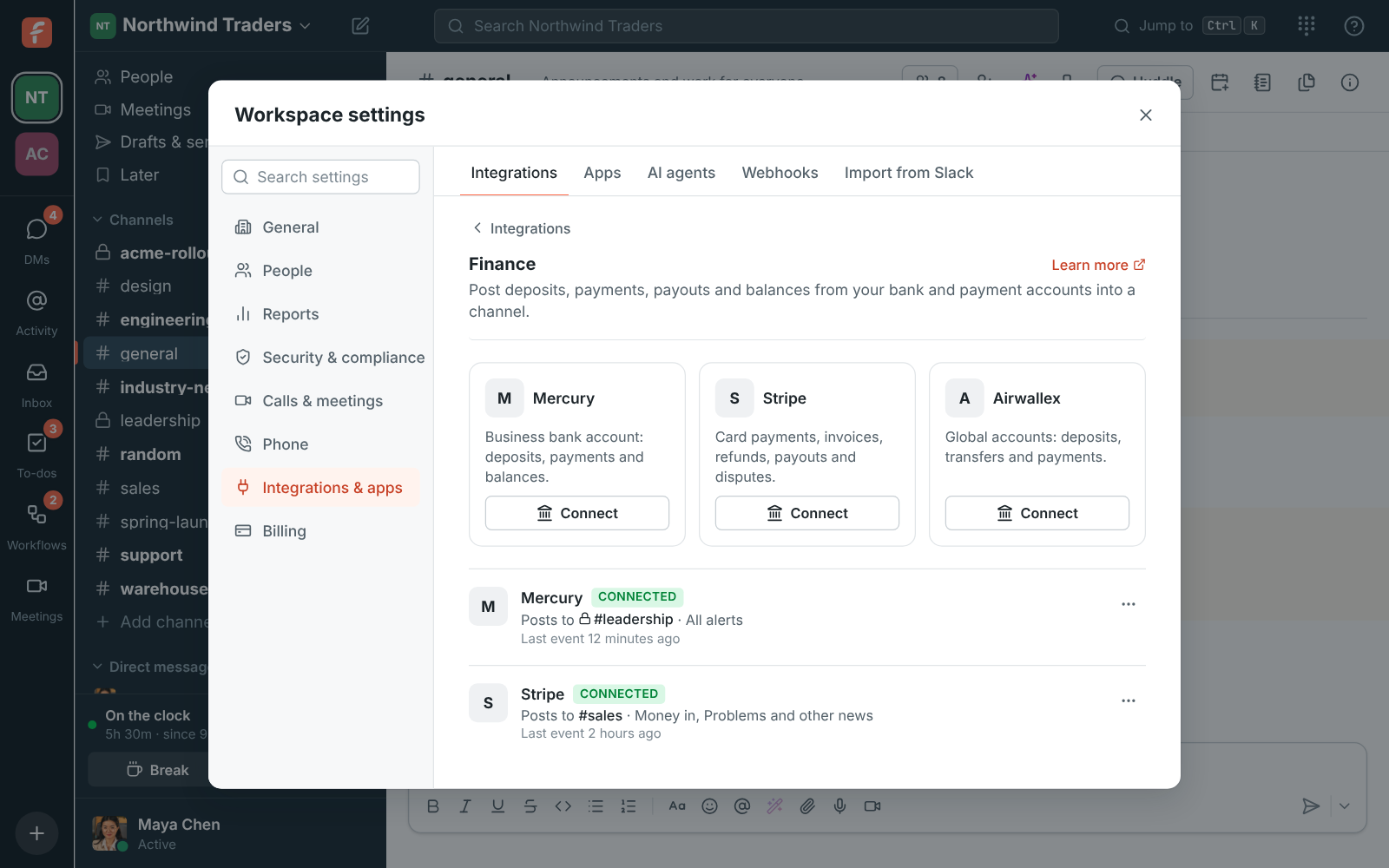
Workspace settings, Integrations, Finance: Mercury posting to #leadership and Stripe posting to #sales

Invoices paid and overdue, from Zoho Books

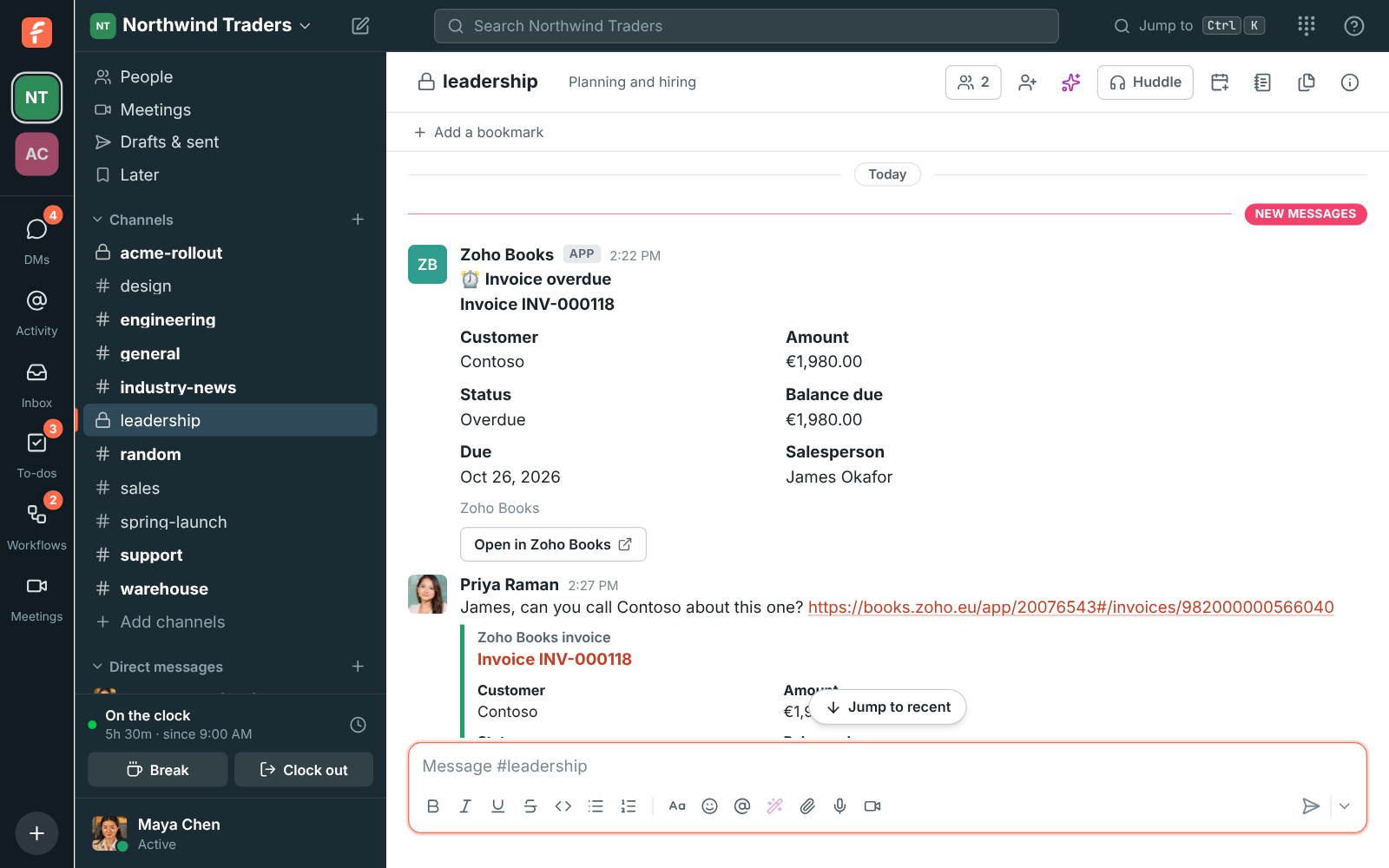
Connect Zoho Books or Zoho Invoice and invoices sent, payments received, invoices paid in full and overdue invoices post into the channels you pick, within about ten minutes. Send payments to #finance and overdue invoices to the people who chase them. Paste an invoice link and its customer, amount, status and due date show under it.

#leadership with Zoho Books alerts for a payment received and an overdue invoice

See it on your own team's data.

Start free with up to 10 people and try it today, or book a 20-minute demo with the people who make Freesbe.

Approvals that leave a record

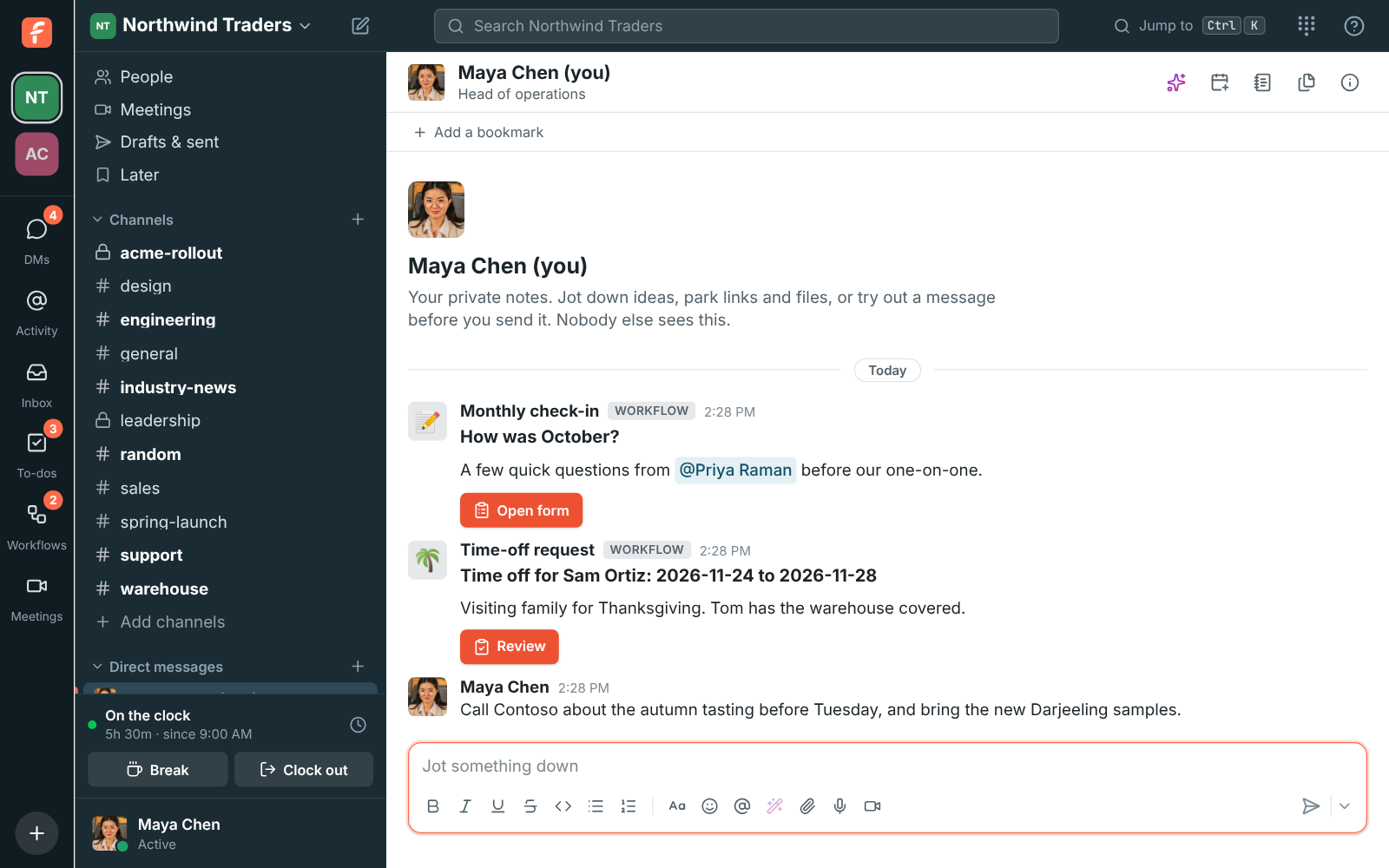
The Expense approval template asks for the amount in a form, sends the request to the approver you pick, then messages whoever pays it. Approvers get a Review button in a DM, add a comment and click Approve or Reject. Ask any one of up to 10 people or all of them, remind them after a while, and decide what happens when nobody answers. An If step sends a different message for each answer.

The approval card a workflow sends, with its Review button

Private by default

Money is private, so alerts go to a private channel for the finance team, and alerts in a private channel are only visible to admins who are in it. Secrets are kept encrypted, Freesbe never keeps your Mercury API token, and the invoice previews can be turned off for channels with guests.

Questions

Does Freesbe have access to our bank account?
Only to what the provider sends. Mercury uses your token once to add a webhook and you delete the token afterwards. Stripe and Airwallex send signed events to a URL Freesbe gives you. Freesbe can't move money.
Can we keep small payments out?
Yes. Each account has a smallest amount to post. Money in and out below it is left out; balances always post. Zoho Books alerts have the same setting for invoices and payments.
Which Zoho data centers work?
All of them: the United States, Europe, the United Kingdom, India, Australia, Japan, Canada, Saudi Arabia and China. Freesbe talks to Zoho in your own data center, so your invoices stay there.
Is this the same as Freesbe's own billing?
No. Payment alerts show your own customers' payments. Your Freesbe subscription is on the Billing page in workspace settings.

See it with your own team's questions.

Start a workspace free for up to 10 people, or book a 20-minute call and bring the questions your team would ask.