Export from Slack, upload to Freesbe
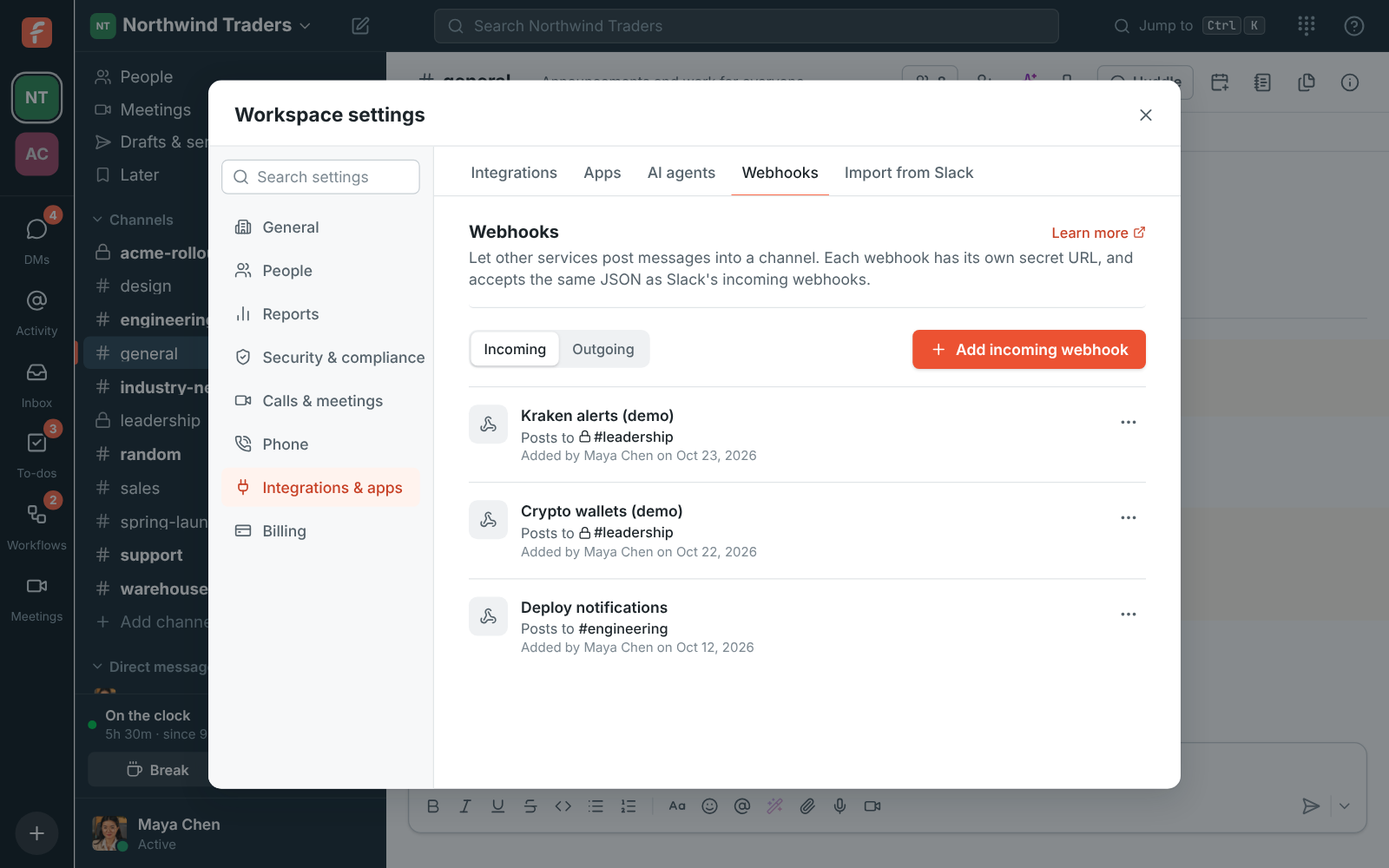
An admin exports the workspace from Slack, then uploads the zip in Workspace settings, Import from Slack. You can close the window once the upload finishes; the import keeps running and shows its progress for each step. A Slack public channel with the same name as an existing Freesbe channel is merged into it.
- Progress for people, channels, messages, threads and files
- Importing the same export again duplicates nothing
- Stop an import and keep what was brought over so far