A URL for Stripe, a secret for Freesbe
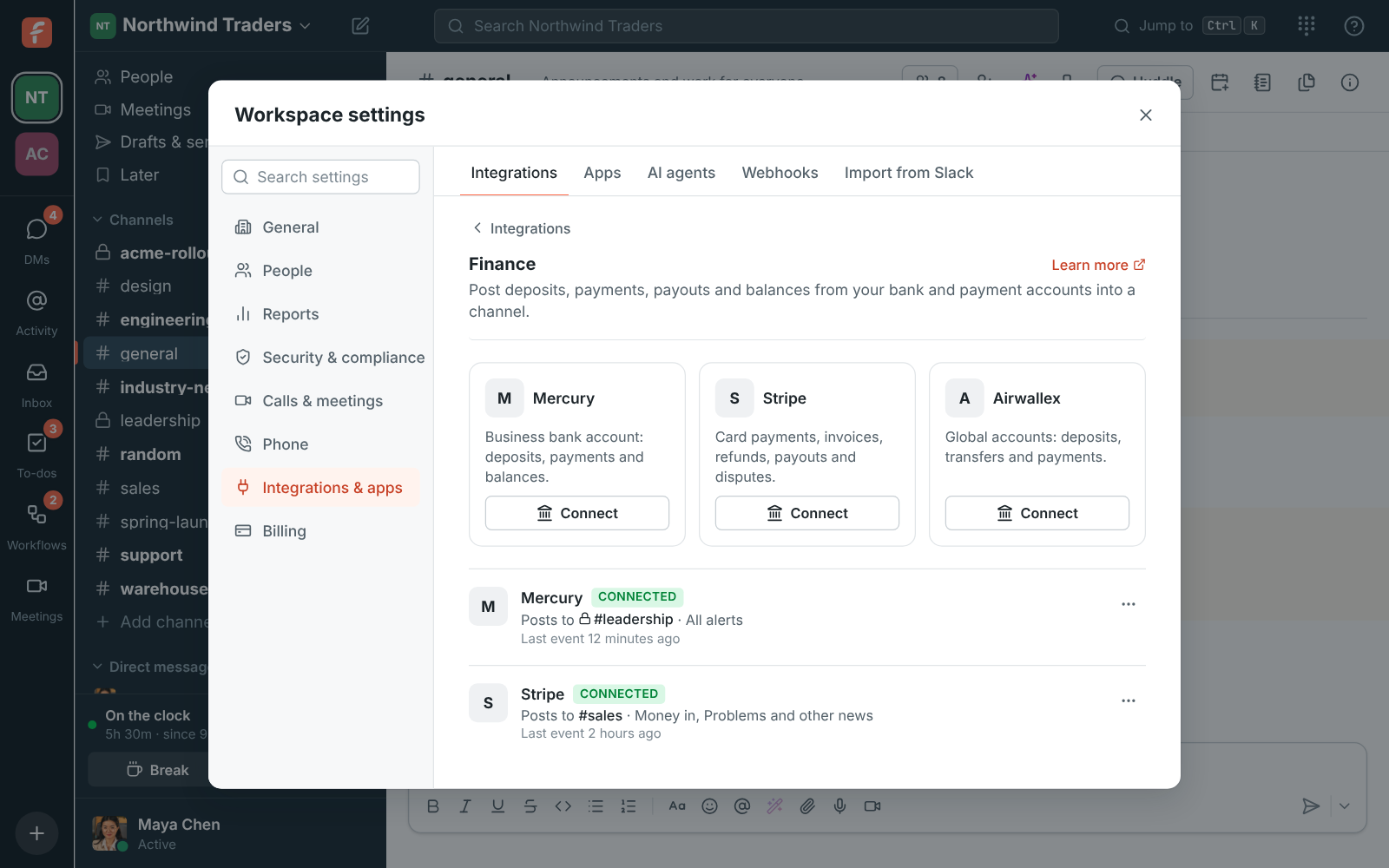
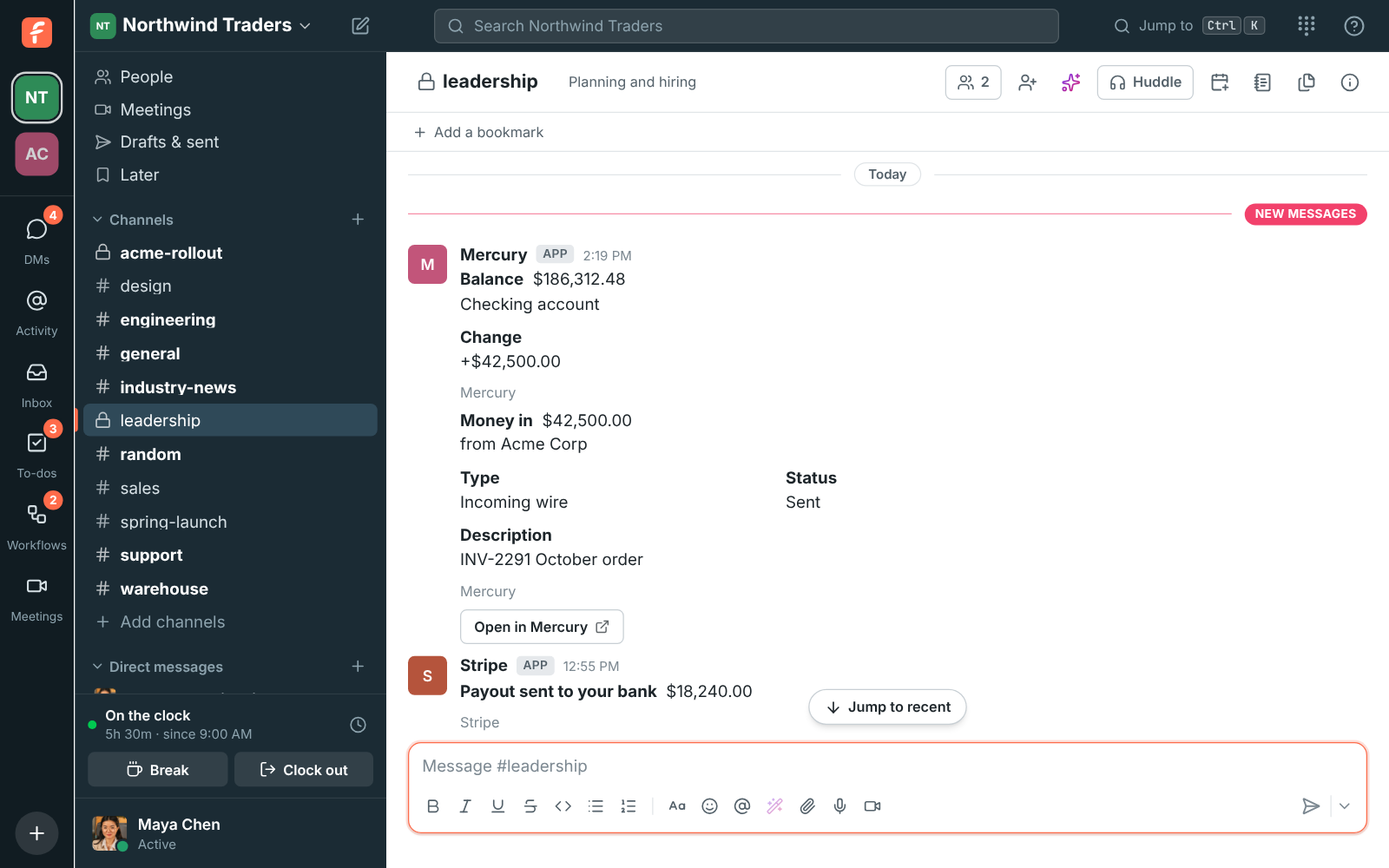
An owner or admin clicks Connect under Stripe in Workspace settings, Integrations, Finance, picks the channel and the alerts, and gets an endpoint URL. In the Stripe Dashboard, under Developers, Webhooks, add an endpoint with that URL and pick the events: payments succeeded, invoices paid, refunds, payouts paid or failed, disputes, failed invoice payments, subscriptions created or deleted, and balance available. Paste the endpoint's signing secret back into Freesbe. Until it's saved the account says Needs secret and Stripe's deliveries are turned away.