Freesbe
Business and up

Bring your history, not just your people.

An admin uploads a Slack export and Freesbe brings in the people, public and private channels, DMs and group DMs, messages, threads, reactions, mentions, files and profile pictures. Everyone who is not on Freesbe yet gets an account that waits for them, with their history already in it, and takes it over with a personal sign-in link.

  • Keep every message, thread, reaction and file from the day you started on Slack.
  • Give each person their own history the moment they sign in.
  • Run the import again safely: nothing is duplicated.
  • Point your Slack webhooks at Freesbe and the integrations come too.

For Admins moving a team off Slack without losing what was said there.

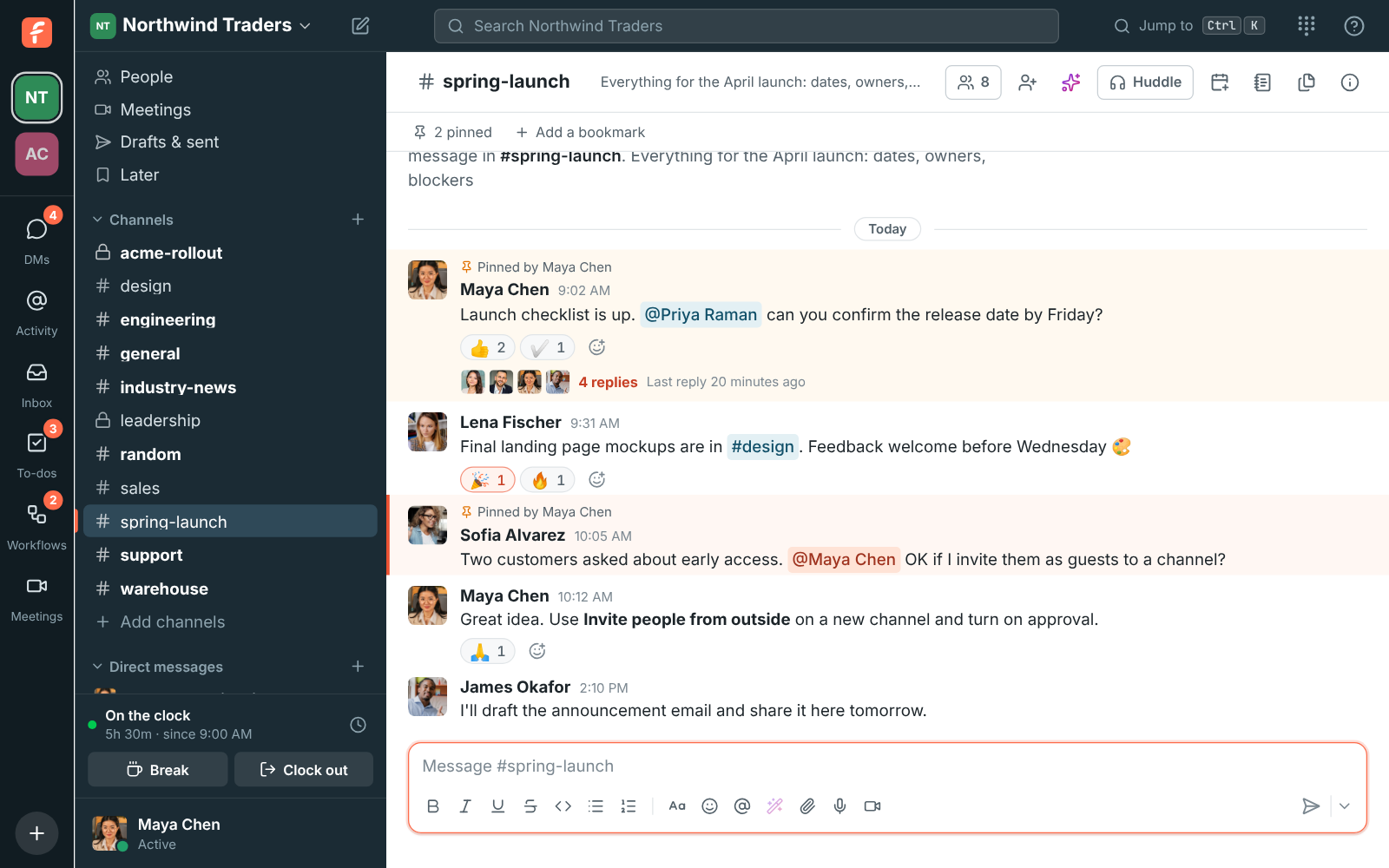
A Freesbe channel after a Slack import, with its messages, threads and reactions in place

Export there, upload here

In Slack, export your data and download the zip. In Freesbe, open Workspace settings, Integrations & apps, Import from Slack, click Upload Slack export and pick the zip. Once the upload finishes you can close the window; the import keeps running. Freesbe imports whatever the zip contains: a standard Slack export usually has public channels only, and exports with private channels and DMs are available to owners on some Slack plans.
Import from Slack in Workspace settings, with the Upload Slack export button

Watch it come in

The Imports list shows each import's progress: reading the export, adding people, creating channels, importing messages, linking threads and copying files from Slack. A Slack public channel with the same name as an existing Freesbe channel is merged into it; private channels always come in as their own. People who already have a Freesbe account with the same email get their Slack history on it. When the import finishes, everyone's app reloads to show it.

  • Importing the same export again is safe: nothing is duplicated
  • Stop import keeps what was brought over so far
  • A very large export, millions of messages, is run for you by Freesbe's team
The Imports list with an import's progress through its steps

See it on your own team's data.

Start free with up to 10 people and try it today, or book a 20-minute demo with the people who make Freesbe.

Each person takes over their own history

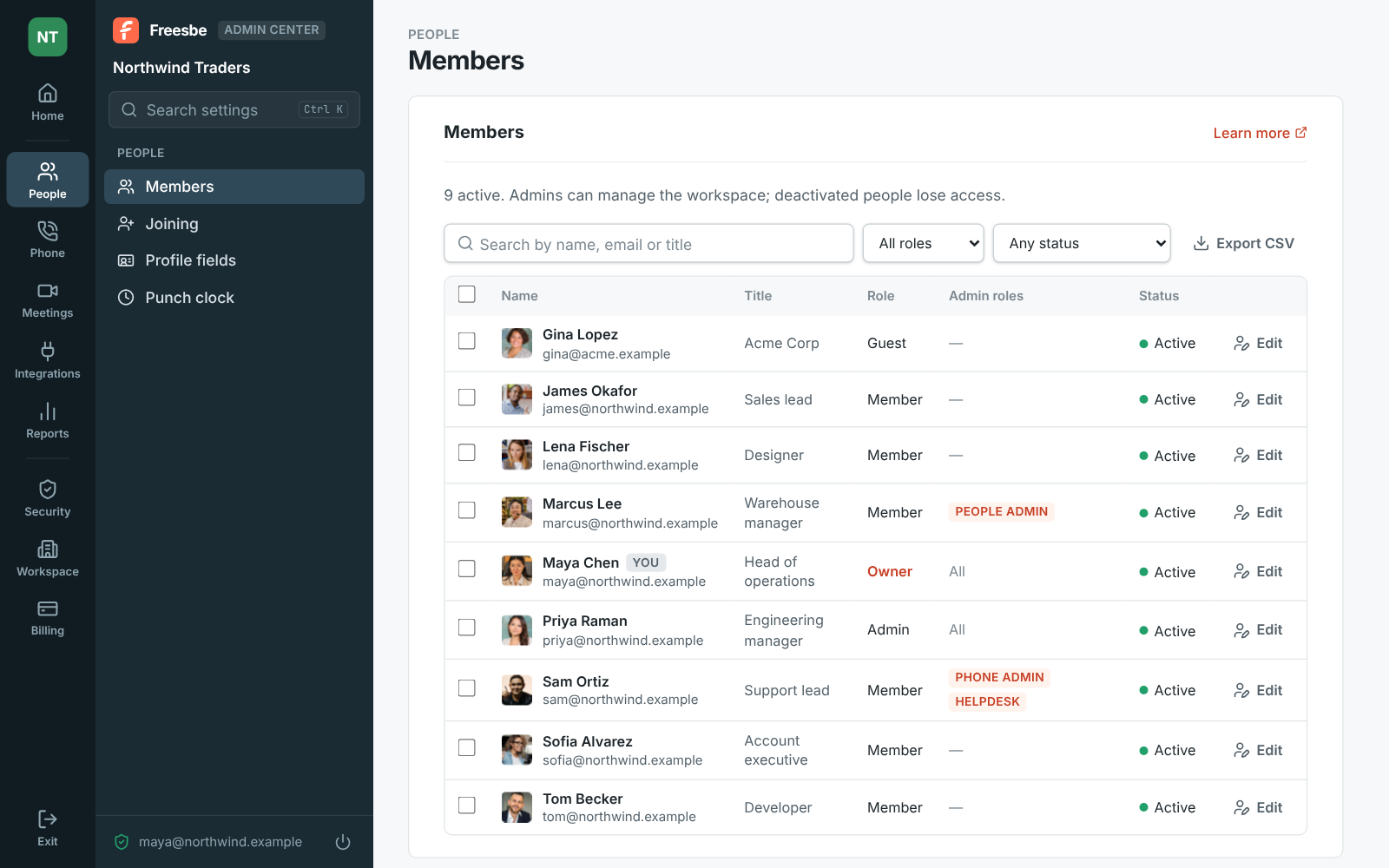
Imported people who are not on Freesbe yet show Not signed in yet in Members. Each takes over their account with a sign-in link, so nobody can claim someone else's messages just by knowing their email. Email everyone their link in one click, download the links as a CSV to send yourself, or copy one person's link. Links work for 30 days, and people can also sign in with the email Slack had for them, by code, with Google or Microsoft, or with a password.

People waiting to sign in, with Email everyone their link and Download links (CSV)

Your integrations move with a new URL

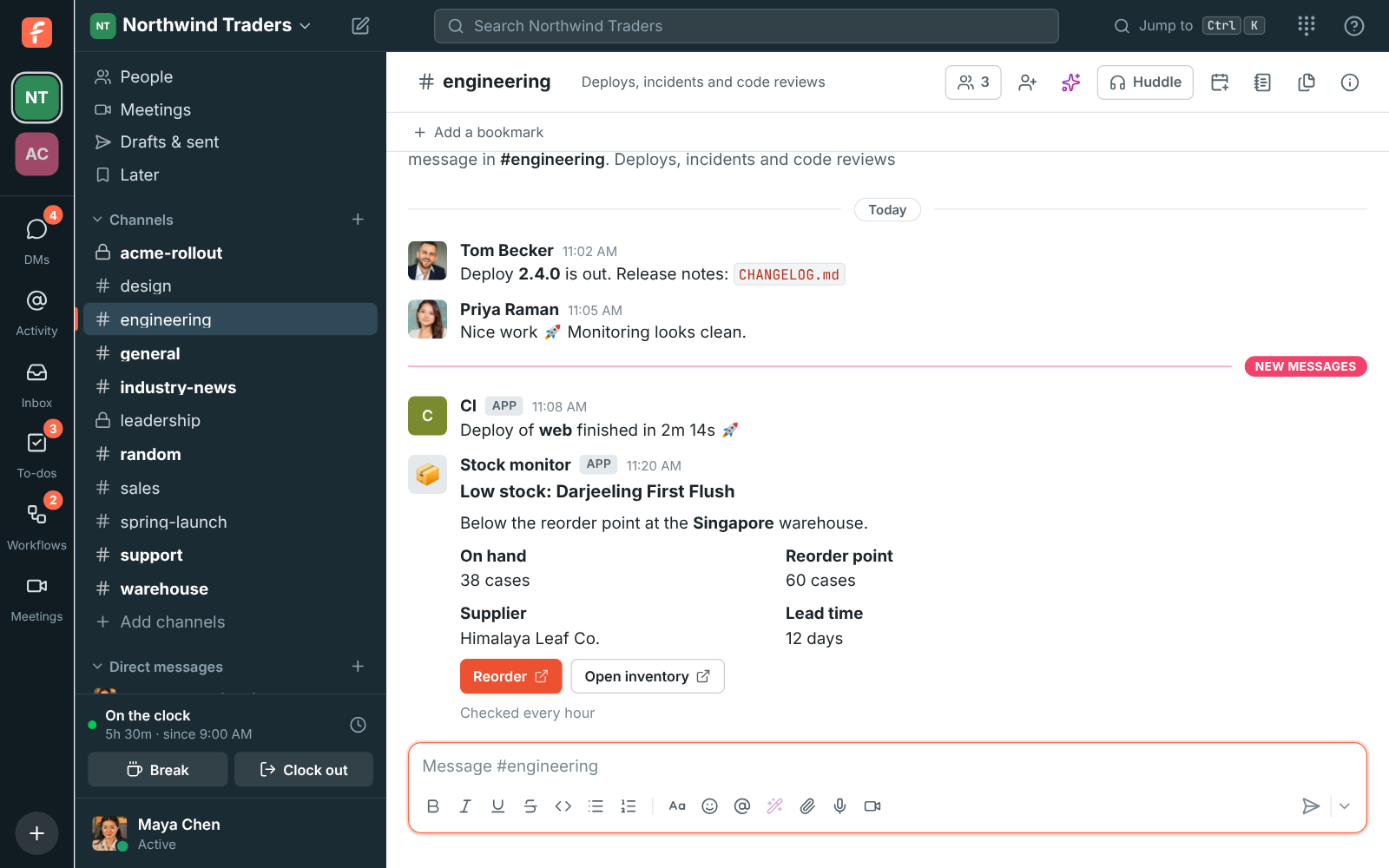
After the move, point your Slack incoming webhooks at Freesbe's webhook URLs instead. Freesbe's incoming webhooks accept Slack's format, so the scripts and tools that posted to Slack post to Freesbe with nothing rewritten. Then install the desktop app for everyone, and the team is on the other side with its channels, its history and its alerts.

A message posted to a channel by an incoming webhook

Plans and pricing

Import from Slack is included in Business, Corporate and Enterprise.

  • BusinessUp to 500 people
  • CorporateUp to 2,500 people
  • EnterpriseOver 2,500 people

Questions

Do private channels and DMs come over?
If they are in the export. A standard Slack export usually contains public channels only; exports with private channels and DMs are available to owners on some Slack plans. Freesbe imports whatever the zip contains.
What if I run the import twice?
Nothing is duplicated. Importing the same export again is safe, and Stop import keeps what was brought over so far.
How do people get into their imported accounts?
With a personal sign-in link that works for 30 days, emailed to everyone in one click or sent by you from a CSV. Opening it lets them set their name and password. They can also sign in with the email Slack had for them, with a code, Google, Microsoft or a password.
Which plan includes this?
Business, Corporate and Enterprise.

Try all of it free with up to 10 people.

No card, no time limit. Invite your team and see what sticks.