Ask, and wait for the yes
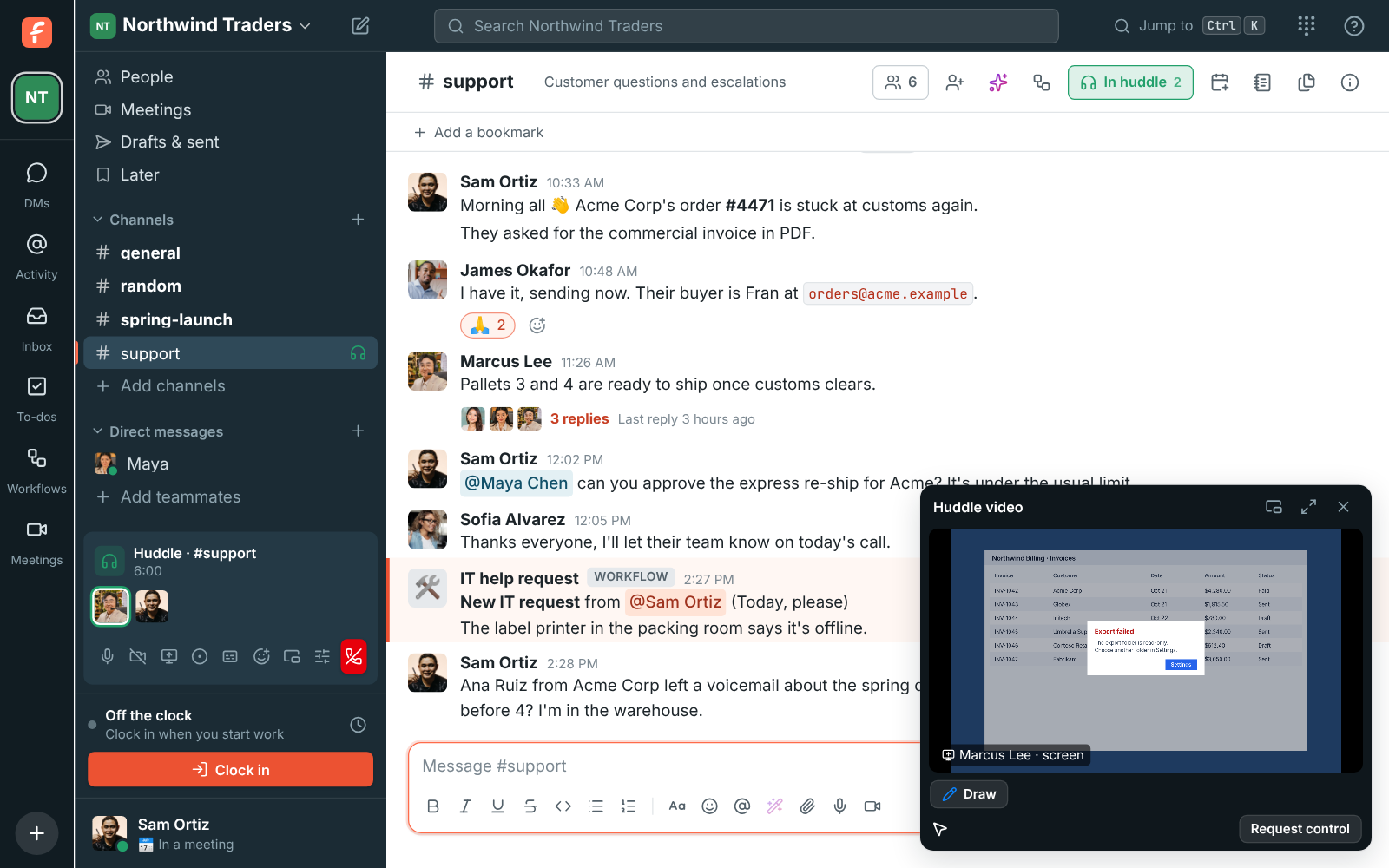
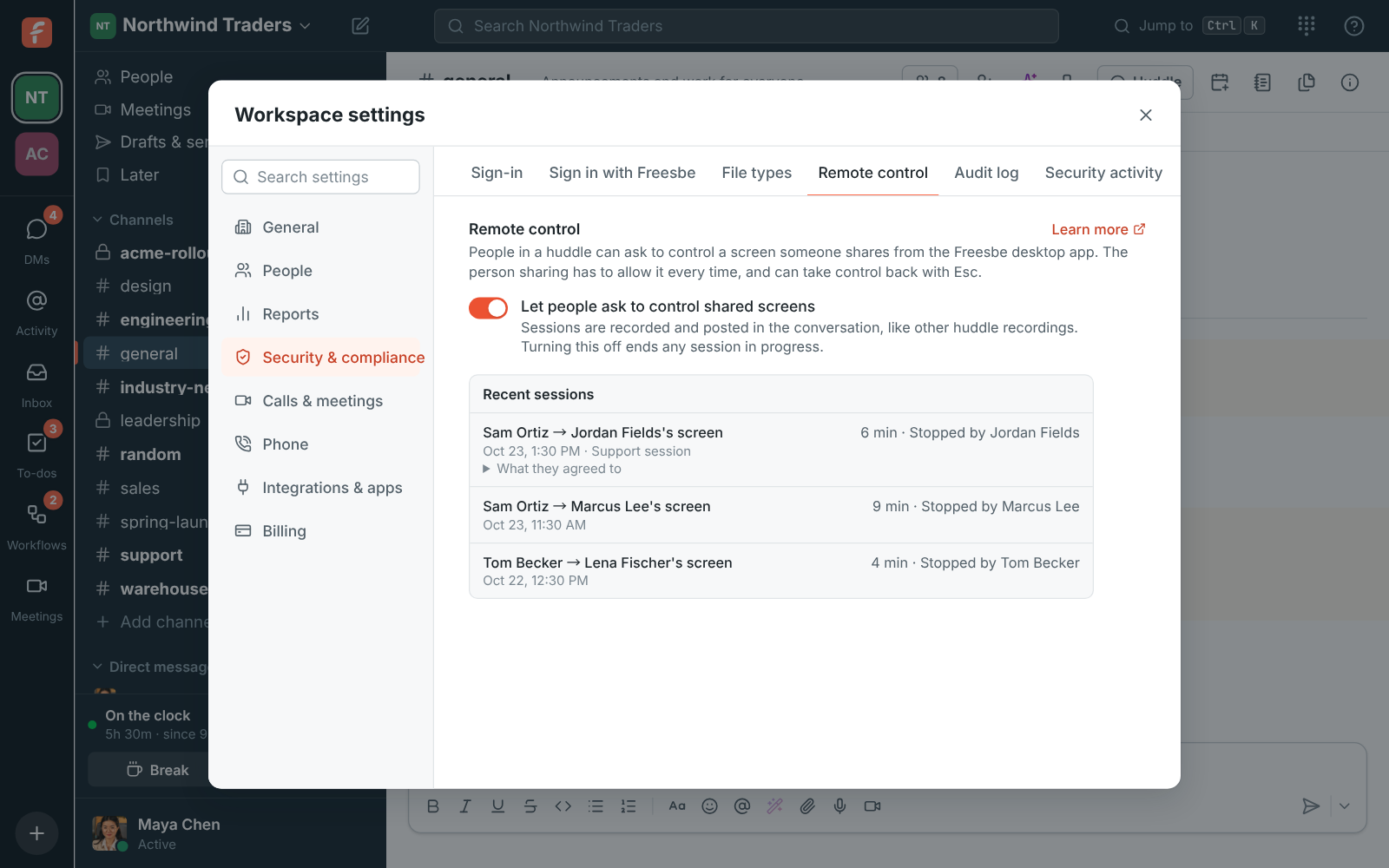
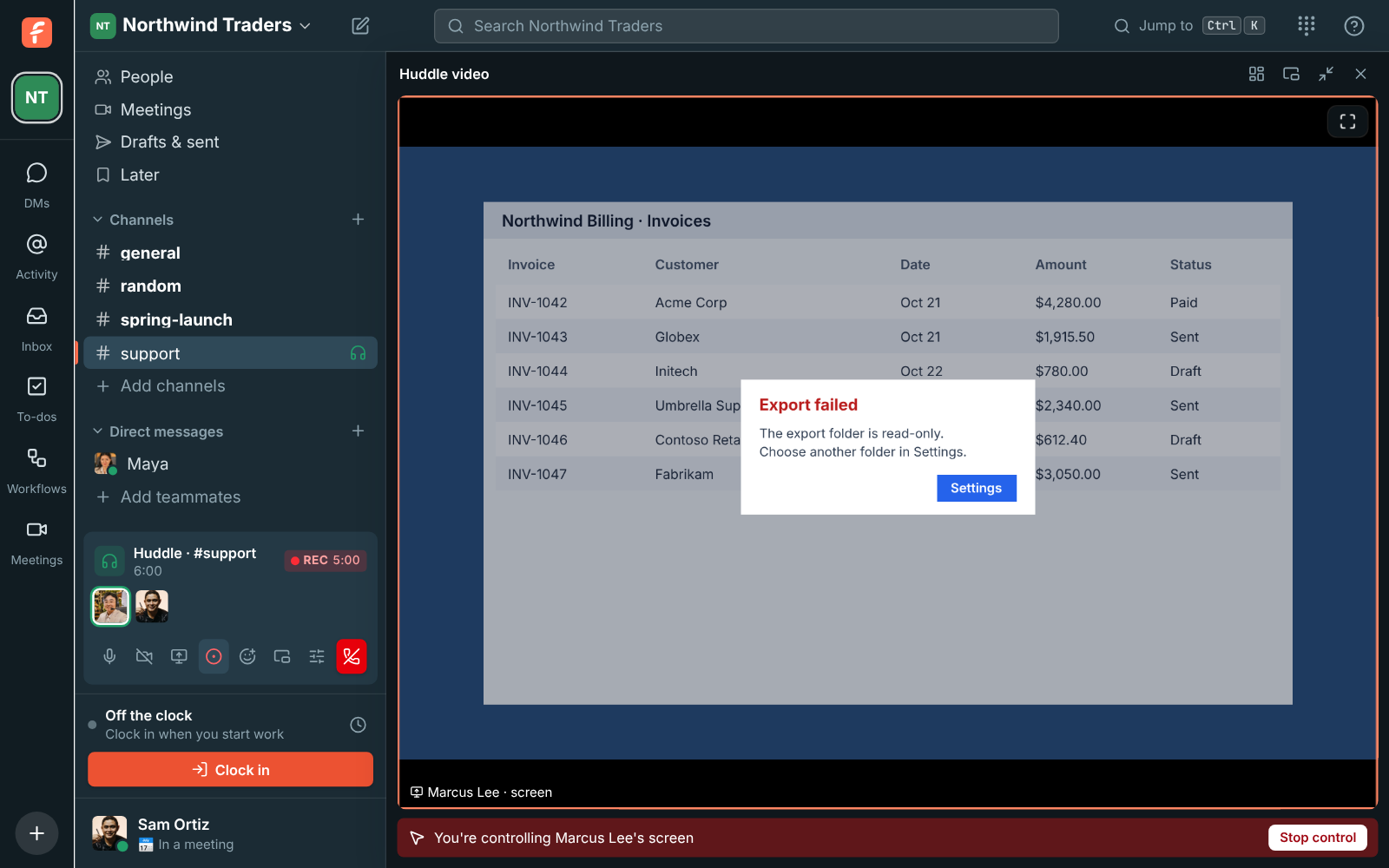
Join the huddle. When someone shares their entire screen from the desktop app, click Request control under it. The bar says Waiting to allow control, and Cancel takes the request back; a request nobody answers goes away after a minute. When they allow it, the huddle video gets bigger and a red bar says you're controlling their screen. Click it once so it gets your keyboard, then work as usual, and click Stop control when you're done.