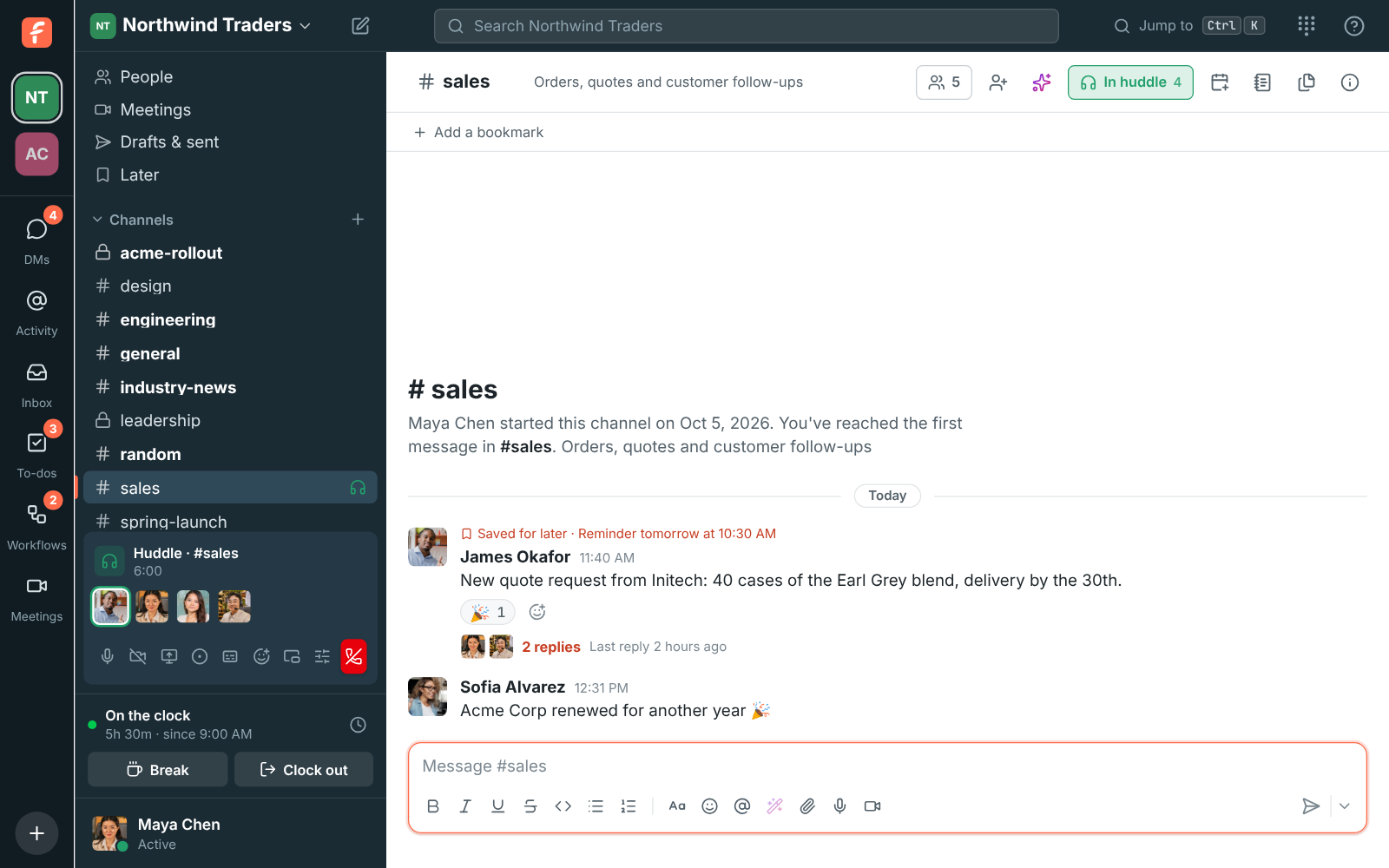
One click from any channel or DM
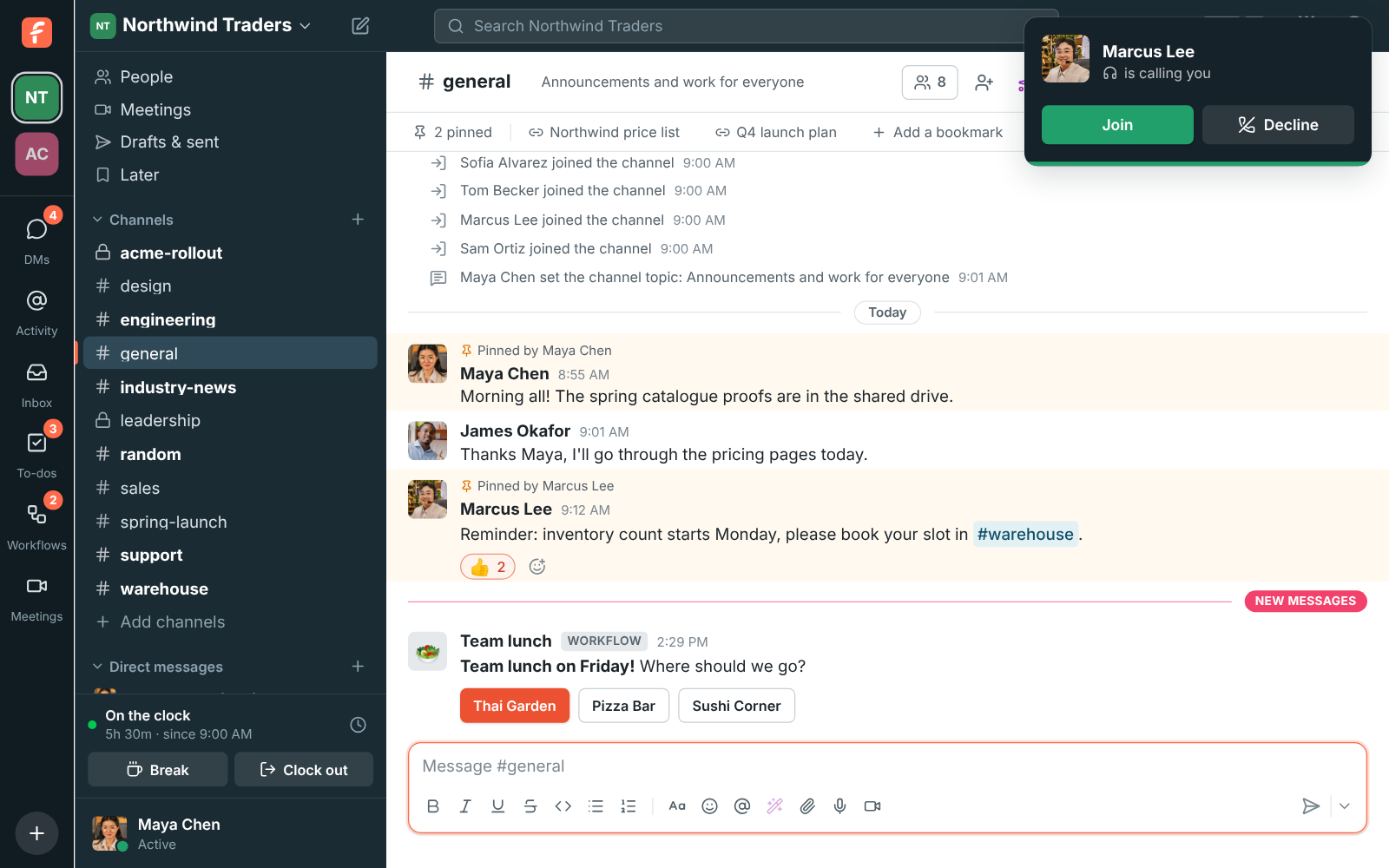
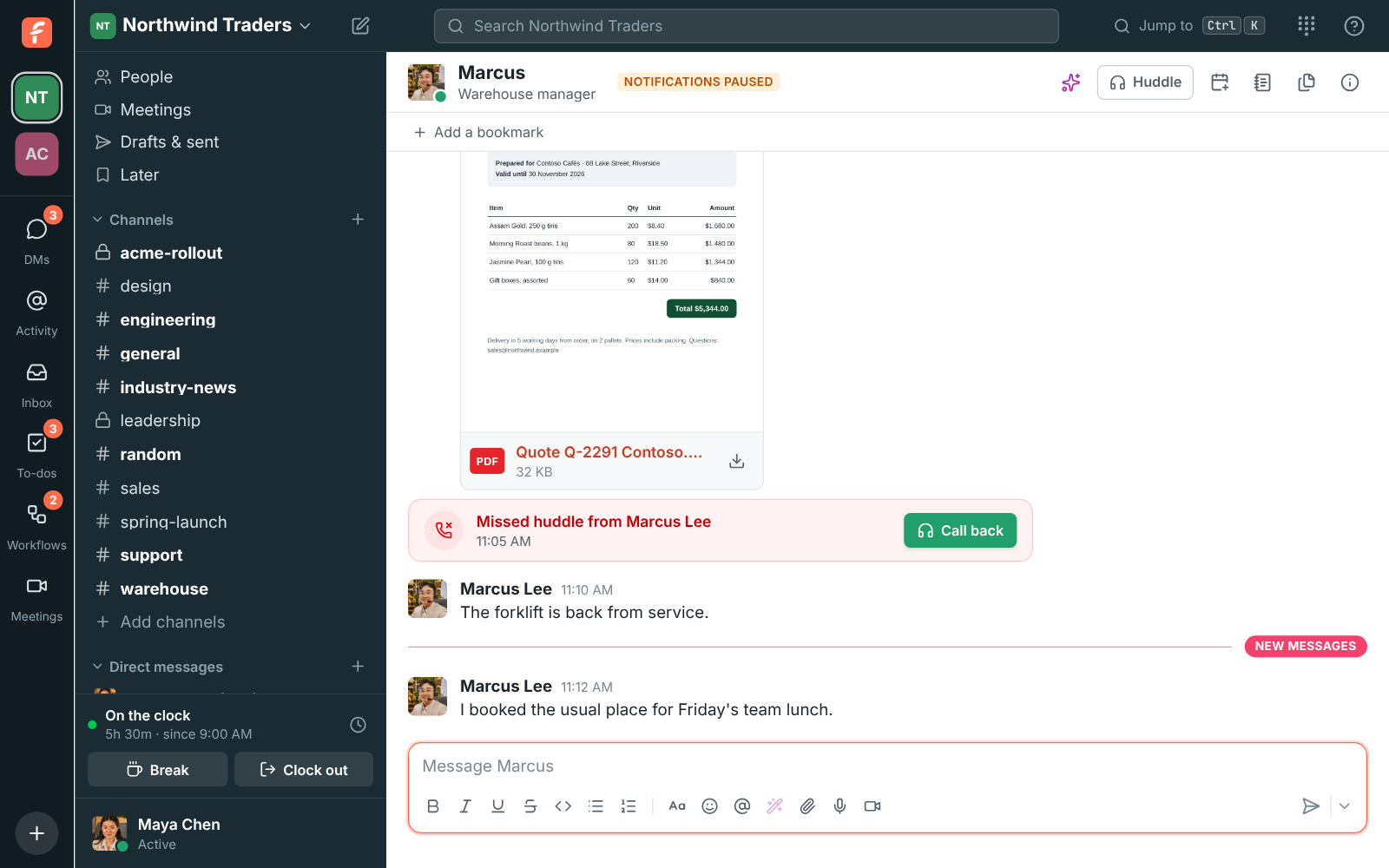
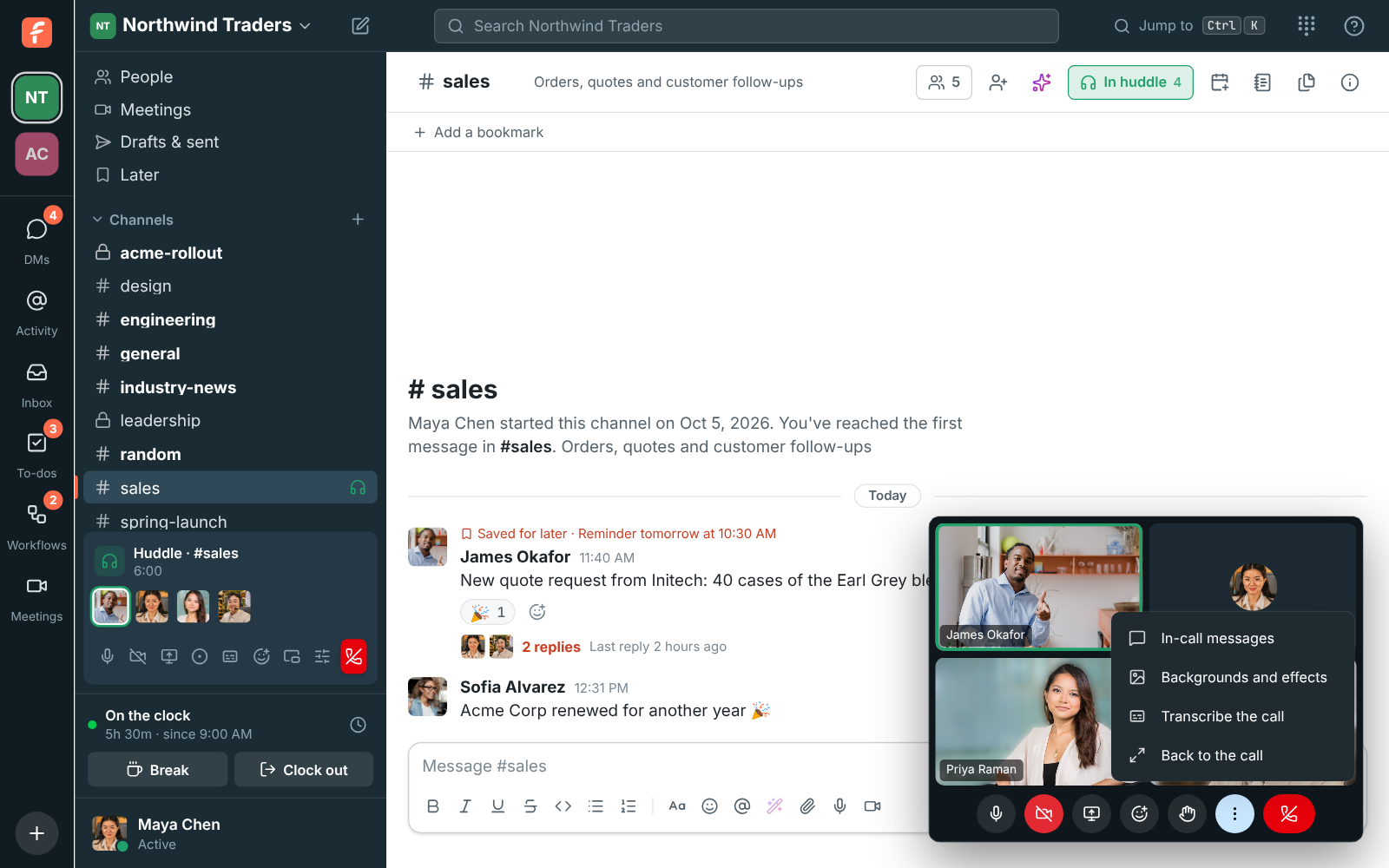
Click Huddle at the top right of a conversation. In a DM, the other people are rung for 30 seconds and see who's calling with Join and Decline, on every device they're signed in on. In a channel nobody is rung: people see the huddle icon in the sidebar and join when they're ready. Turn on your camera, share a screen, send a reaction or raise a hand from the huddle bar, and leave when you're done. The huddle ends when the last person leaves.
- Up to 20 people in a channel or group DM
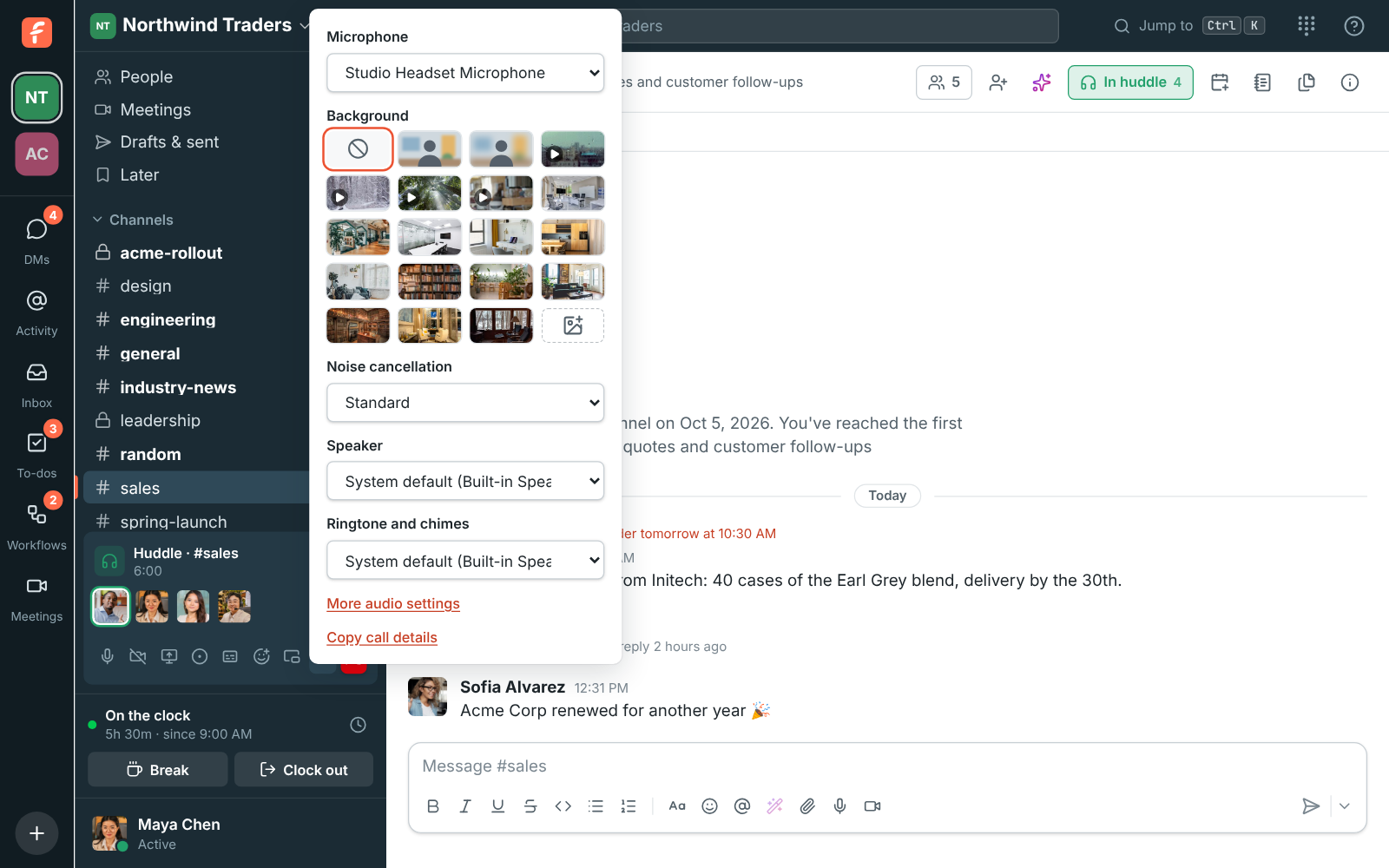
- A soft chime when someone joins or leaves, in huddles of up to 8
- Waiting music plays for you alone until someone joins