A voice note from the message box
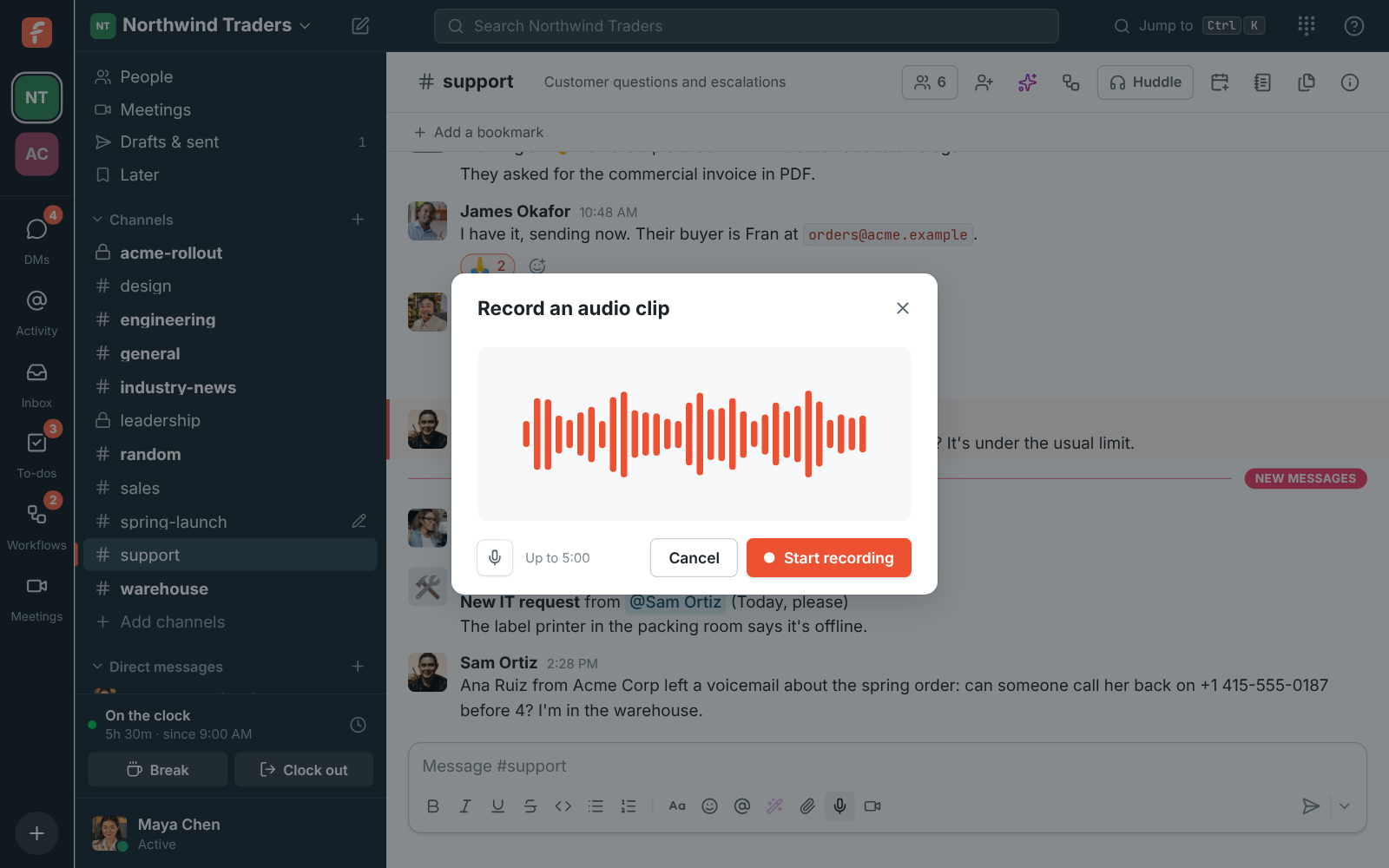
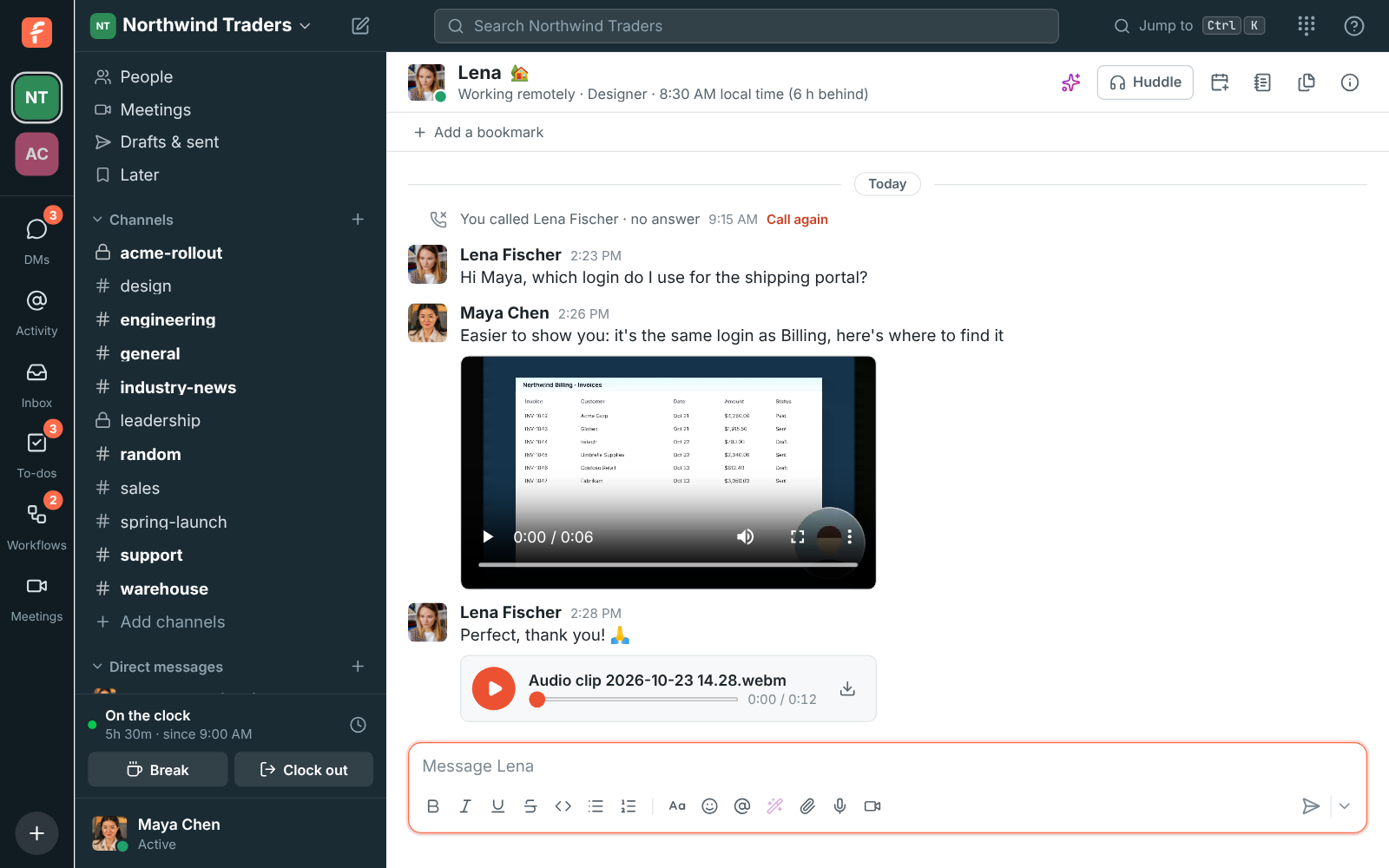
Click the microphone under the message box, then Start recording. Bars move with your voice while you talk. Click Stop recording when you are done, listen back, and either Record again or Add to message. The clip lands in the message box, where you can add a note before you send it. Audio files of any kind play in the conversation too, and only one audio clip plays at a time.