Freesbe
All plans

Read any message in your own language.

Someone wrote in a language you don't read? Point at the message, choose Translate, and the translation appears under the original in the language you use Freesbe in. Names, @mentions, #channels, links and emoji stay as they were. Only you see it, nothing is posted, and if the message is already in your language, Freesbe says so.

  • A supplier's order in German or a colleague's note in Spanish reads in your language in a click.
  • The original stays above the translation, so nothing is lost or replaced.
  • Mentions, channel names and links come through untouched and still work.
  • Nobody sees that you needed it translated.

For Teams that work across countries, and anyone who deals with customers who write in another language.

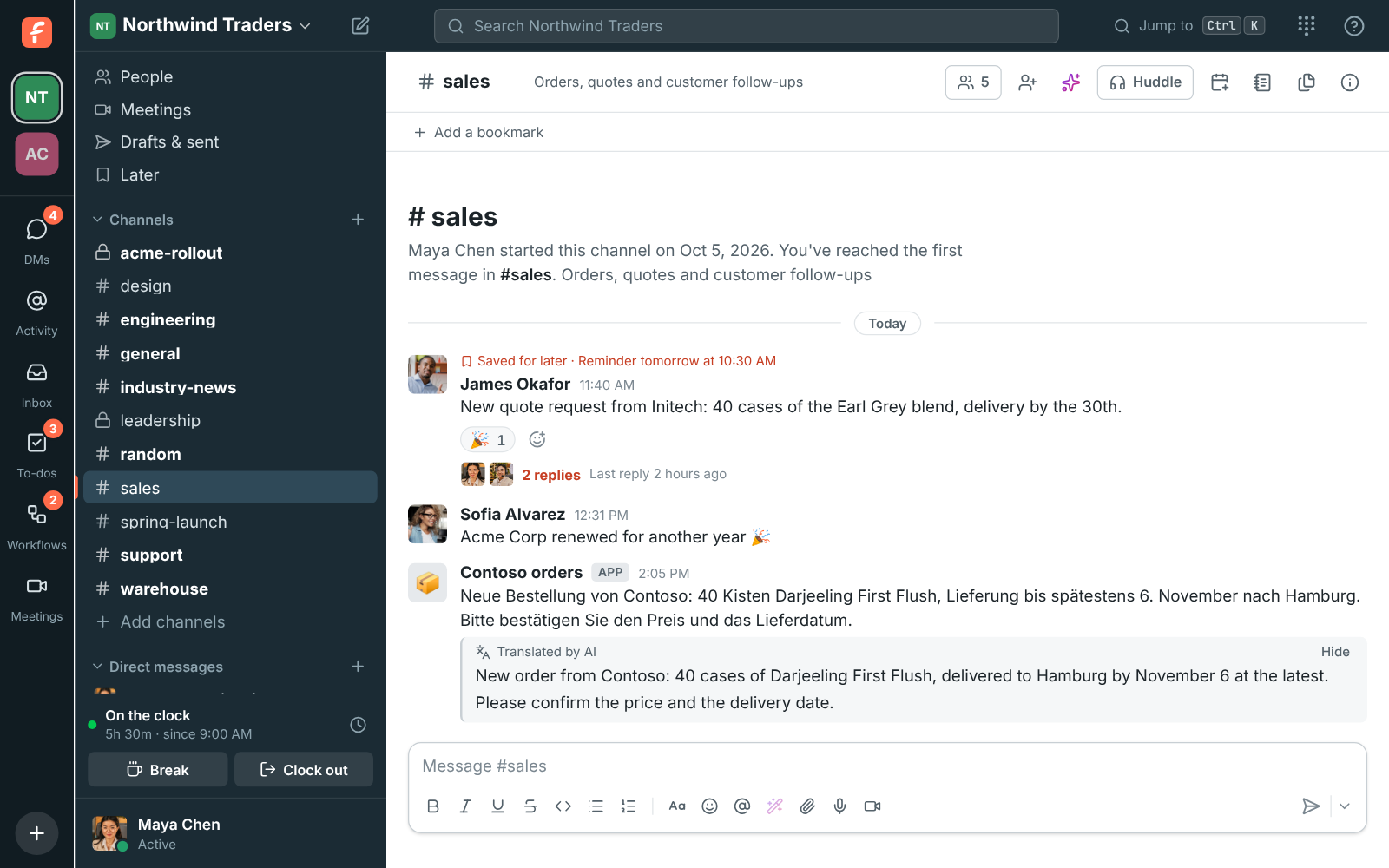
An order form in German from Contoso in #sales, with its English translation under it, marked Translated by AI

In place, under the original

Point at the message, click the three dots and choose Translate. The translation shows right under the message, marked Translated by AI, and Hide puts it away. The original never changes, so the person who wrote it and everyone else see exactly what they wrote. Names, @mentions, #channels, links and emoji stay as they were, so a translated message still links where the original did.
A message in German with its English translation shown under it

Into the language you work in

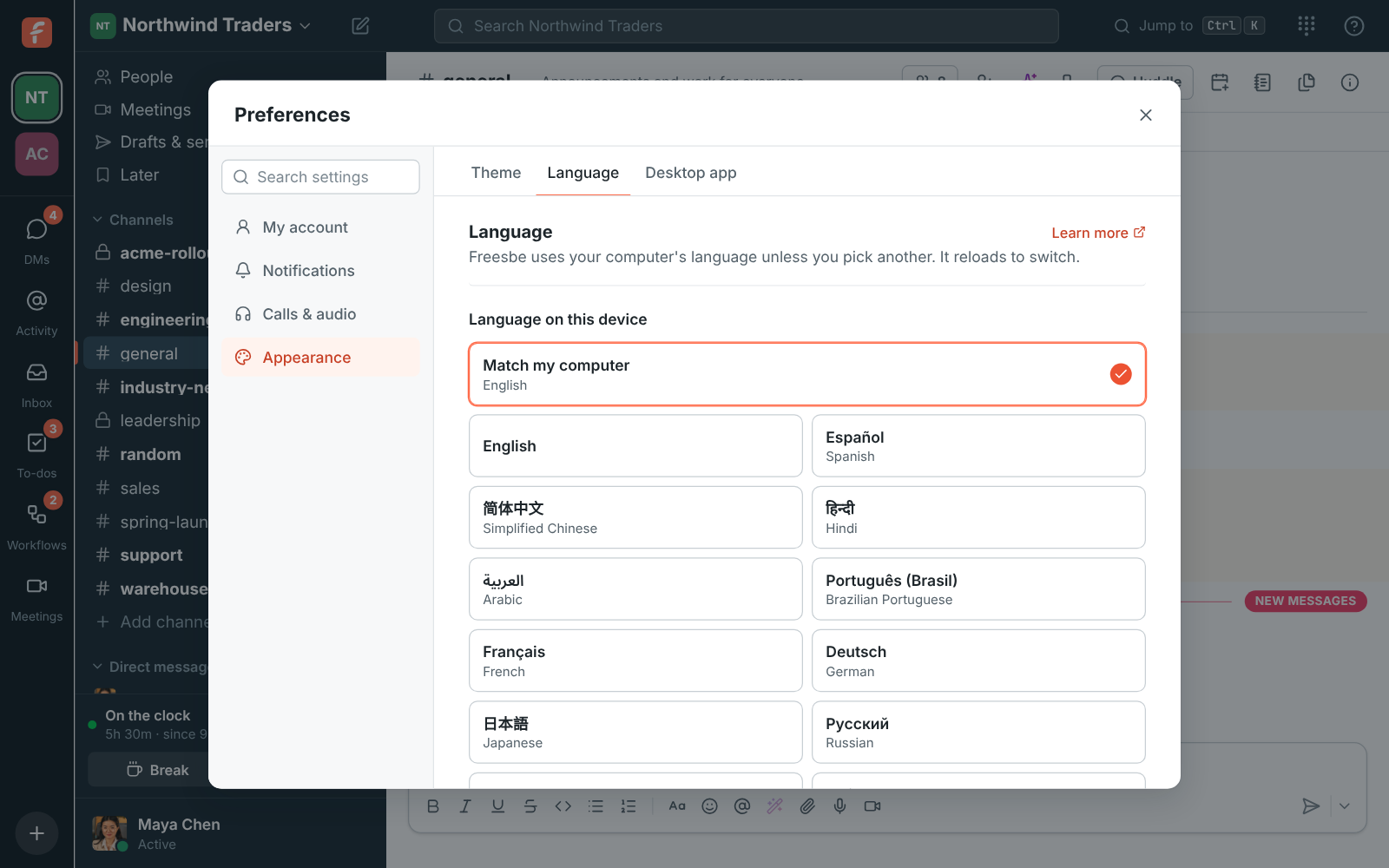
Translations come out in the language you use Freesbe in, which you pick under Preferences, Language, so a French speaker and a Hebrew speaker in the same channel each read a message their own way. Freesbe itself speaks 25 languages, right-to-left ones included, on the computer and on the phone.

Preferences, Language: the list of languages Freesbe can be used in

See it on your own team's data.

Start free with up to 10 people and try it today, or book a 20-minute demo with the people who make Freesbe.

Ask in your language, find answers in another

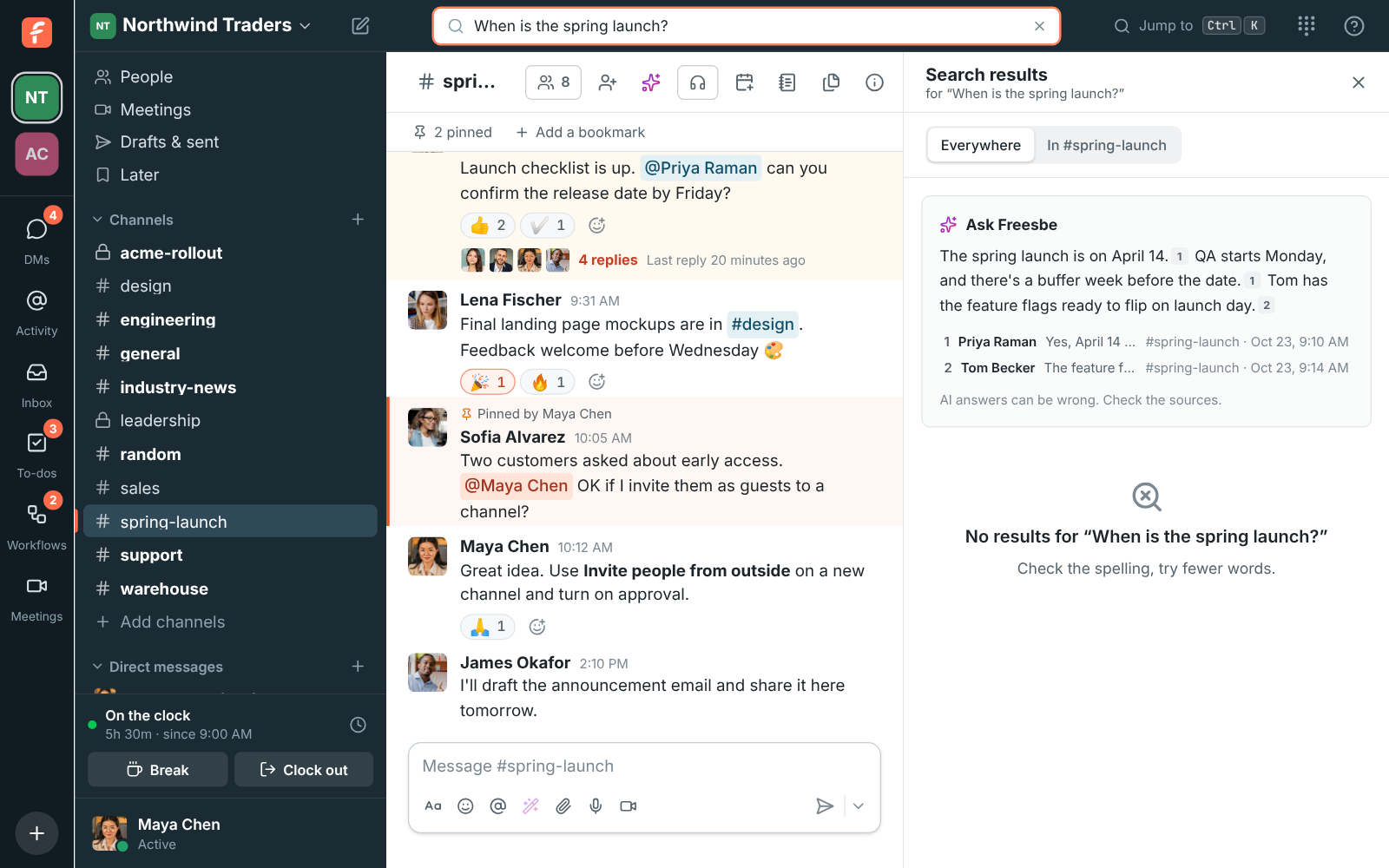
Translation reaches search too. Ask Freesbe a question in Spanish and it also searches for the words in English, so a question in one language finds an answer written in another, and the other way round. The answer comes back with a numbered link to each message it used. Guests can search, but can't use Ask Freesbe.

Ask Freesbe answering a question with a numbered link after each sentence

Private, and in the admin's hands

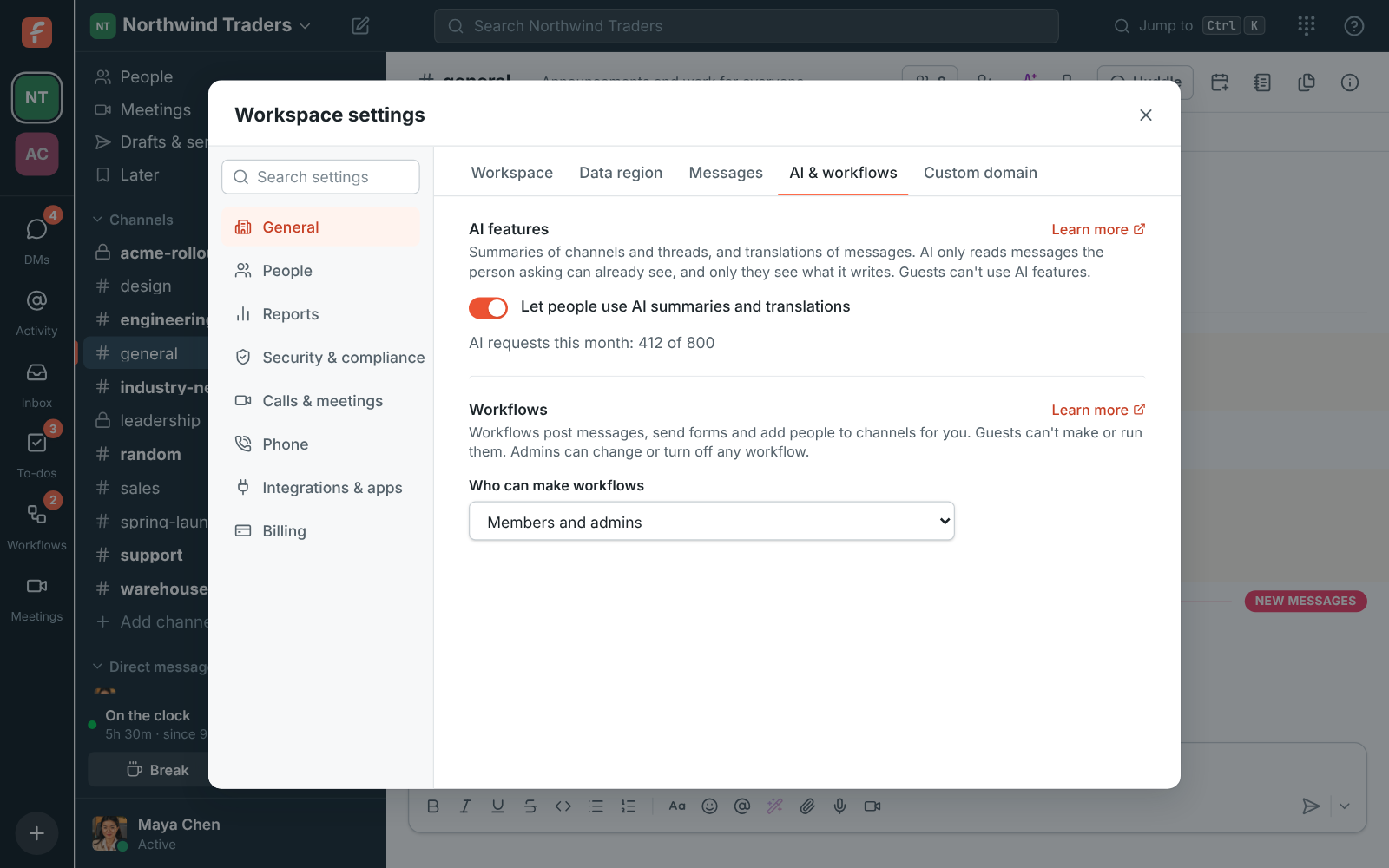
A translation is only for you: nobody sees that you asked, and nothing is posted to the conversation. The AI reads only the message you pointed at, and the provider doesn't use it to train models. Each translation counts as one AI request from the workspace's monthly allowance, and admins can turn AI features off for everyone with one switch.

Workspace settings, AI features: the switch for AI summaries and translations, with the requests used this month

Plans and pricing

Translate any message is included in every plan, including Free. Every plan has a monthly allowance of AI requests that grows with the plan; admins can turn any AI feature off.

  • FreeUp to 10 people
  • BusinessUp to 500 people
  • CorporateUp to 2,500 people
  • EnterpriseOver 2,500 people

Questions

Which plan includes this?
Every plan, including Free. Each summary, translation, rewrite or answer counts as one AI request from the workspace's monthly allowance, which grows with the plan; /pricing/limits/ lists them. Guests can't use AI features.
What can the AI see?
Only the message you asked to translate, in a conversation you can already read. Nothing else in the channel is sent, and the result appears on your screen alone.
Which language does it translate into?
The language you use Freesbe in, set under Preferences, Language. If the message is already in that language, Freesbe tells you instead of translating.
Can the other person tell I translated their message?
No. The translation shows under the message on your screen only, and nothing is posted to the conversation.

Try all of it free with up to 10 people.

No card, no time limit. Invite your team and see what sticks.