Freesbe
All plans

No card to start, no surprises after.

A workspace you sign up gets Business free for 14 days with no credit card, then moves to Free unless you choose a plan; nothing is deleted. Pay for Business or Corporate yearly or monthly through Stripe's checkout, let seats follow who's in the workspace, buy add-ons on the same bill, and download every invoice from the Billing page.

  • Try everything in Business for 14 days without entering a card.
  • Pay by card in a minute, or by invoice or purchase order on Corporate.
  • Stop counting seats: they follow who's in the workspace, and guests are free.
  • Keep your price when the list price changes, until you change plan.

For Whoever signs the bill: founders, office managers and finance teams.

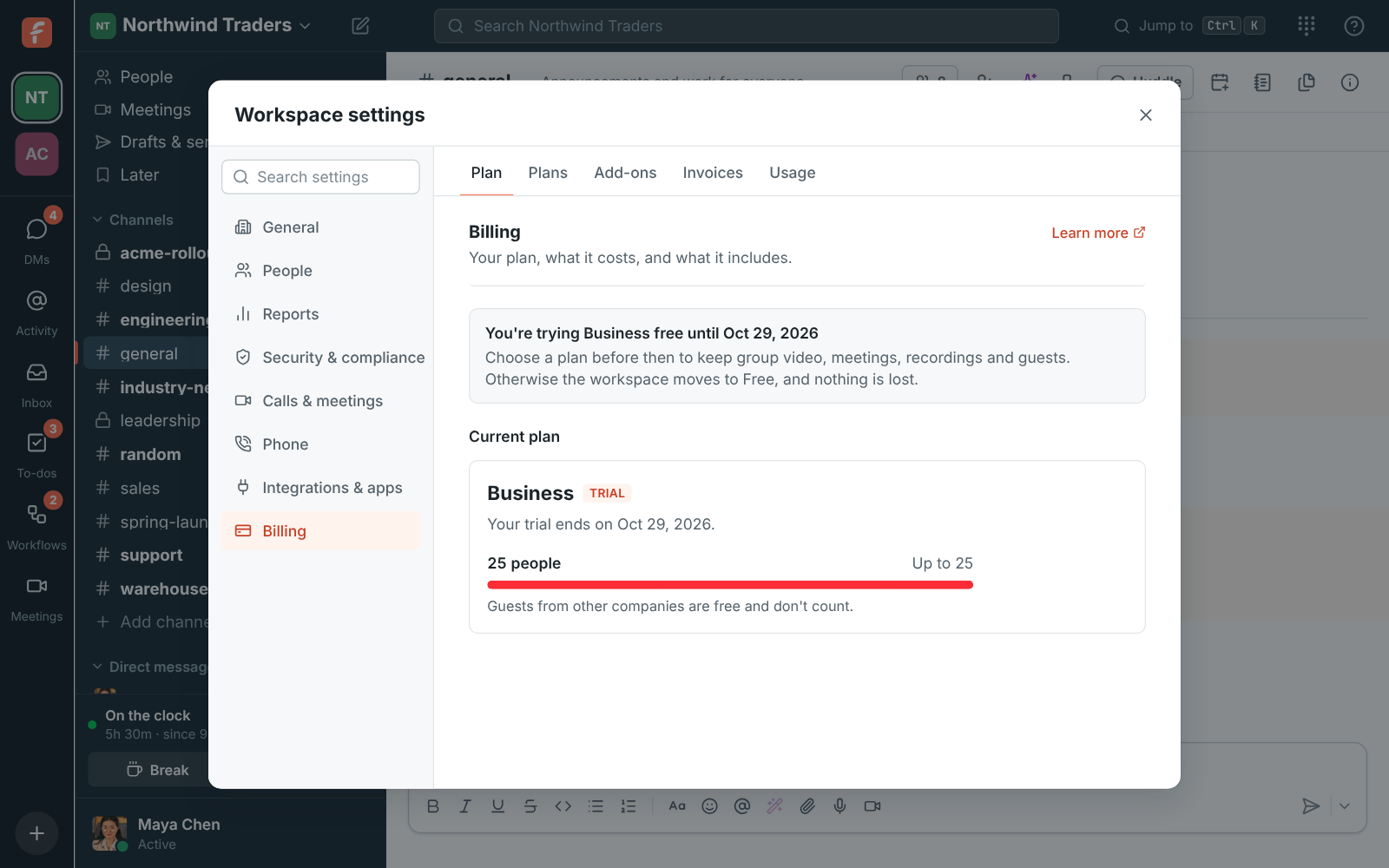
A Business trial on the Billing page: free until a date, with the plans below to keep it

A free trial with no card

Sign up and your workspace gets Business free for 14 days, with no credit card. During the trial you can use everything in Business, with a few limits so the trial stays free for everyone: up to 25 people, about five hours of a three-way video call, one transcribed recording, 50 AI requests and 5 GB of files. Admins see the days left under Billing, a reminder in the last five days, and emails three days before and when it ends.
A Business trial on the Billing page with the days left and the plans to keep it

Pay by card, through Stripe

Pick yearly or monthly above the plans and click Upgrade to Business or Upgrade to Corporate. Stripe's secure checkout opens with one seat for each person in the workspace; enter your card, billing address and tax ID, and tax is added where it applies. Freesbe never sees your card number. Paying during the trial keeps the rest of it free: your card is first charged on the day the trial would have ended. Manage billing opens Stripe's portal to change the card, the billing email or address, and to cancel.

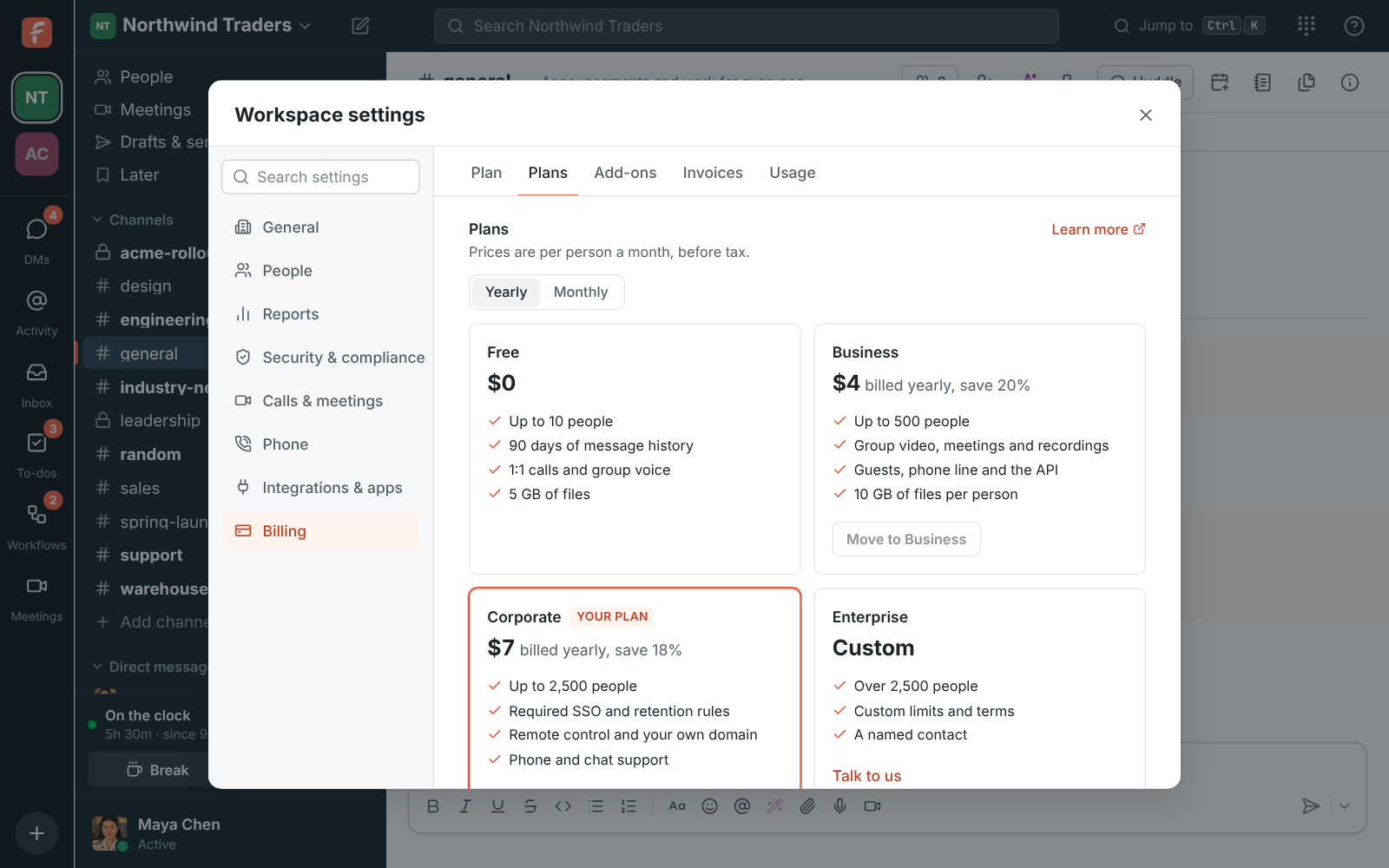
The plans on the Billing page with the yearly and monthly switch and your plan marked

See it on your own team's data.

Start free with up to 10 people and try it today, or book a 20-minute demo with the people who make Freesbe.

Seats that follow the workspace

Every member with an active account counts. Guests from other companies, people who join a meeting through a guest link and deactivated people are free. You don't change the number of seats yourself: it follows the workspace within a few minutes. Someone who joins is charged for the rest of the period; someone who leaves stops being charged at renewal, and their seat goes to the next person who joins before then. In the first 7 days of a yearly plan, removing seats comes back as a credit.

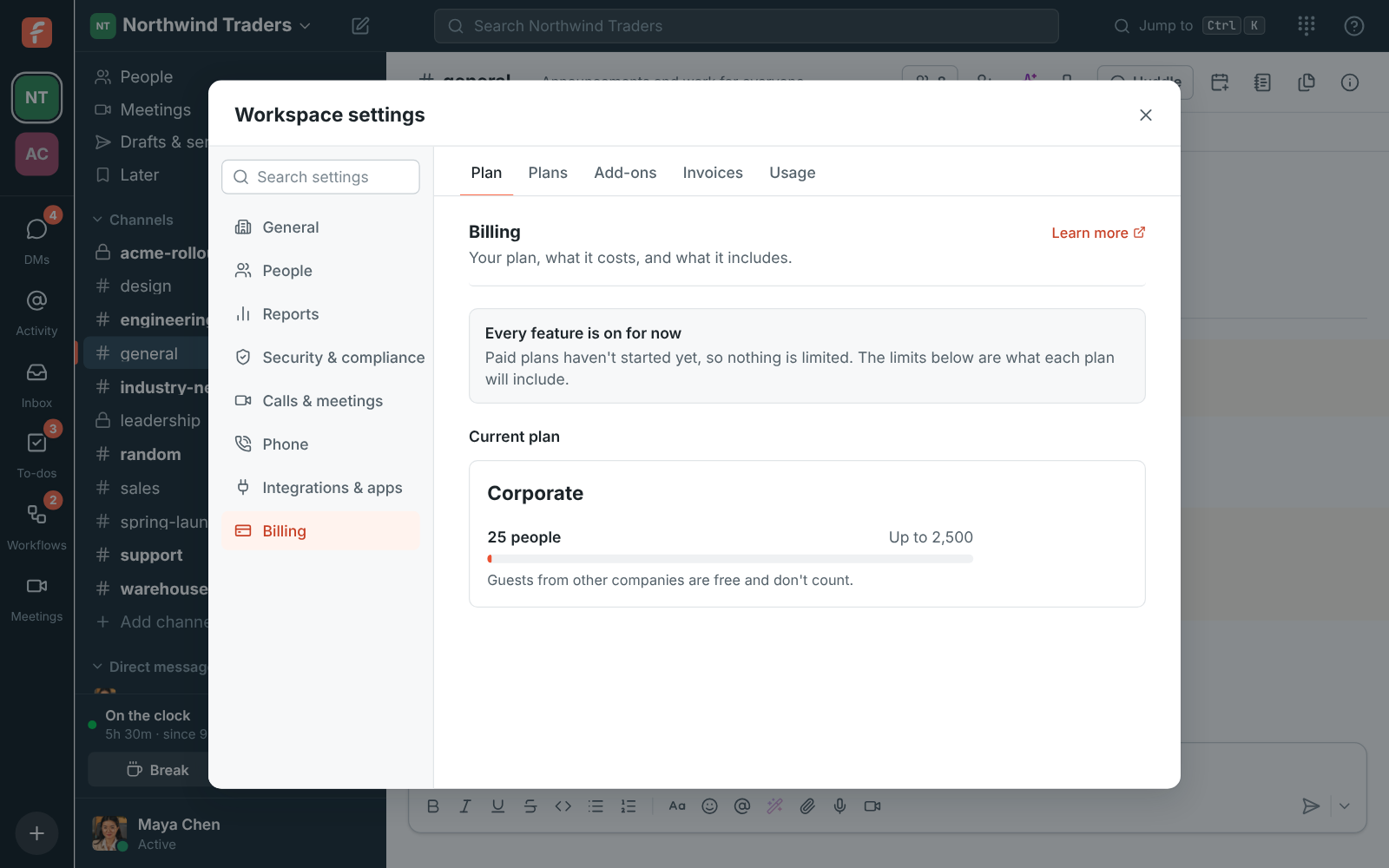
Workspace settings, Billing: the current plan, people against its limit, and the plans

Add-ons, invoices and moving between plans

Add-ons like the Phone system sit under the plan on the same bill; Add confirms the price and turns it on, Remove keeps it until the end of the period. Moving up, from Business to Corporate or monthly to yearly, happens right away and you pay the difference; moving down happens at the end of the period. Every invoice is listed with its date, number and amount, and opens to save as a PDF.

  • Enterprise has custom limits and terms; Talk to us emails sales
  • Corporate adds paying by invoice or purchase order
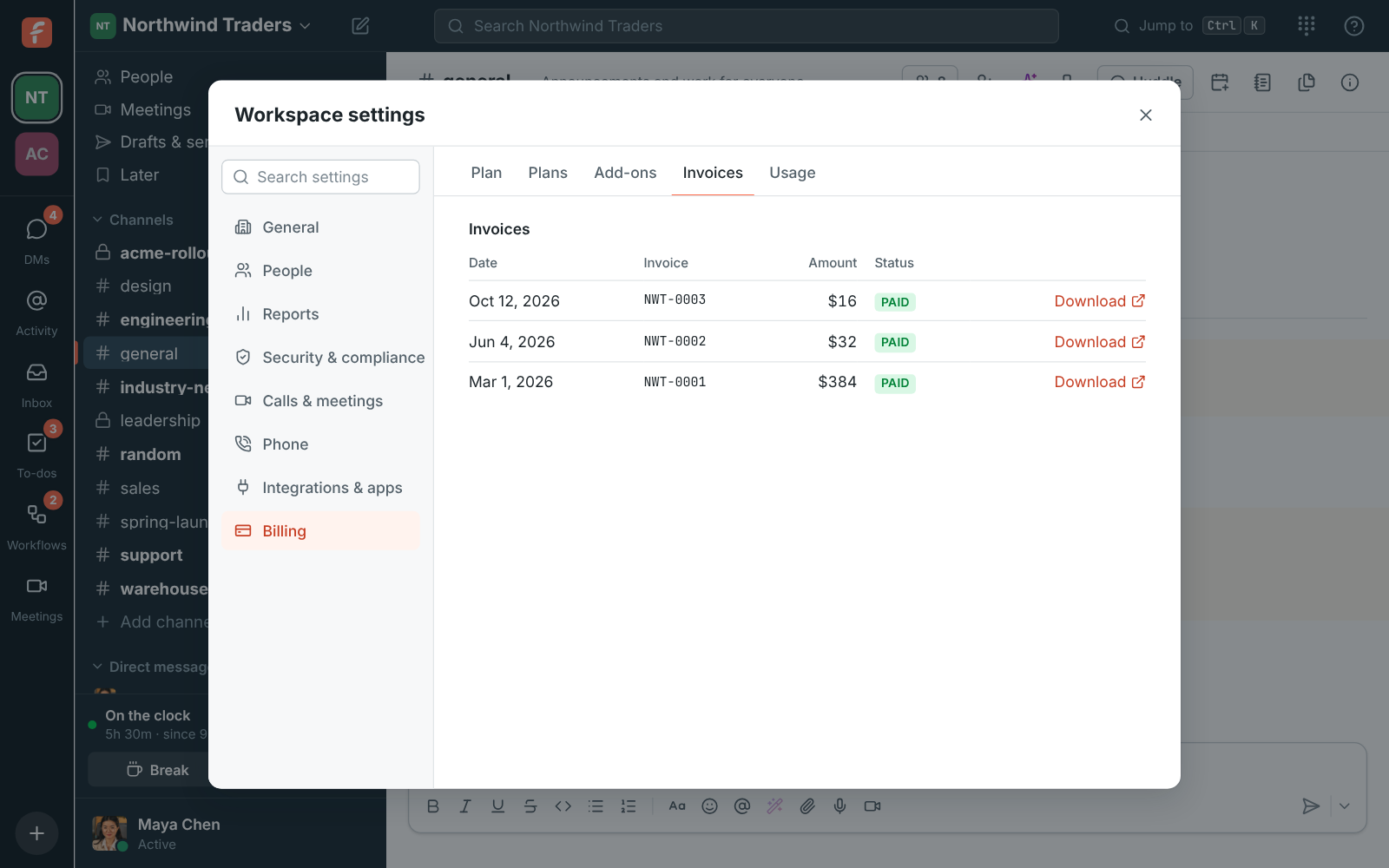
The invoice list: paid invoices for Northwind Traders, each with a Download link

Plans and pricing

Billing, plans and the free trial is included in every plan, including Free.

  • FreeUp to 10 people
  • BusinessUp to 500 people
  • CorporateUp to 2,500 people
  • EnterpriseOver 2,500 people

Questions

Which plan includes this?
Every workspace has the Billing page. Free costs nothing and never asks for a card; see pricing for what Business, Corporate and Enterprise cost and include.
What happens when the trial ends?
The workspace moves to Free unless you choose a plan. Nothing is deleted: messages, files and recordings stay, and Business features come back as soon as you upgrade. Each person, email address and company gets one trial.
Can we cancel?
Yes, in Stripe's billing portal. The plan keeps working until the end of the period you paid for, then the workspace moves to Free with nothing deleted. To delete the workspace itself, close it instead, which cancels the plan for you.
Who sees the Billing page?
Owners and admins, and on Corporate and Enterprise a member with the Billing admin role. Members don't see it.
What if a payment fails?
Stripe emails the billing address and tries the card again over the next two weeks, and the Billing page shows Payment failed with a link to update the card. If every try fails, the workspace moves to Free with nothing deleted, and you can pay again any time.

Try all of it free with up to 10 people.

No card, no time limit. Invite your team and see what sticks.