One stale track muted the whole meeting
In a five-person meeting, a few people couldn’t hear some of the others. Not everyone, not all the time, and not the same people each time. A couple of them left and joined again, which sometimes helped and sometimes made it worse.
Intermittent audio bugs in group calls are the worst kind: everyone’s network is a suspect, and by the time you look, the meeting is over. This one turned out to have nothing to do with anyone’s network.
How a call gets your audio to everyone
Every Freesbe call goes through a call server. When you join, your app pushes your microphone to the server once. Then it pulls the tracks of everyone else in the call.
Our apps don’t talk to the call server directly. Requests go through our own backend first, which acts as a gate: before passing on a request to pull someone’s track, it checks that you’re in the call and that the track belongs to someone who is in it right now. That check is what stops a person who left, or someone who was never invited, from listening in.
What actually happened
The client library our apps use is efficient: when you join, or when several people join at once, it asks for all the tracks it needs in one batch request.
Now picture the meeting. Someone’s network blips, and their app reconnects with a fresh session and a fresh microphone track. Their old track is gone. A moment later, another person’s app, which still has the old track on its list, sends a batch asking for five tracks: four live ones and that one stale one.
The gate checked each track, found one that no longer belonged to anyone in the call, and did what a security check is supposed to do when something’s wrong. It refused the request.
The whole request. All five tracks. So one person’s reconnect quietly cost another person the audio of everyone else who happened to be in the same batch. Leaving and rejoining sometimes fixed it (a fresh batch with no stale entries) and sometimes didn’t (someone else had just reconnected).
The fix
Authorize items, not requests. The gate now checks each track in a batch and passes on only the ones you’re allowed to have. The stale one is quietly left out, and the four live ones go through. A batch is only refused if nothing in it is allowed.
That’s a two-line change in spirit, and it made the bug impossible rather than less likely.
We shipped a few related fixes in the same week, because the investigation showed us where calls were fragile:
- Calls repair themselves. If someone’s audio stops arriving, the app asks for it again after a few seconds. If you’re talking but your microphone is sending silence, the app notices and republishes it.
- Reconnecting waits longer. A meeting now keeps trying for 30 seconds after a network drop instead of about 15, so a short blip doesn’t drop you from the call.
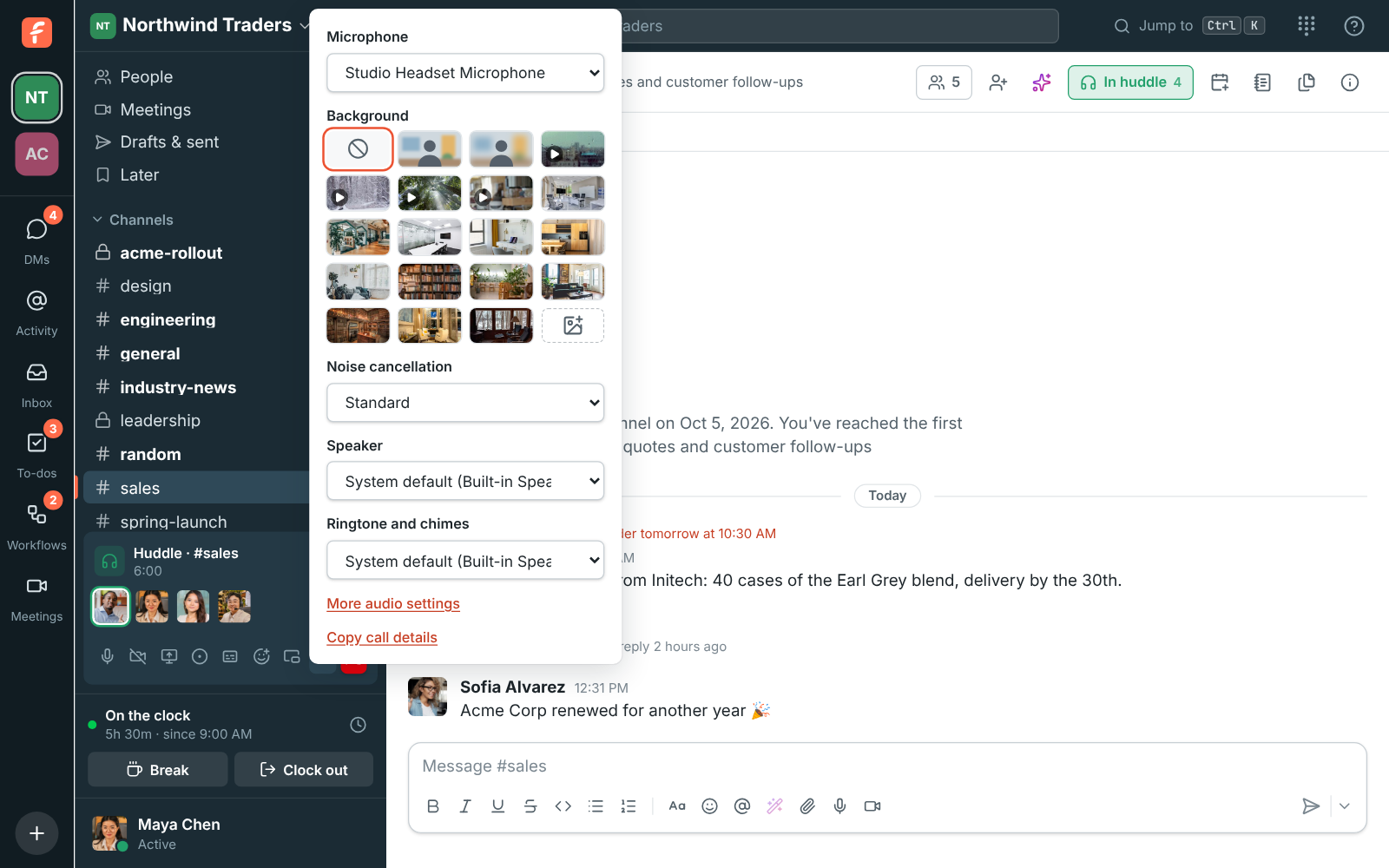
- Copy call details. One button copies what your app is sending and receiving: whose audio arrives, how much, and any errors from the call server. Now when someone says “I can’t hear Priya”, we can see why instead of guessing.
Why it took a while to find
Three things hid it:
- The refusal was correct. The gate’s logs showed a valid security decision, not an error. Nobody looks twice at a check that’s doing its job.
- The client didn’t complain. A refused pull just meant no audio for those people, with no error shown anywhere.
- It needed a reconnect at the wrong moment. On a calm network, it never happened. In a meeting where one person’s Wi-Fi kept dropping, it happened constantly.
The lesson for any batch API
If your API takes a list of things and checks permission on each, decide on purpose what happens when one item fails. “Reject everything” feels safe, but it turns one bad item into a failure for every good one, and in a real-time system the client often can’t tell what went wrong. Usually the right answer is to process what’s allowed and report what wasn’t.
And when you add a security check in front of something, make sure you can see what it refuses. Ours was working perfectly, which was the problem.